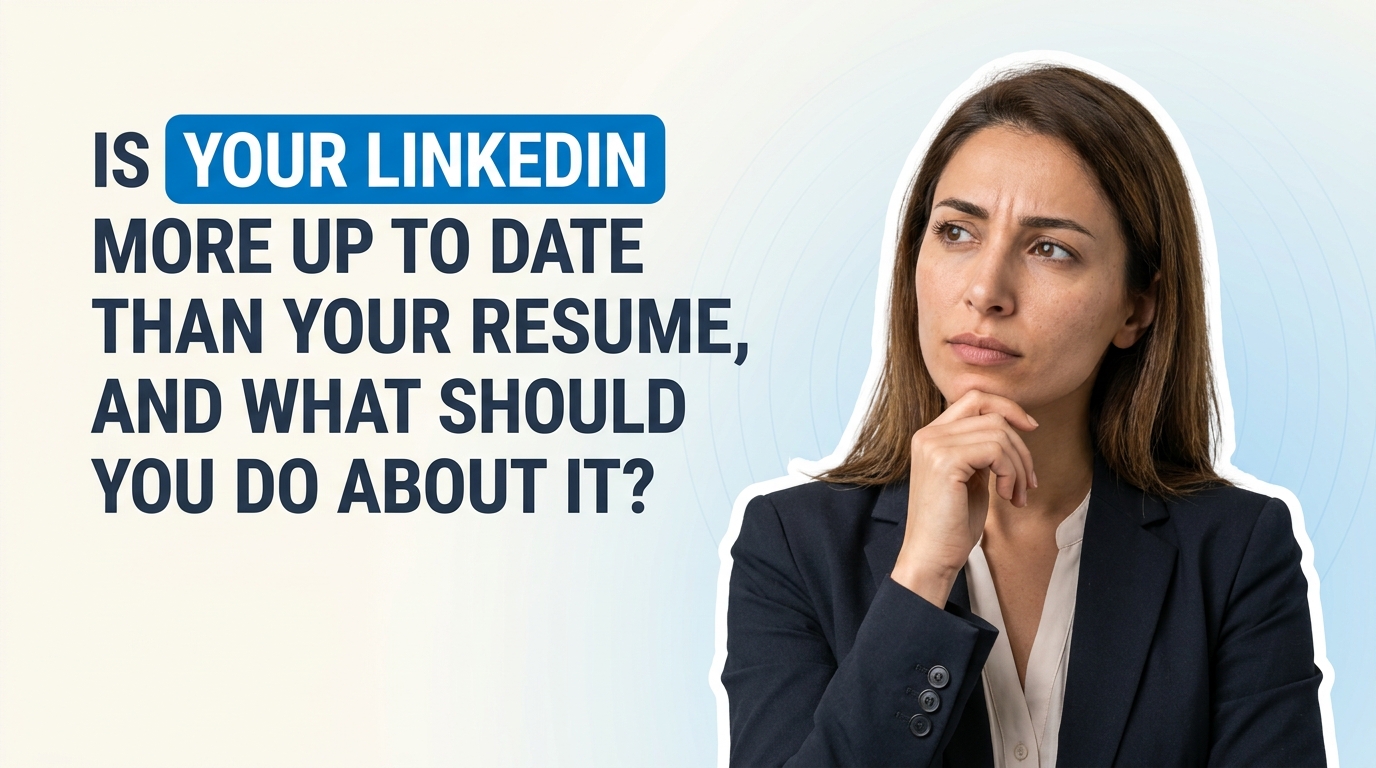
Is Your LinkedIn More Up to Date Than Your Resume, and What Should You Do About It?
If this sounds familiar, you are definitely not the only one. A lot of people treat LinkedIn like a living document. You finish a project, earn a certification, start a side gig, switch responsibilities, and you update your profile right away. Your resume, though? That usually sits in a folder somewhere until a recruiter asks for it.
So yes, it is completely possible to have one current professional story on LinkedIn and another older version on your resume. Same person, different timelines. And honestly, that can create confusion fast.
The good news is this is fixable. In fact, the Reddit post raises a really useful point: if your LinkedIn is the version of you that is most current, then your resume should probably start there, not from an old document you have been patching for two years.
Let’s break this down in a practical, easy way.
Why does this happen so often?
There are a few very normal reasons:
- LinkedIn is easier to update in small moments. You can log in after a meeting, add a certification, tweak a headline, or mention a new project in a few minutes.
- Resumes feel more formal. People tend to wait until they are actively job searching before touching them.
- Old resume files create friction. Once a document is outdated, updating it can feel like reconstructing your own work history from memory.
- Your roles evolve quietly. Sometimes your title stays the same, but your actual work changes a lot over six months or a year.
That last one matters more than people think. Recruiters and hiring managers are not just looking at job titles. They are looking for evidence of growth, recent impact, tools used, and measurable outcomes.
Is it a problem if LinkedIn and your resume do not match?
Usually, yes. Not always in a dramatic way, but enough to matter.
When your LinkedIn profile says one thing and your resume says another, a recruiter may wonder:
- Which version is correct?
- Did this person forget to update something important?
- Are they overstating experience on one platform?
- What exactly are they doing in their current role?
It does not mean they will reject you immediately, but it can create friction in a process where clarity really helps.
Consistency builds trust. Your LinkedIn and resume do not need to be identical line for line, but they should absolutely tell the same core story.
Should your resume copy LinkedIn exactly?
Not exactly. This is where people get stuck.
Your LinkedIn profile and your resume have different jobs:
- LinkedIn is broader, more discoverable, and more conversational. It helps people find you, understand your background, and see your professional identity over time.
- Resume is tighter, more targeted, and designed for a specific opportunity. It should be shaped around the role you are applying for.
So the better idea is this: use LinkedIn as your master source of truth, then build a tailored resume from it.
That is why tools like LinkedIn-to-resume converters feel helpful. They reduce the annoying part: retyping and rebuilding structure from scratch. Once the base is there, you can edit for the role instead of wrestling with an outdated file.
What should always match between LinkedIn and your resume?
Even though the format can differ, these details should stay aligned:
- Job titles
- Company names
- Employment dates
- Core responsibilities
- Certifications and licenses
- Recent projects or side work that matter to your target role
If there is a difference, make sure there is a reason for it. For example, maybe your LinkedIn includes a volunteer project that your resume leaves out because it is not relevant to the role. That is fine. But outdated information is different from intentional editing.
A simple way to keep both updated without making it a whole project
If maintaining both feels annoying, try this approach:
1. Treat LinkedIn as your live career tracker
Any time something changes, update LinkedIn first. That includes:
- new projects
- promotions or title changes
- new tools or platforms you are using
- certifications
- freelance work or consulting
- quantifiable wins
This helps because you are capturing details while they are still fresh.
2. Keep a resume master file
Instead of one old “final resume,” keep a master resume that includes everything current. Think of it like a working database, not the polished version you send out.
3. Review both every 30 to 60 days
You do not need to obsess over this weekly. A short monthly check-in is usually enough. Ask yourself:
- Did I add something to LinkedIn that never made it to my resume?
- Am I still doing everything listed on my resume?
- Do my recent wins include numbers, outcomes, or business impact?
4. Tailor only at the end
Once your master information is current, create a role-specific version of your resume for each job application.
What if your LinkedIn is stronger than your resume?
That is actually a good position to be in. It means you already have the raw material.
Now the goal is to turn that detailed profile into a focused resume.
Here is what to pull from LinkedIn:
- Recent accomplishments that prove impact
- Keywords related to your industry or target roles
- Updated certifications and training
- Side projects that show initiative or specialization
- Better phrasing for what you actually do day to day
Then tighten it. Resumes work best when they are selective. If LinkedIn is the full story, your resume is the edited version built for a clear audience.
A quick breakdown: signs your resume is behind
- Your LinkedIn has certifications your resume does not mention.
- Your current responsibilities have changed, but your resume still reflects an older version of your role.
- Your resume includes tools, tasks, or projects you no longer do.
- You have recent wins on LinkedIn with numbers, but your resume still uses vague bullet points.
- A recruiter asks a question based on one document that the other would have answered differently.
If even two of these are true, it is probably time for a clean sync.
Useful questions to ask while updating
If you are not sure where to start, these questions help:
- What have I done in the last 6 to 12 months that I would want a recruiter to know?
- What results did I help create?
- What keywords would appear in the job descriptions I care about?
- What am I still listing that is no longer part of my role?
- Would someone reading my LinkedIn and resume get the same impression of who I am professionally?
That last question is really the big one.
Helpful resources if you want to improve both
If you want a deeper look at resume writing, LinkedIn optimization, and profile consistency, these are worth checking out:
So, are people really maintaining two outdated versions of themselves?
Yes, all the time.
And honestly, it makes sense. Work moves fast, while career documents usually get attention only when urgency shows up. But if your LinkedIn is already current, use that to your advantage. Let it be the starting point. Build your resume from the most accurate version of your professional life, then tailor it as needed.
You do not need a perfect system. You just need a repeatable one.
If this is something you have been putting off, a 30-minute sync is probably enough to make a real difference.
Write better LinkedIn content with exeedin
exeedin is an AI tool that helps you ideate, draft, and schedule content for your LinkedIn. Turn raw ideas into polished posts and stay consistent without the guesswork. Try exeedin.