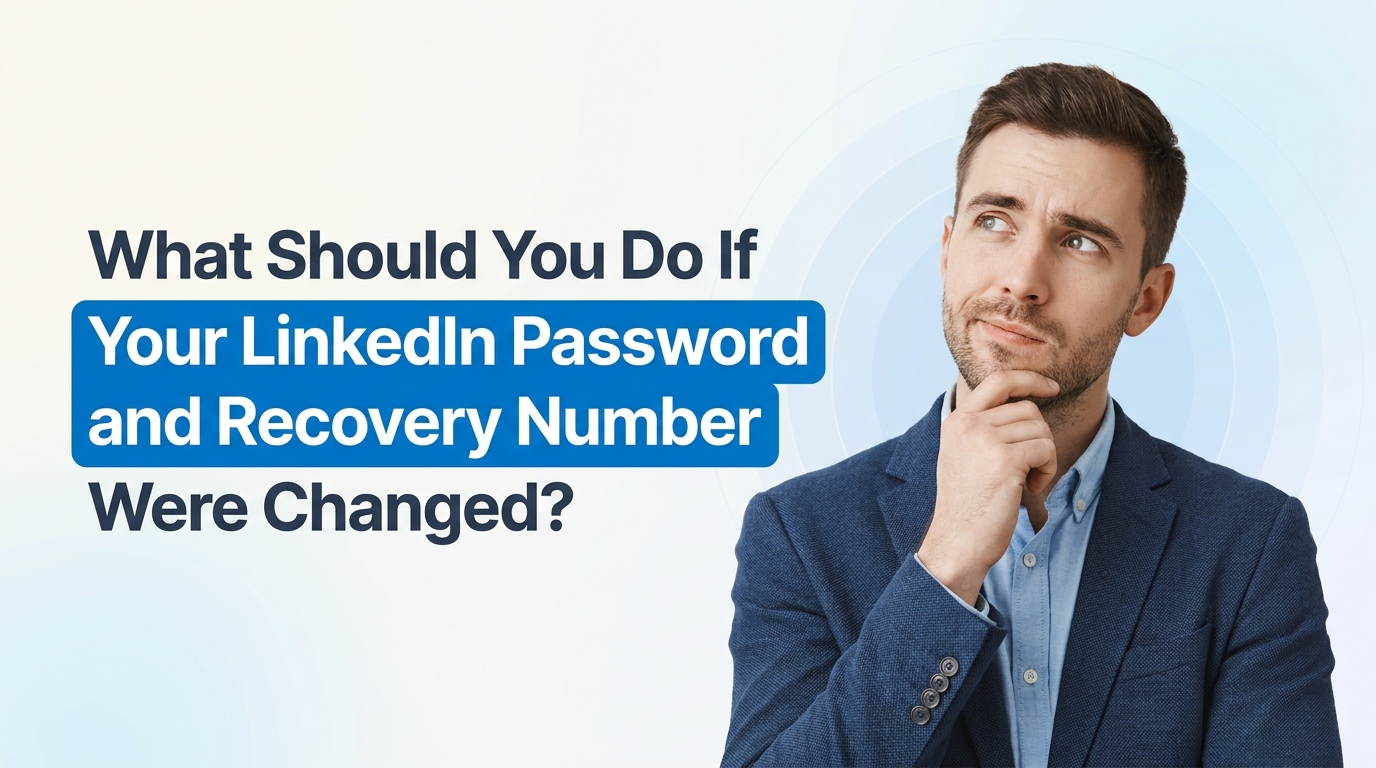
What Should You Do If Your LinkedIn Password and Recovery Number Were Changed?
If your LinkedIn password and recovery phone number were changed without your permission, that is a serious account security issue. It can feel confusing fast, especially when LinkedIn starts asking for identity verification and you are already stressed about whether someone is inside your account. If you are dealing with that right now, the short answer is: yes, there are still steps you can take, and no, you are not overreacting by being worried about impersonation.
Let’s walk through what this situation usually means, what you can do right now, and how to protect your name, profile, and professional network.
First: what likely happened?
If both your password and recovery number were changed, it usually means one of two things:
- Your LinkedIn account was compromised through a reused password, phishing link, malware, or a data breach from another service.
- Someone gained access to the email account tied to LinkedIn and used that access to change your login and recovery settings.
That is why this should be treated as more than a simple password reset problem. It is really an account recovery and identity protection issue.
Why is LinkedIn asking for Persona verification?
LinkedIn sometimes uses Persona, a third-party identity verification provider, when regular recovery options are no longer enough. That often happens when:
- The email and phone recovery options were changed
- There is suspicious activity on the account
- LinkedIn needs stronger proof that you are the real account owner
So if you are wondering, “Why would I give my ID to them?” that concern is understandable. Nobody loves handing over identification online. But in many hacked-account cases, platforms use ID verification because normal login signals are no longer trustworthy.
Before you proceed, it helps to read LinkedIn’s official account access and identity help pages so you know you are following the real process and not a fake one:
Is there any way to retrieve the account without submitting ID?
Maybe, but it depends on how much control the attacker changed.
Ask yourself:
- Do you still have access to the original email tied to the account?
- Did LinkedIn send any “your password was changed” or “your phone number was updated” emails?
- Do those emails include a secure reversal link or support route?
- Are you still logged in on any old device or browser session?
If the answer to any of those is yes, you may still have another route back in.
What to do right now: a simple breakdown
- Secure your email first. Change the password for the email account connected to LinkedIn. Turn on two-factor authentication. If your email is compromised, your recovery attempts may keep failing.
- Check for security alert emails from LinkedIn. Search your inbox for messages about password changes, email changes, phone number changes, or login alerts.
- Use LinkedIn’s official hacked account or recovery form. Avoid random links shared by others. Start from LinkedIn Help or the official recovery page.
- If Persona is the only route left, decide based on risk. If you truly cannot access the account and someone may impersonate you, identity verification may be the most direct way to prove ownership.
- Take screenshots. Save every recovery screen, every warning, and every support email. This helps if you need to escalate the issue.
- Check if you still have an active LinkedIn session anywhere. Sometimes people are still logged in on their phone app or an older browser. If you are, go straight to settings and review email, phone, sessions, and security options.
If you are worried about impersonation, do this too
That concern is real. A compromised LinkedIn account can be used to message your contacts, post fake updates, or pretend to represent you professionally.
Here are smart next steps:
- Ask a friend or colleague to view your profile. Check whether your name, photo, headline, or recent activity changed.
- Tell close contacts not to trust unusual messages from your LinkedIn profile. A short heads-up can prevent scams from spreading through your network.
- Search LinkedIn for duplicate profiles using your name and photo. If someone created a copycat account, report it immediately.
- Use LinkedIn’s reporting tools for hacked or fake profiles.
You can also review broader consumer guidance on account takeovers from trusted sources like the U.S. Federal Trade Commission:
What if you do not want to submit your ID?
That is your choice, and it is reasonable to be cautious. But it helps to think about the tradeoff clearly:
- If you do not verify, recovery may stall if LinkedIn cannot confirm you are the true owner through other methods.
- If you do verify through an official LinkedIn process, you may regain control faster and reduce the time someone can misuse your account.
The key is making sure you are only using the real LinkedIn workflow, not a phishing page pretending to be support. Always navigate from the official LinkedIn Help Center instead of clicking random links in emails or messages.
Questions worth asking yourself during recovery
- Have I reused this password anywhere else?
- Did I recently click a suspicious email, ad, or login page?
- Is my device clean, or should I run a malware scan?
- Have any other accounts tied to the same email been changed too?
If other accounts were also affected, that points to a bigger security problem. In that case, update passwords across important services and use a password manager going forward. The National Cyber Security Centre has a good plain-language guide on creating stronger account security habits:
- NCSC: Top tips for staying secure online
- YouTube: How two-factor authentication helps protect accounts
Once you recover the account, change these settings immediately
- Reset your password to something unique and long
- Turn on two-step verification
- Review connected email addresses and phone numbers
- Log out of all active sessions if LinkedIn allows it
- Check recent activity, messages, profile edits, and sent invites
- Remove anything posted or changed by the attacker
It is also smart to update your professional contacts if anything suspicious was sent from your account while it was compromised.
The honest bottom line
If your LinkedIn password and recovery number were both changed, you should treat it as a likely hack until proven otherwise. If LinkedIn is asking for Persona verification because normal recovery no longer works, that may be the most realistic path left. It makes sense to be hesitant about ID verification, but if the process is official and the account matters to your work, reputation, or business, recovering it quickly usually matters more than waiting and hoping another option appears.
Write better LinkedIn content with EXEED AI
EXEED AI is an AI tool that helps you ideate, draft, and schedule content for your LinkedIn. Turn raw ideas into polished posts and stay consistent without the guesswork. Try EXEED AI.