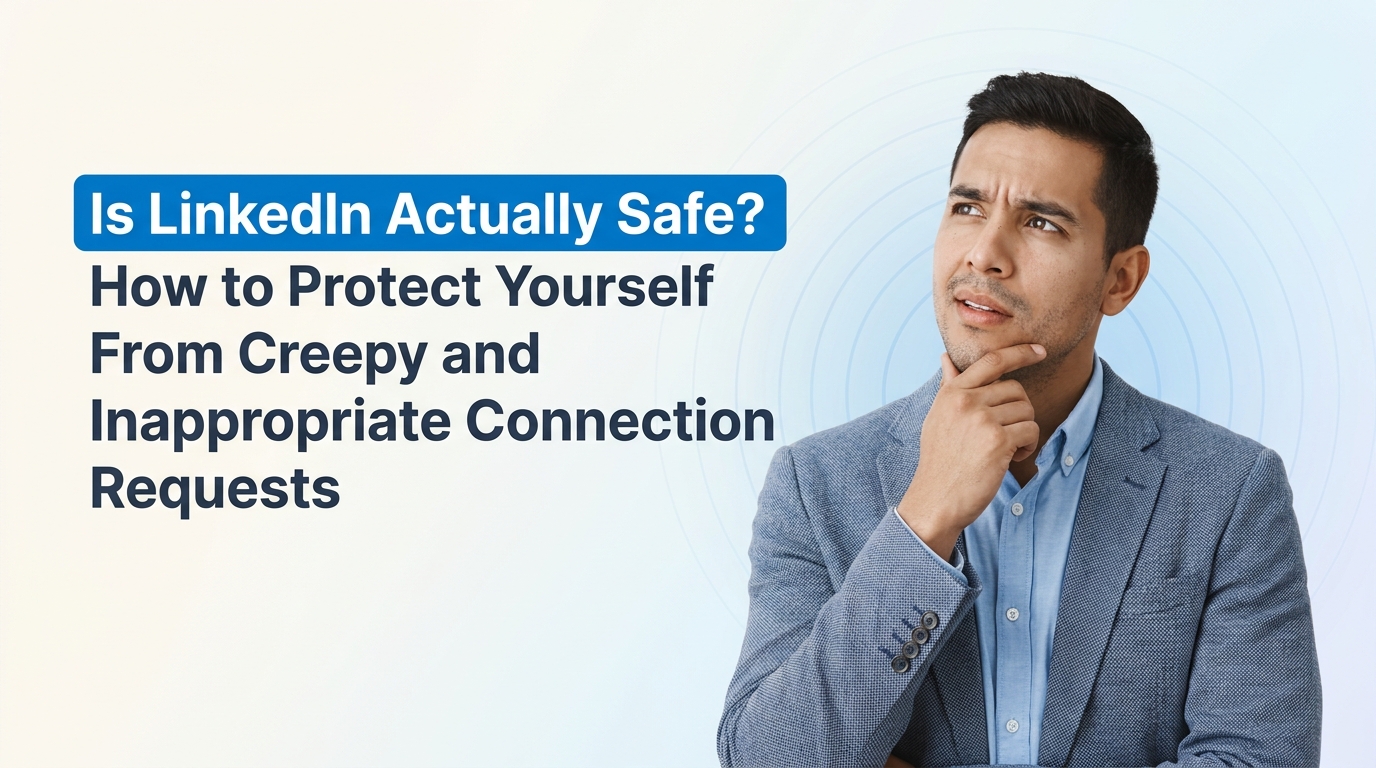
Is LinkedIn Actually Safe? How to Protect Yourself From Creepy and Inappropriate Connection Requests
Wondering if LinkedIn is safe? Discover how to protect yourself from creepy connection requests. Read our guide for essential tips now!
So here's a story that recently made the rounds online. A professional woman received a connection request on LinkedIn. It looked normal. The person framed it as a business inquiry, she responded politely with information about her consulting services, and then things took a sharp turn. The conversation got inappropriate fast. She blocked him, did a quick search of his name and city, and discovered he was a registered sex offender.
Oof is right.
If you've ever had a similar experience, or you're just wondering whether LinkedIn is still a safe place to network, this post is for you. Let's talk honestly about what's happening on the platform, why it happens, and most importantly, what you can actually do about it.
Wait, Isn't LinkedIn Supposed to Be the "Professional" Network?
Yes, and that's exactly why this stings so much. LinkedIn has always positioned itself as the grown-up social network. No dance trends, no vacation photos, just careers, business, and professional growth. For a lot of people, it's the last social platform they still trust.
But here's the uncomfortable truth: LinkedIn has over a billion members. Any platform that large is going to attract bad actors. Scammers, romance fraudsters, fake recruiters, and yes, people with genuinely troubling histories. The professional wrapper doesn't filter out bad intentions. In some ways, it actually makes things worse, because our guard is down. We expect professionalism, so we extend trust faster than we would on, say, Instagram.
The Federal Trade Commission has repeatedly warned about scams that begin on professional networking sites, and LinkedIn itself publishes Professional Community Policies precisely because harassment and misconduct happen there regularly.
Why Do Inappropriate Messages Happen So Often on LinkedIn?
A few reasons, and understanding them helps you spot trouble earlier:
Your guard is naturally lower. When someone messages you on a dating app, you're skeptical by default. On LinkedIn, a message that starts with "I'd love to learn about your consulting services" feels legitimate, so people engage openly.
Profiles reveal a lot. Your job, your city, your photo, your career history. That's a goldmine for someone with bad intentions who wants to seem credible or find targets.
The "professional pretext" works. Bad actors know that framing a message as a business opportunity gets responses. It's social engineering 101.
Enforcement is reactive, not proactive. LinkedIn doesn't run background checks on members. It relies heavily on user reports to catch problems, which means the harm often happens before action is taken.
If you want a deeper look at how scammers operate on the platform, this breakdown of common LinkedIn scams is worth a read.
What Are the Red Flags in a Connection Request or Message?
Not every stranger reaching out is dangerous. Most aren't. But certain patterns should make you pause:
Vague professional interest. "I came across your profile and would love to connect" with no specifics about why. Legitimate outreach usually references something concrete about your work.
Rapid topic shifts. The conversation starts about business, then quickly moves to your appearance, your personal life, or your relationship status. That pivot is the biggest red flag of all, and it's exactly what happened in the story above.
Thin or inconsistent profiles. Few connections, no activity, a job history that doesn't add up, or a profile photo that looks like a stock image or AI-generated face.
Pushing to move off platform. Requests to switch to WhatsApp, Telegram, or personal email early on. Scammers and harassers want to get you somewhere with less oversight.
Flattery that isn't about your work. Compliments on your photo instead of your expertise are a professional context violation, full stop.
Urgency or pressure. "I need an answer today" or emotionally loaded messages designed to make you respond impulsively.
Should You Google People Before Connecting?
Honestly? For anyone you're going to engage with beyond a surface level, yes. It takes two minutes and it's not paranoid, it's due diligence. The woman in our story only searched the person's name after things went wrong. Flipping that order can save you a lot of grief.
Here's a quick vetting routine you can use:
Search their full name plus their city or company.
Check whether their LinkedIn profile matches what you find elsewhere. Do the job titles and companies line up?
Do a reverse image search on their profile photo using Google Images or TinEye. Stolen photos are extremely common in fake profiles.
Look at their activity. Real professionals usually have some history of posts, comments, or endorsements. A blank profile with 12 connections is a warning sign.
Check mutual connections, and if something feels off, ask a mutual contact whether they actually know this person. Many people accept connections from strangers, so a mutual connection alone proves nothing.
What Should You Do If Someone Gets Inappropriate?
First, know this: you did nothing wrong by responding professionally to what looked like a professional message. The blame sits entirely with the person who abused that trust. Here's the playbook:
Stop engaging immediately. Don't argue, don't explain, don't give them a second chance to "clarify." Inappropriate is inappropriate.
Screenshot everything before you block. Once you block someone, you may lose access to the conversation. Evidence matters if you need to escalate.
Report, then block. Use LinkedIn's reporting tools on both the message and the profile. Reporting matters because it protects the next person, not just you.
Consider going further if warranted. If messages include threats, sexual content sent without consent, or stalking behaviour, that may cross into criminal territory depending on where you live. Local law enforcement and, in the US, the FBI's Internet Crime Complaint Center are options.
Tell someone. Harassment thrives on silence and isolation. Whether it's a colleague, a friend, or a professional community, talking about it helps you process and often surfaces others with similar experiences.
How Can You Lock Down Your LinkedIn Privacy Settings?
You don't have to leave the platform to feel safer on it. A few settings adjustments make a real difference:
Control who can message you. You can restrict InMail and message requests, so strangers have fewer ways to reach you cold.
Hide your connections list. Under Settings, you can make your network visible only to you, which stops bad actors from mapping your relationships.
Limit profile visibility to non-connections. You can control what people outside your network see, including your photo and last name.
Turn off "profiles you may be interested in" style discoverability if you'd rather not be surfaced to strangers.
Review your public profile. Google yourself and see exactly what a stranger sees. Trim anything you're not comfortable broadcasting, like overly specific location details.
If you prefer a visual walkthrough, there are solid tutorials on YouTube covering LinkedIn privacy settings step by step.
So, Is Anywhere Safe Anymore?
Here's the honest answer: no platform is completely safe, because platforms are made of people, and a small percentage of people are awful. But that doesn't mean LinkedIn is a lost cause. Millions of genuine professional relationships, job offers, clients, and partnerships happen there every single day.
The shift you want to make is from open trust to earned trust. Treat every new connection like a stranger knocking on your office door, because that's essentially what they are. Be polite, be professional, but let people earn access to your time and information gradually. The good ones will understand completely. The bad ones will reveal themselves quickly when they can't fast-track their way in.
And remember: one terrible experience says something about that individual, not about you and not about your right to network safely. Don't let one predator push you off a platform that serves your career.
Quick Recap: Your LinkedIn Safety Checklist
Vet new connections with a two-minute search before engaging deeply.
Watch for the pivot from professional talk to personal or inappropriate territory.
Screenshot, report, then block. In that order.
Tighten your privacy settings so strangers see less of you.
Never feel obligated to respond to anyone who makes you uncomfortable.
Talk about bad experiences. Silence only protects the wrong people.
A Final Thought on Networking Smarter, Not Harder
Part of what makes situations like this so draining is that outreach on LinkedIn is chaotic by nature. You're constantly sorting signal from noise, deciding who's genuine and who's wasting your time or worse. That's actually one of the reasons tools like exeedin exist. exeedin is a LinkedIn SaaS built to help professionals manage their LinkedIn presence and outreach in a more structured, intentional way, so you spend less energy on the noise and more on connections that actually matter to your career or business.
If you're rethinking how you use LinkedIn after reading a story like this, that's not a bad instinct. Be a little more selective, a little more protected, and a lot more intentional. Check out exeedin.com if you want to bring some order to your LinkedIn life. Your network should work for you, not against you.
Stay safe out there.