9 AI Tools to Create a Professional LinkedIn Profile Picture
Professional LinkedIn Profile Picture Why Your LinkedIn Profile Picture Matters More Than You Think? Your LinkedIn profile picture is often the first impression you make on potential employers, clients, and collaborators. In fact, studies show that profiles with a professional photo receive up to 21 times more profile views and 9 times more connection requests than those without one. But here’s the good news, you no longer need to hire a professional photographer or spend hundreds of...

Why Your LinkedIn Profile Picture Matters More Than You Think?
Your LinkedIn profile picture is often the first impression you make on potential employers, clients, and collaborators. In fact, studies show that profiles with a professional photo receive up to 21 times more profile views and 9 times more connection requests than those without one.
But here’s the good news, you no longer need to hire a professional photographer or spend hundreds of dollars on editing. With the rise of AI headshot generators, you can create a studio-quality LinkedIn photo in minutes, for free.
In this guide, we’ll walk you through 9 of the best tools to help you create a clean, polished, and confident LinkedIn profile picture that enhances your professional brand and visibility.
1. PFPMaker - Smart AI for Effortless Headshots
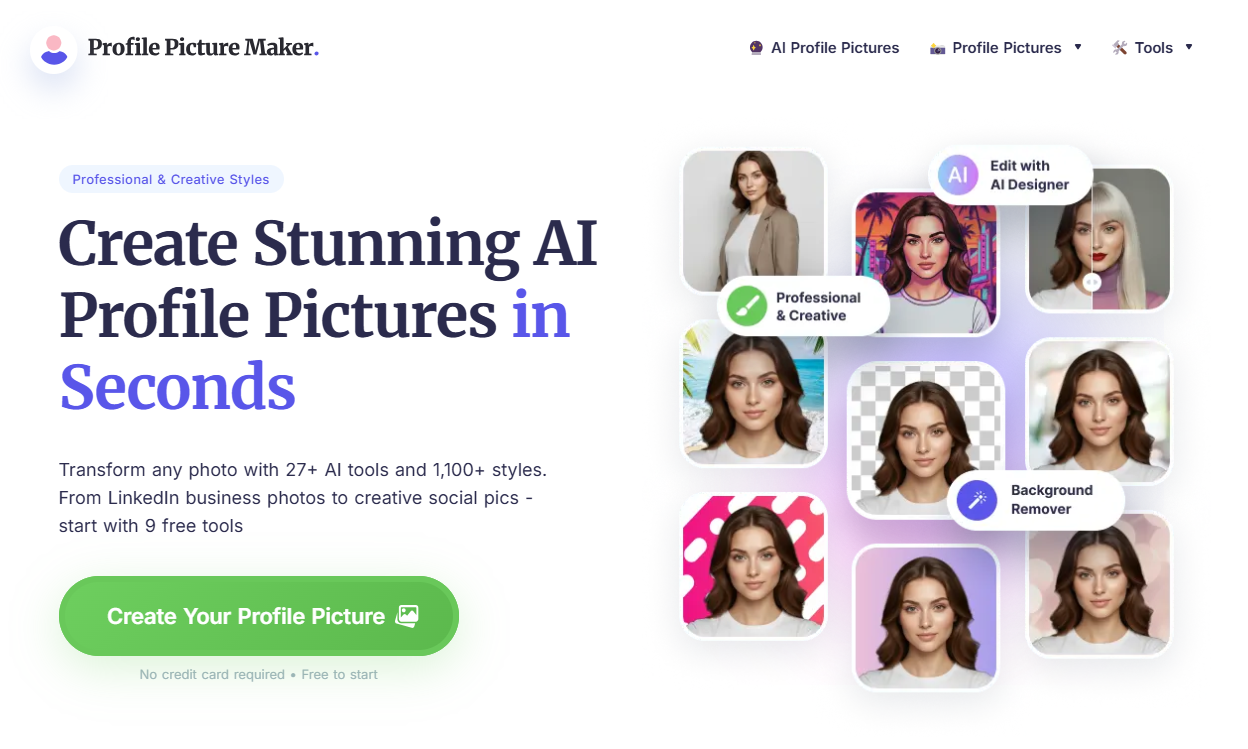
Website: pfpmaker.com
PFPMaker automatically removes your background, adjusts lighting, and enhances sharpness, giving you 100+ background options in corporate, creative, or minimalist styles.
Why it’s great:
AI-powered lighting correction
Multiple professional background options
Instant download in high resolution
Best for: Quick, one-click photo enhancement for any LinkedIn user.
2. HeadshotPro - AI Professional Photography Without the Studio
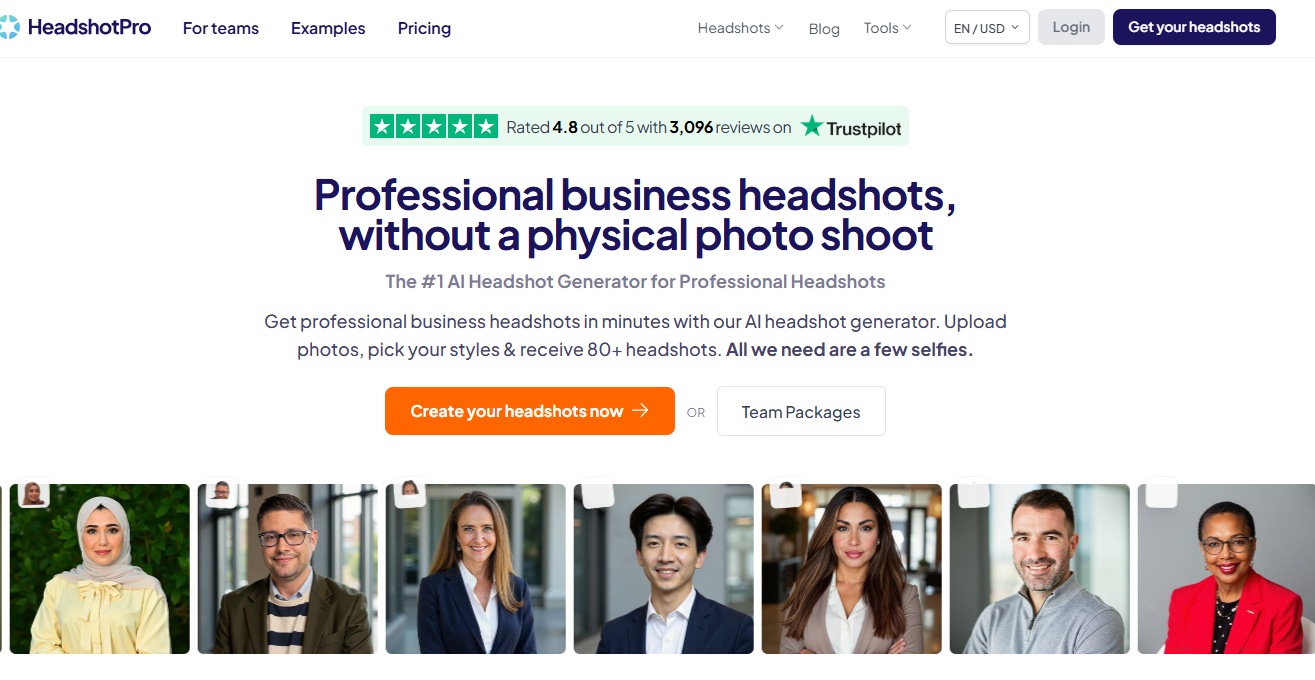
Website: headshotpro.com
HeadshotPro creates hyper-realistic professional headshots from your casual photos. Upload 10-15 selfies, and the AI generates studio-style portraits in suits, formal lighting, and corporate backgrounds.
Why it stands out:
Photorealistic results
Customizable outfit and lighting
Works great for teams or companies
Best for: Founders, executives, and job seekers who want a corporate-ready look.
3. AI SuitUp - Turn Casual into Corporate
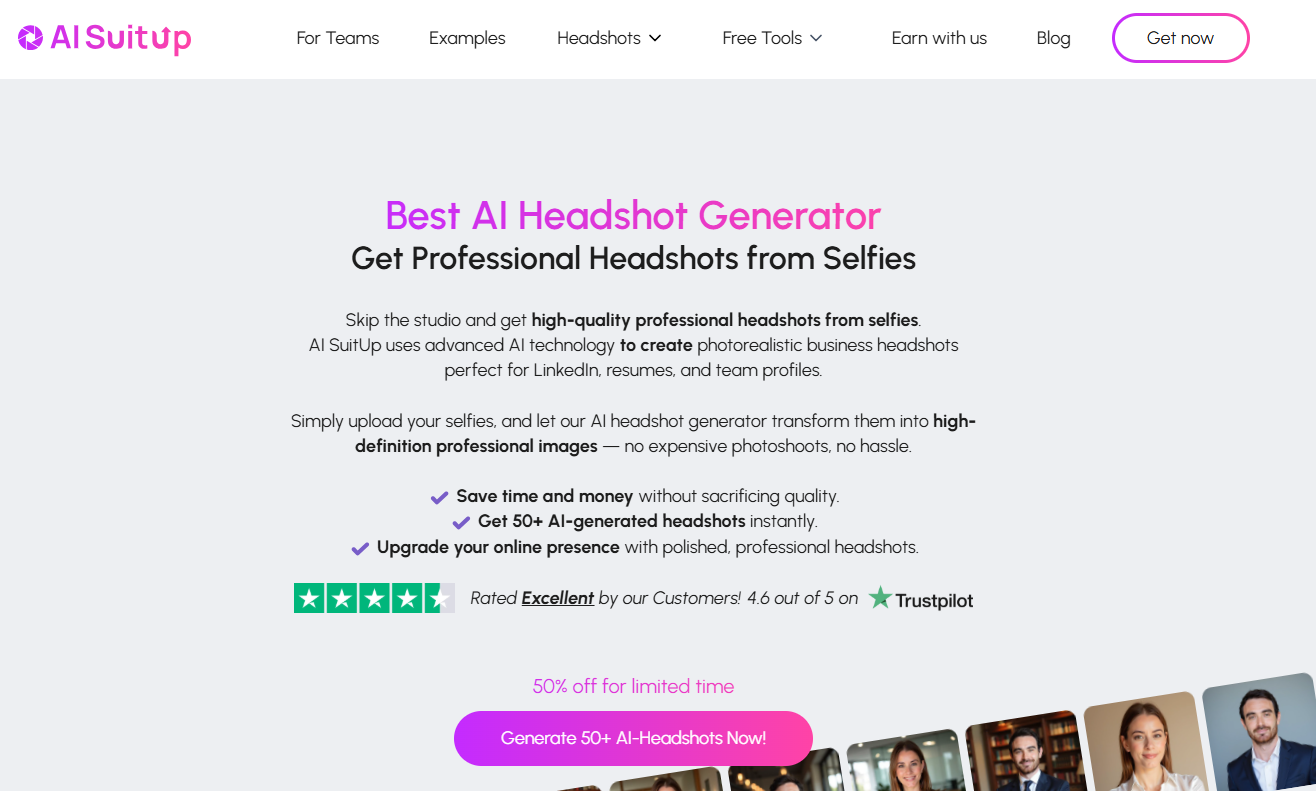
Website: aisuitup.com
If you already have a great photo but need a more formal look, this tool virtually adds a business suit or blazer while keeping the image natural.
Key highlights:
AI outfit enhancement (suits, ties, blazers)
Background and lighting optimization
Fast, accurate, and realistic results
Best for: Students, freelancers, and entrepreneurs who want a polished LinkedIn look fast.
4. StudioShot - AI Corporate Headshots for Teams
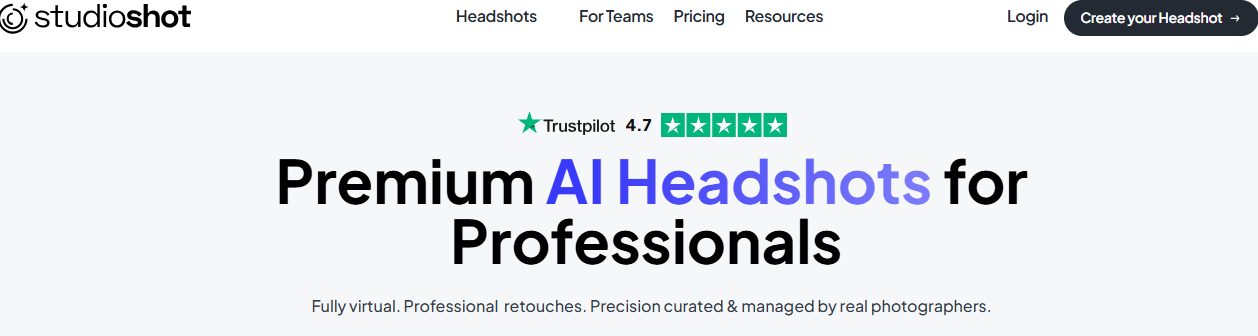
Website: studioshot.ai
StudioShot offers an enterprise-grade AI solution for companies that want consistent, branded photos for all employees.
Why professionals love it:
Brand background customization
Uniform lighting and framing
Perfect for corporate directories and websites
Best for: HR teams, agencies, and companies updating employee profiles.
5. Fotor - AI Headshot Generator
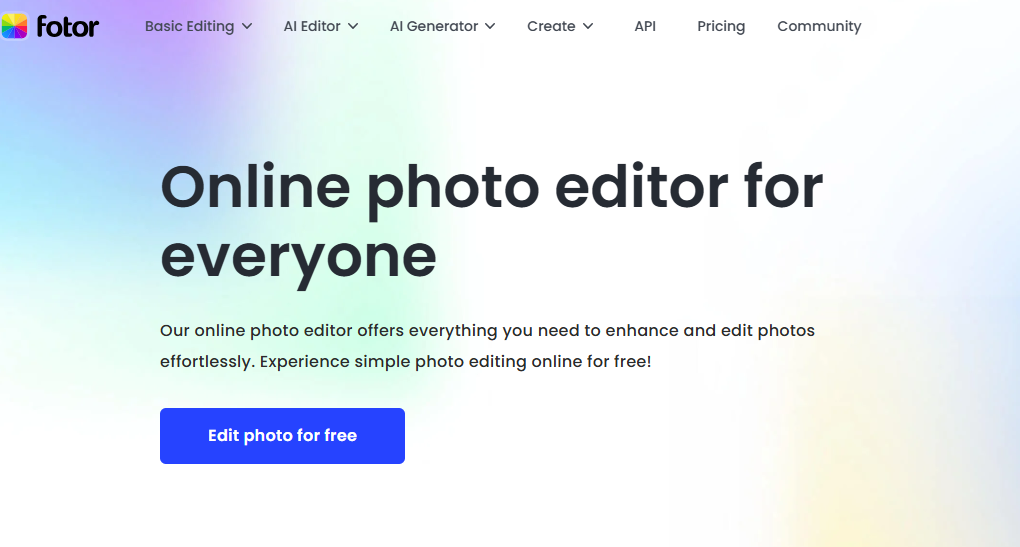
Website: fotor.com
Fotor is a classic design tool that now includes an AI headshot generator. It enhances lighting, sharpness, and background contrast automatically.
Top features:
Background blur or replacement
Skin tone and brightness adjustment
Portrait correction and filters
Best for: Content creators who want style flexibility and editing freedom.
6. Remini - Restore and Enhance Your Image Quality
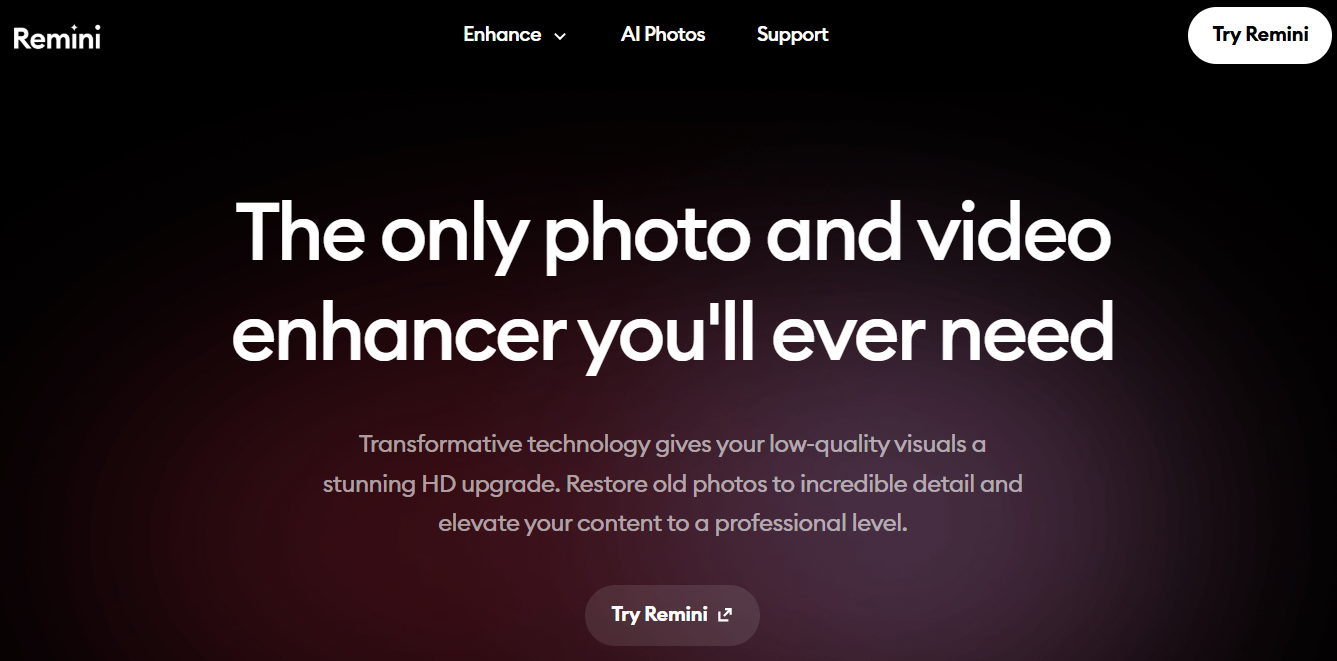
Website: remini.ai
Remini uses AI to restore blurry, pixelated, or old images. It sharpens your face, enhances clarity, and improves lighting balance.
Why it’s powerful:
Sharpens low-quality selfies
Ideal for older or dimly lit photos
Mobile-friendly app
Best for: Reviving old photos or improving clarity before uploading to LinkedIn.
7. Canva - Design + Photography Simplified
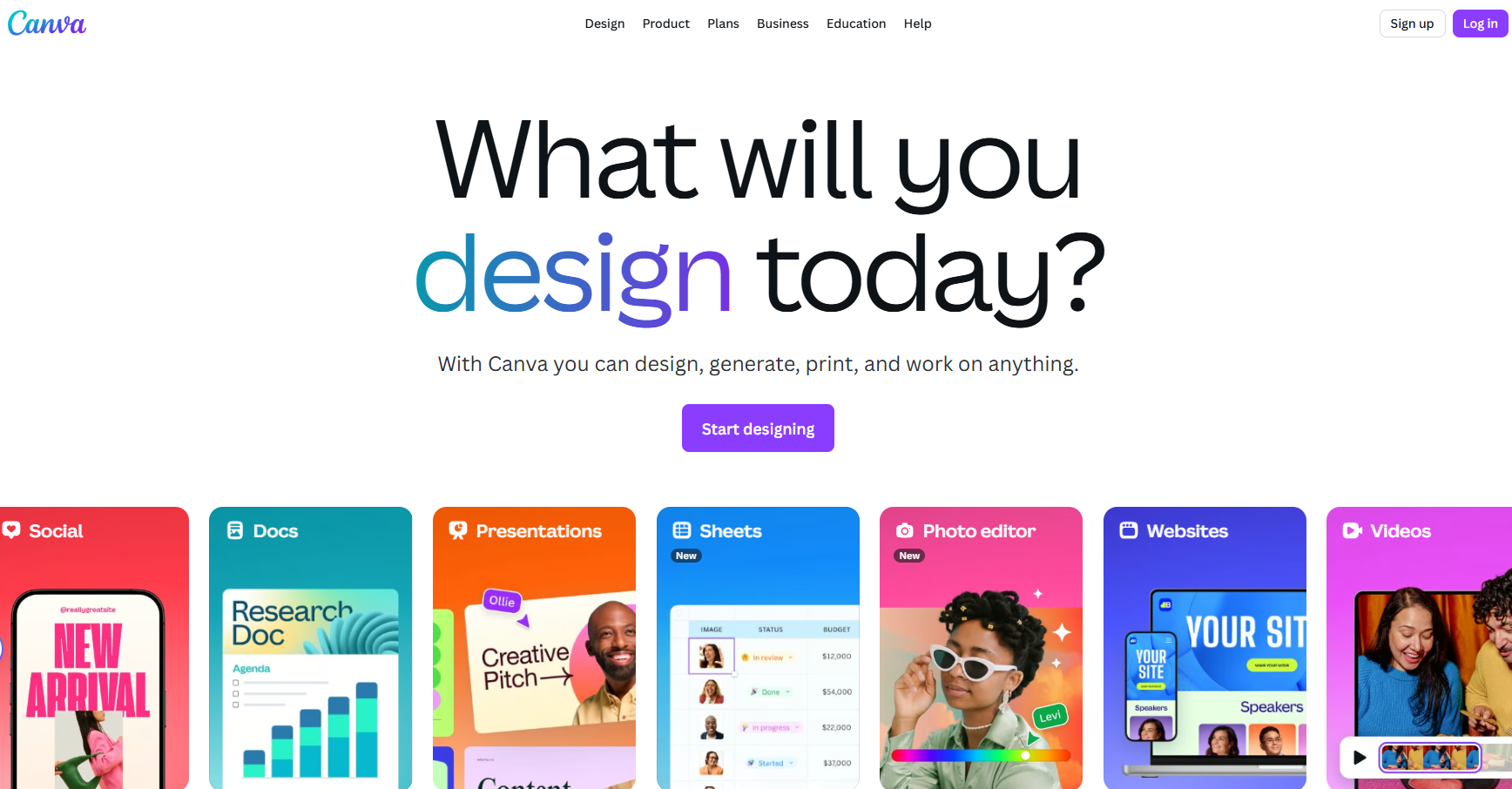
Website: canva.com
Beyond graphic design, Canva’s AI features allow you to edit, crop, and add professional frames or branded elements to your LinkedIn photo.
Best features:
Background remover (Pro plan)
Hundreds of ready-made profile templates
Easy brightness and tone adjustments
Best for: Creatives, marketers, and brand strategists.
8. Remove.bg - Clean Backgrounds in Seconds
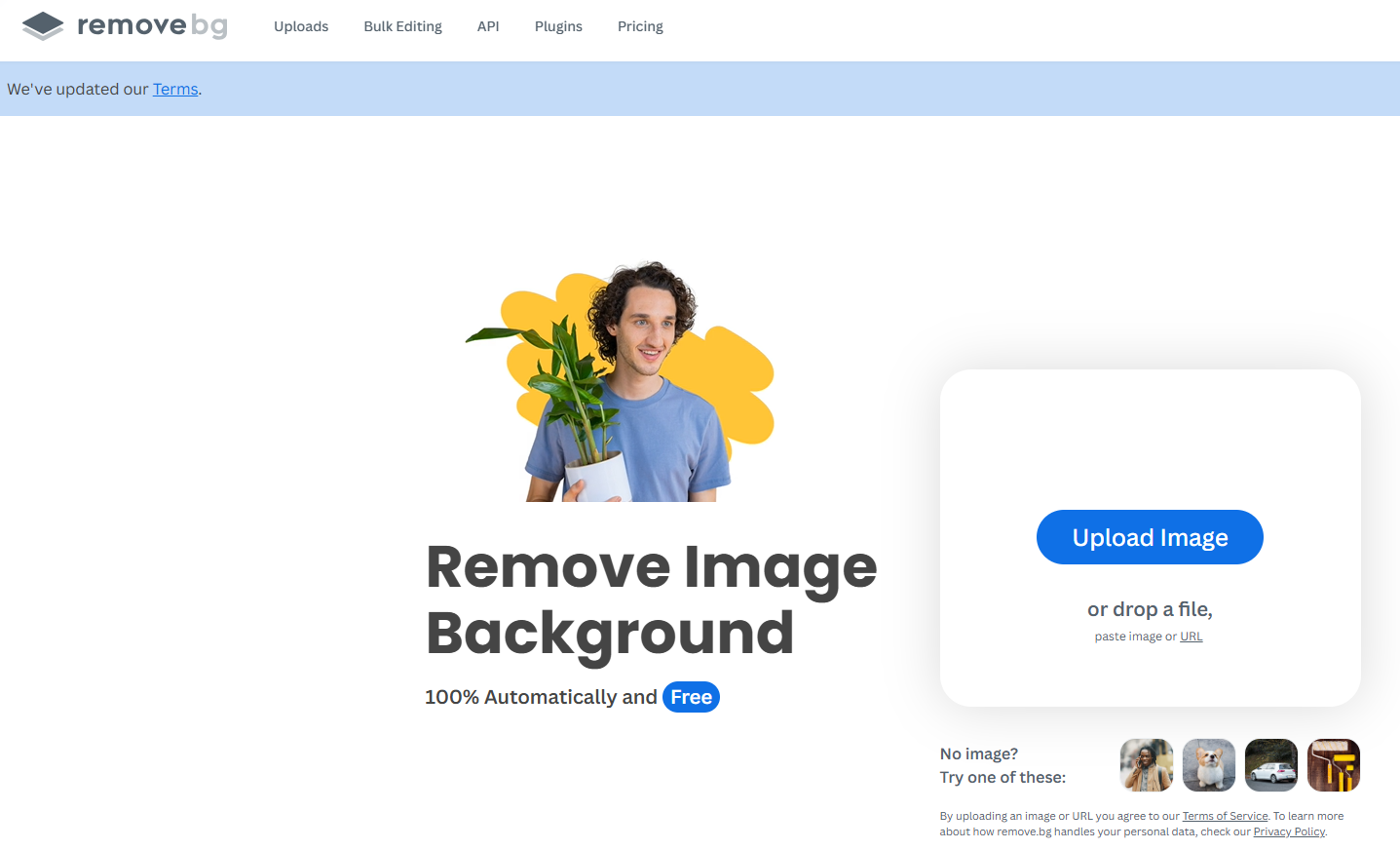
Website: remove.bg
A favorite among designers, Remove.bg deletes unwanted backgrounds instantly, leaving a clean, professional portrait that fits LinkedIn’s minimalist aesthetic.
Features:
One-click background removal
Works on any photo
Free HD downloads available
Best for: Users who already have a great shot but need a clean finish.
9. PhotoRoom - Studio-Quality Photos from Home
Website: photoroom.com
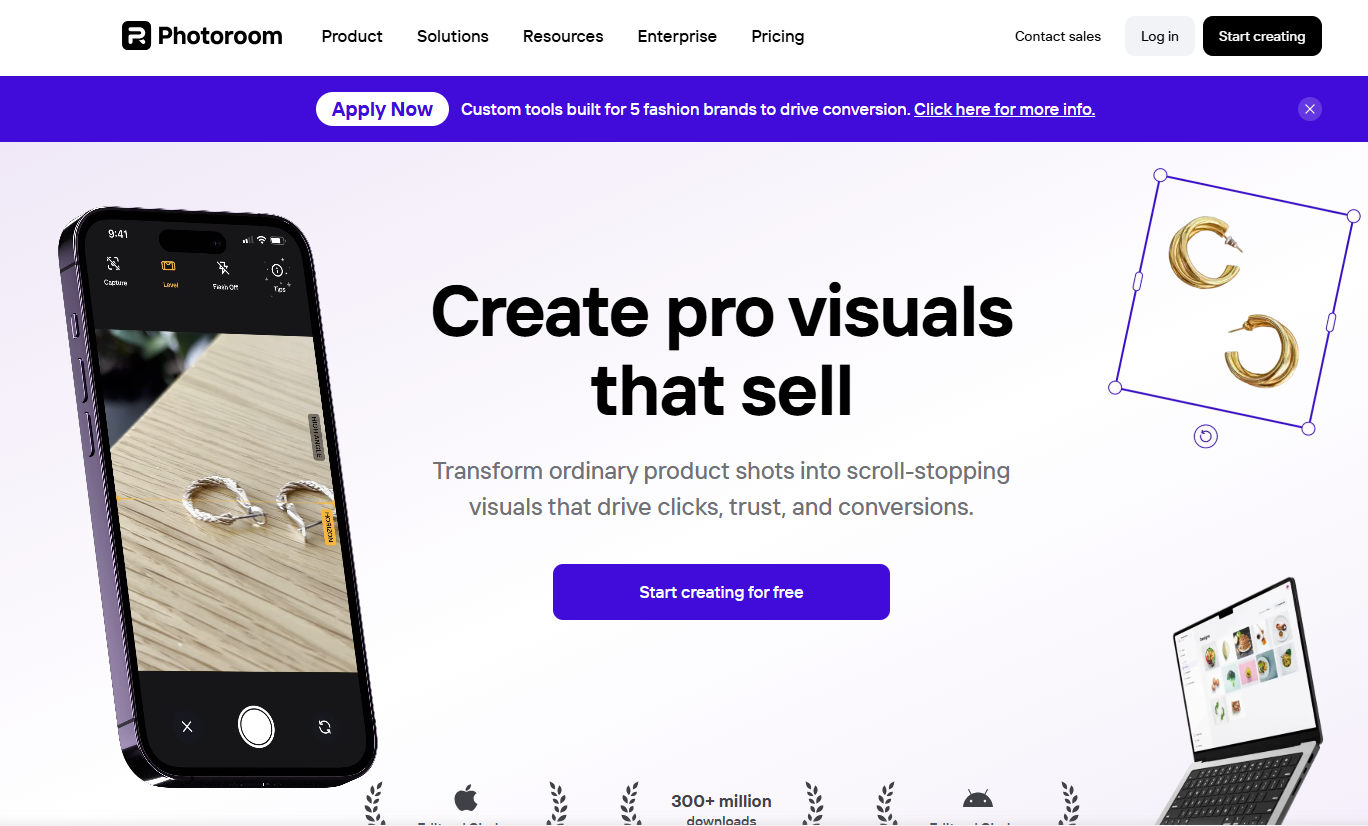
PhotoRoom provides everything you need to finalize your headshot; from background cleanup to lighting correction and shadow balancing.
Why it’s worth trying:
HD exports
AI lighting and focus adjustments
Multiple professional presets
Best for: Influencers, freelancers, and consultants who rely on personal branding.
Pro Tips for Choosing the Right LinkedIn Profile Picture
Even with the best tools, the photo itself still matters. Here’s how to get it right before uploading:
Lighting: Use natural daylight or a well-lit indoor space.
Framing: Keep your head and shoulders visible, centered, and proportionate.
Expression: A genuine smile conveys trust and approachability.
Clothing: Choose colors that contrast gently with the background.
Remember, your photo should make you look credible, confident, and approachable.
Your LinkedIn Headshot Is Your Digital Handshake
Your LinkedIn profile picture isn’t just about appearance, it’s about trust, professionalism, and first impressions. With these 9 AI tools, you can create a headshot that reflects who you are; skilled, ready, and professional; without ever stepping into a studio.
So, take five minutes today, try one of these tools, and upgrade your profile picture. Your next opportunity might just start with a single look.
Write better LinkedIn content with exeedin
exeedin is an AI tool that helps you ideate, draft, and schedule content for your LinkedIn. Turn raw ideas into polished posts and stay consistent without the guesswork. Try exeedin.