Why Are Document Carousels and Native Video Winning on LinkedIn Right Now?
A native document post is a PDF you upload that shows as a swipeable carousel, and it gets the highest engagement of any format. See how to use it.
Okay, be honest with me for a second. When's the last time you posted on LinkedIn and thought, "wow, that actually got seen"? If you're like most founders, it's been a while. You post something you're proud of, it gets 12 likes from your own team, and you quietly close the tab feeling a little defeated.
Here's the good news: it's probably not you. It's the format. Right now, two content types are quietly dominating everyone's feed and pulling in engagement that regular text posts just can't touch: document carousels and native video. If you've noticed certain posts popping up everywhere while your updates barely make a dent, this is likely why.
Let's talk about what's actually working, why it works, and how you can do it without turning content creation into a second job.
What's actually happening with document carousels and native video
LinkedIn's algorithm has changed a lot over the past couple of years, and it's gotten a lot pickier about what it pushes out to more people. The platform is basically watching one thing above all else: how long someone lingers on your post before scrolling past.
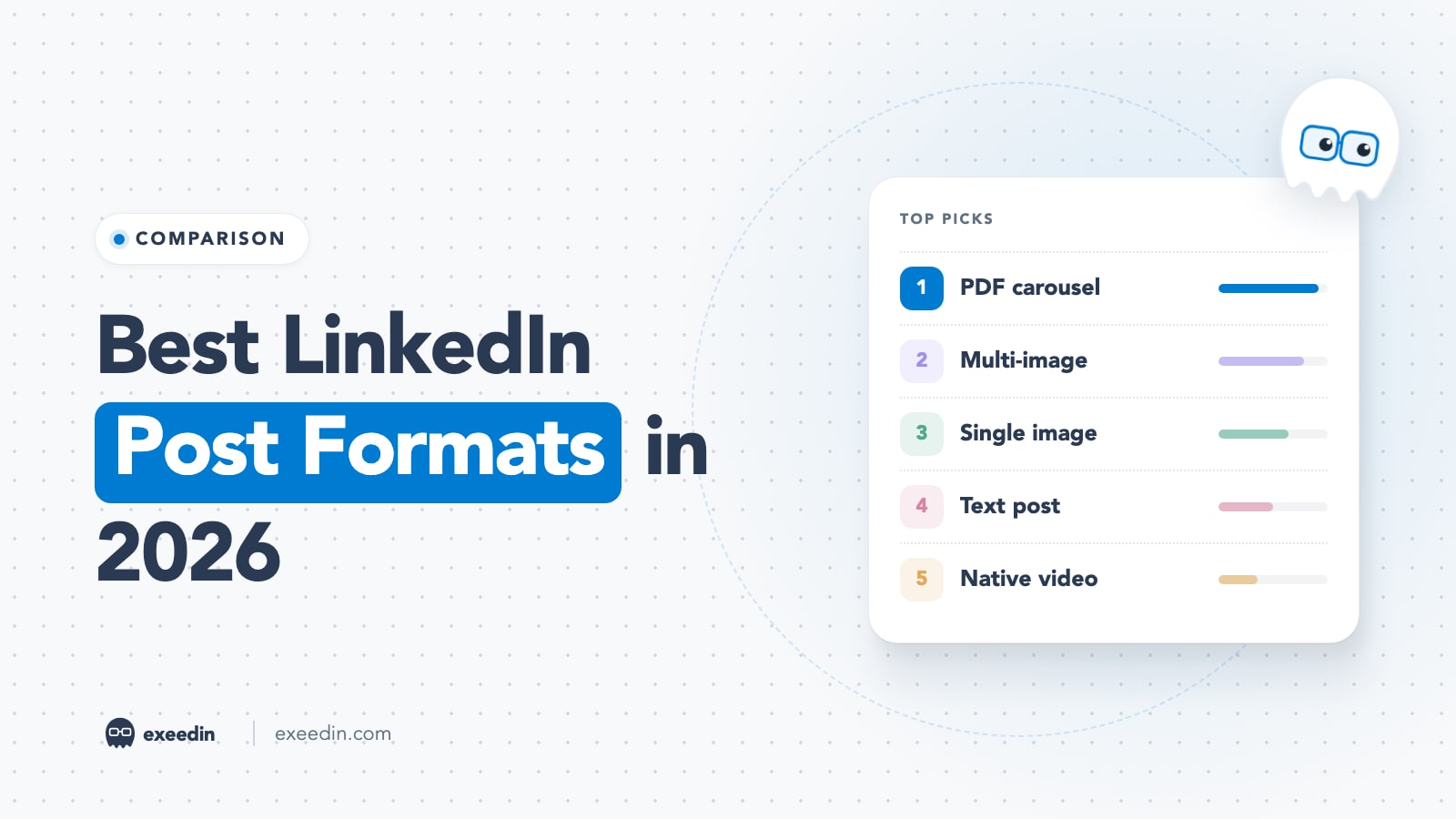
That's where document carousels come in. These are the swipeable, multi-page posts you upload as a PDF, and they've become the single best-performing format on the platform. A recent LinkedIn benchmarks report found native document posts, which display uploaded PDFs in a carousel format, generate the highest levels of engagement out of all LinkedIn content types, beating out images and video by a wide margin. Other data backs this up hard. LinkedIn carousels get 278% more engagement than text posts and a 6.6% average engagement rate, and separate analysis of millions of posts found document posts generate 39% more reach and 30% more engagement than the average LinkedIn post. Why does this happen? Simple. In 2026, the LinkedIn algorithm prioritizes "dwell time" above almost every other metric, and when a user stops to click through a carousel, they signal to the platform that your content is high value, prompting the system to show it to a wider audience. Every swipe is basically a mini vote of confidence that the algorithm notices. Video is the other big winner, especially short, native video. Short clips between 30 and 90 seconds work best for discovery, while longer videos of 2 to 5 minutes serve a different purpose. And the "native" part really matters. Posts with external links lose up to 30% organic reach, while native video stays on-platform and the algorithm rewards it. That means if you're still posting a YouTube link and hoping for the best, you're fighting the algorithm instead of working with it.
Why these two formats beat everything else
It comes down to a mix of psychology and platform mechanics:
They stop the scroll. A carousel cover slide or a face talking directly to camera is a pattern interrupt in a feed full of walls of text.
They reward curiosity. Carousels are built for "swipe to find out more." That's a built-in hook machine.
They keep people on LinkedIn. No external links, no leaving the app. The algorithm loves that.
They're skimmable and watchable on mobile. Most people are scrolling on their phone during a coffee break, not sitting at a desk reading paragraphs.
Get 10 hooks for your next post
Type what your post is about and get 10 opening lines from different proven angles. Free, no signup.
Or open the free LinkedIn hook generator
The catch: these formats take real time to make well
Here's the part nobody likes to admit. A good carousel isn't just slapping five bullet points into Canva. You need a strong hook slide, a clear narrative that carries across pages, clean design, and a caption that actually earns the click. Video is even more work, you've got to script it, film it, maybe edit it, write a caption, and then actually remember to post it consistently. If you're a founder running a company, that's a lot to ask on top of everything else on your plate. And Harvard Business Review has pointed out that consistent, authentic posting from individuals tends to build far more trust and reach than sporadic corporate updates. The problem is "consistent" is exactly the word busy people struggle with. This is usually where good intentions die. You post two carousels, get excited, then life happens and your feed goes quiet for three weeks. The algorithm notices that too, by the way. Consistency is part of the game, not just format.
How to actually make this work without losing your week
1. Batch your ideas, don't wing it post by post
Sit down once a week (or once a month if you're ambitious) and knock out 10 to 15 post ideas in one sitting. Trying to think of a fresh idea every single morning is the fastest way to burn out and quit.
2. Steal structure, not content
You don't need to reinvent the format every time. Numbered lists, "5 lessons from," "here's what nobody tells you about" style hooks work because they're proven, not because they're clever. Look at what's already working in your niche and adapt the structure to your own experience.
3. Keep video short and native
Don't overthink production. A phone, decent lighting, and a clear point beats a polished five minute video almost every time. Keep it in the 30 to 90 second range, upload it directly, and skip the external links.
4. Design carousels for swiping, not reading
One idea per slide. Big text. A cover slide that makes a promise. Aim for something people want to swipe through in under 20 seconds.
This is exactly why we built Exeedin
Look, all of this is genuinely doable. It's just really hard to do consistently when you're also, you know, running a business. That's the whole reason Exeedin exists. Instead of staring at a blank screen trying to figure out what to post, Exeedin gives you an AI post copywriter that turns your raw thoughts into a ready-to-publish post in your voice. Stuck on ideas? The idea finder and hook generator do the heavy lifting, pulling from a Templates Library of ready-to-use post templates organized by niche, so you're never starting from zero. Once you've got something written, you can write, post, and schedule it directly from Exeedin, no jumping between five different apps. And if you're not sure your profile is even set up to convert views into real business opportunities, Exeedin's profile evaluation shows you exactly what to fix. Founders using Exeedin save around 9 hours a week on content creation and can fill an entire month's content calendar in minutes, not hours. That's the difference between "I should really post more" and actually showing up every single week with content that performs.
The bottom line
Document carousels and native video aren't a passing trend, they're what the algorithm currently rewards, and the gap between these formats and plain text posts is only getting wider. You don't need to become a full-time content creator to benefit from that. You just need the right system behind you. If you're ready to stop guessing what to post and start showing up consistently with content that actually gets seen, give Exeedin a try and see how much time you get back.