LinkedIn Premium Plans Compared (2026): Career vs Business and More
LinkedIn Premium Career is $39.99 a month for job seekers; Business is $69.99 for client-finding. Here is how every 2026 plan compares, with a pick for each persona.
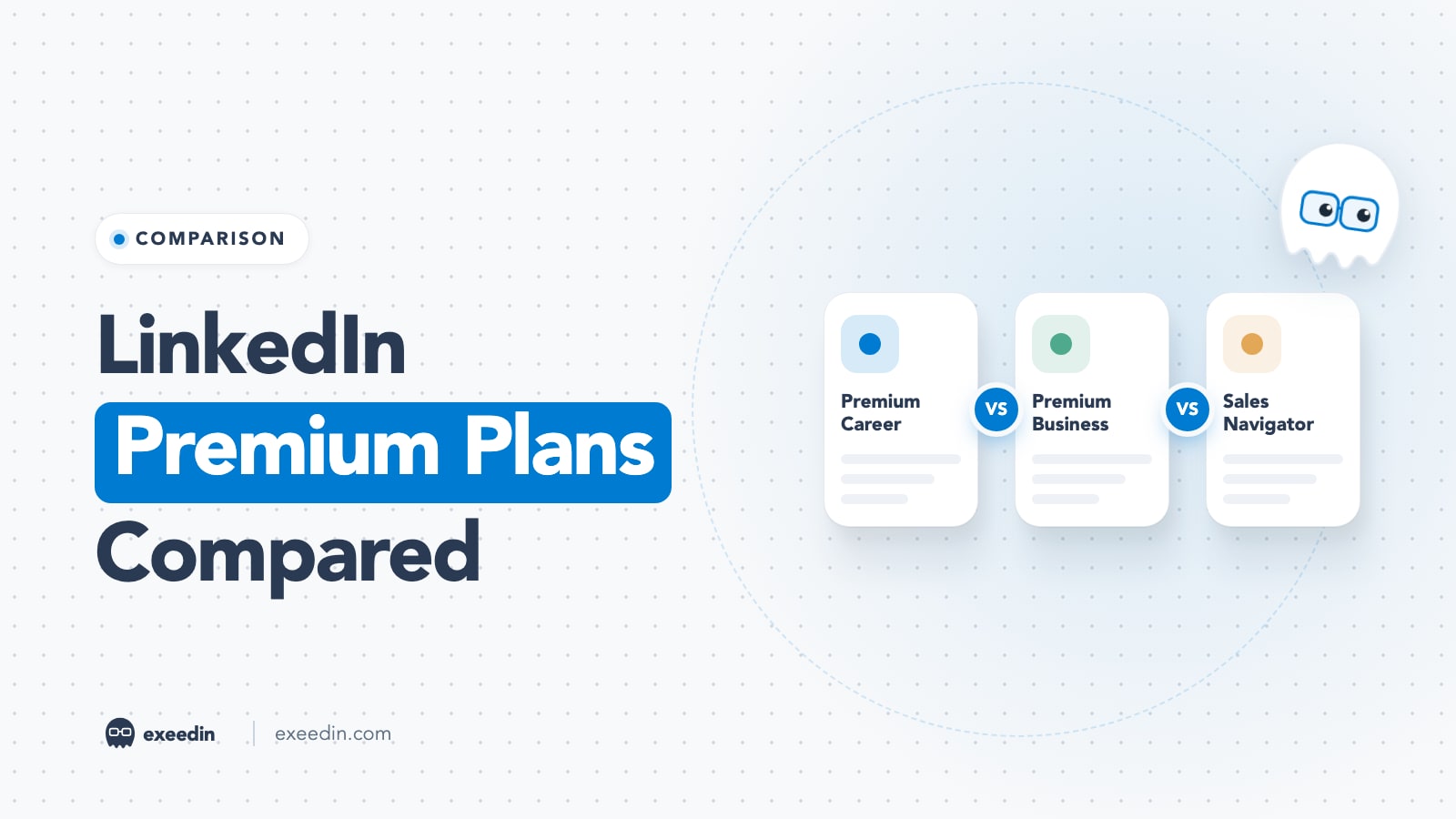
LinkedIn Premium Career costs $39.99 a month (or $239.88 a year) and is built for job seekers, with 5 InMail credits and AI job-fit insights. Premium Business costs $69.99 a month (or $539.88 a year) and adds 15 InMails, unlimited people search and business insights for founders and consultants. Sellers should skip both and look at Sales Navigator.
This guide compares every paid LinkedIn plan an individual or small team can buy in 2026: Premium Career, Premium Business, Premium All-in-One, Premium Company Page, Sales Navigator Core and Advanced, and Recruiter Lite. Prices are US list prices taken from LinkedIn's own plan pages (prices checked October 2026); your checkout price can differ by country, tax and device.
LinkedIn Premium plans at a glance
| Plan | Best for | Monthly (US) | Annual (US) | InMails per month | Standout feature |
|---|---|---|---|---|---|
| Premium Career | Job seekers | $39.99 | $239.88 | 5 | AI job-fit insights and top applicant jobs |
| Premium Business | Founders, consultants, freelancers | $69.99 | $539.88 | 15 | Unlimited people search and business insights |
| Premium All-in-One | Small businesses (limited rollout) | $89.99 | $899.88 | 30 | Prospect suggestions plus monthly boost and hiring credits |
| Premium Company Page | Brands growing a Page | $99.99 | $839.88 | Not listed | Auto-invite engagers, custom CTA, competitor insights |
| Sales Navigator Core | Individual B2B sellers | $119.99 | $1,079.88 | 50 | Lead and account search with 50+ filters |
| Sales Navigator Advanced | Sales teams | $159.99 | $1,799.88 | 50 | TeamLink, Smart Links, team reporting |
| Recruiter Lite | Solo recruiters and small hiring teams | Not published (about $170 reported) | Check current pricing | 30 | Recruiter search with 20+ filters |
Sources: Premium Career, Premium Business, Premium All-in-One, Premium Company Page and Sales Navigator plan pages; InMail counts from LinkedIn Help's InMail credits article. LinkedIn does not publish a list price on its Recruiter Lite page, so the figure shown is the buyer-reported price in this April 2026 Recruiter pricing guide.
Which plan should you pick? The short verdict
- You are job hunting: Premium Career. It is the cheapest plan and the only one built around job applications.
- You sell a service and find clients yourself: Premium Business if you send under 15 cold messages a month, Sales Navigator Core if prospecting is a daily task.
- You run a small company and also hire: Premium All-in-One, if it is offered on your account.
- You manage the company's LinkedIn Page: Premium Company Page. It is billed to the Page, not your profile.
- You recruit for a living: Recruiter Lite.
- You mainly want more reach on your posts: none of these plans promises it. Your content does that work.
See what's holding your profile back, free
Paste your profile link and see your score right away, with clear fixes for your headline, About section and experience. Free to start, no account needed.
Or open the free LinkedIn profile checker
The plans, one by one
1. Premium Career: Best for job seekers
Premium Career is LinkedIn's job-search subscription. According to the Premium Career page, it costs US$39.99 a month or US$239.88 a year, which LinkedIn describes as a 50 percent saving with annual billing. A Duo option for two people costs US$59.98 a month or US$359.88 a year.
Key features:
- 5 InMail credits a month to message hiring managers and recruiters outside your network.
- Who's viewed your profile for the past 365 days, plus private browsing.
- Top applicant jobs and top choice jobs, so you can see roles where you are a strong match.
- AI-powered insights on job posts that assess your fit, AI-powered coaching through LinkedIn Learning, profile writing assistance and a message proofreader.
- LinkedIn Learning access, which LinkedIn says covers 25,000+ courses.
Pros:
- Cheapest paid plan, and annual billing halves the cost.
- The AI job-fit insights save time when you are applying to many roles.
- LinkedIn Learning alone is worth the price for career changers.
Cons:
- Only 5 InMails, so it is a weak outreach tool.
- No unlimited people search or business insights.
- Little value once you have a job, so set a reminder to cancel.
Who it is for: active job seekers, graduates and career changers. For a deeper look at whether it pays off, see is LinkedIn Premium worth it for job seekers.
2. Premium Business: Best for founders, consultants and freelancers
Premium Business is aimed at people who use LinkedIn to find clients and partners. The Premium Business page lists US$69.99 a month or US$539.88 a year (a 36 percent saving), and a Duo plan at US$118.98 a month or US$917.98 a year.
Key features:
- 15 InMail credits a month.
- Unlimited search for people and companies, with advanced search filters.
- Warm-introduction suggestions from your network.
- A custom call-to-action button on your profile, posts, messages and search results, plus up to 5 cover images and a Featured section.
- Business insights such as company growth trends and hiring activity.
- LinkedIn Learning (25,000+ courses) and AI-powered profile suggestions.
Pros:
- Unlimited people and company search suits research-heavy prospecting weeks.
- The custom CTA button turns profile visits into bookings or site visits.
- Company insights help you time outreach to companies that are hiring or growing.
Cons:
- 15 InMails is modest for real prospecting.
- No lead lists, CRM sync or account alerts; those are Sales Navigator features.
- Profile viewer history is described inconsistently: the feature list says up to 365 days, while the FAQ on the same Business page says 90 days. Check inside your account.
Who it is for: solo consultants, coaches, agency owners and founders who post content and run light, personal outreach.
3. Premium All-in-One: Best for small businesses that hire
Premium All-in-One bundles profile, Page, prospecting and hiring tools into one subscription. The All-in-One page lists US$89.99 a month or US$899.88 a year (a 17 percent saving) and says the product is currently available to a limited group of users.
Key features:
- 30 InMail credits a month and 15 daily prospect suggestions.
- Unlimited search with advanced filters and real-time insights for personalising outreach.
- Monthly credits: $50 for hiring and $50 for post boosting on monthly billing, or $600 of each paid upfront on annual billing. The free trial includes $100 of each for the first month.
- LinkedIn Hiring Pro for finding and screening candidates, and a central dashboard with recommended actions.
Pros:
- Twice the InMails of Premium Business for $20 more a month.
- The ad and hiring credits offset part of the price if you would spend that money anyway.
Cons:
- Not every account can buy it yet.
- The credits only help if you actually boost posts and post jobs.
- Sales teams still need Sales Navigator for lists and CRM work.
Who it is for: owners of small companies who sell, market and hire on LinkedIn themselves.
4. Premium Company Page: Best for brands growing a LinkedIn Page
Premium Company Page is a subscription for the Page, not for your personal profile. The Premium Company Page site lists US$99.99 a month or US$839.88 a year, described as a 30 percent saving. Only eligible Super Admins of a free Company Page can start it.
Key features:
- Auto-invite engaged prospects to follow your Page and invite followers of similar Pages.
- A custom testimonial and highlighted achievements on the Page and in search.
- A custom call-to-action button, a list of who visited your Page and the option to request a verified checkmark.
- Competitor insights from up to 9 other Pages and up to 30 more service matches a month.
Pros: follower growth tools are the strongest of any plan, and Page visitor data is useful for B2B marketing.
Cons:
- Expensive for small Pages with little traffic.
- No InMail credits are listed for this plan.
- Does not add anything to your personal profile.
Who it is for: marketing teams and founders whose company Page is a real lead source.
5. Sales Navigator Core and Advanced: Best for B2B sellers
Sales Navigator is a separate product from Premium. LinkedIn's Sales Navigator compare page lists Core at US$119.99 a month or US$1,079.88 a year and Advanced at US$159.99 a month or US$1,799.88 a year. Advanced Plus is quote-only and depends on team size and CRM needs. Every tier includes 50 InMail credits a month.
Key features:
- 50+ lead and account search filters, saved searches, lead lists and real-time alerts on job changes and new content.
- AI features: Account IQ and Lead IQ summaries, and Message Assist for drafting outreach.
- Advanced adds team tools such as TeamLink warm introductions, Smart Links content tracking and team reporting.
- CRM sync with Salesforce, HubSpot and Microsoft Dynamics on the higher tiers.
Pros: the best search and account tracking LinkedIn sells, and the most InMails per dollar.
Cons:
- Expensive for occasional use.
- LinkedIn does not offer an export of lead and account data to a file.
- It is not a contact database, so most teams pair it with an email and phone data tool.
Who it is for: account executives, SDRs and founders who prospect daily. Our Sales Navigator pricing guide breaks down the tiers, and Sales Navigator vs Premium covers when the jump is worth it. If you are also weighing a contact database, read Sales Navigator vs Apollo.
6. Recruiter Lite: Best for solo recruiters
Recruiter Lite is the entry tier of LinkedIn's recruiting software. LinkedIn's own page shows a free trial button but no list price; a 2026 Recruiter pricing guide reports buyer quotes of about $170 a month for a single seat, so check current pricing in your region before you commit. LinkedIn Help lists 30 InMail credits a month.
Key features: 20+ candidate search filters, saved search alerts, daily candidate recommendations, saved message templates and messaging across your 1st, 2nd and 3rd-degree network.
Pros: purpose-built candidate search and pipeline tools that Premium plans lack.
Cons:
- Limited profile views and basic reporting compared with full Recruiter.
- The most expensive plan here for a single person.
Who it is for: independent recruiters and small in-house teams filling a steady stream of roles.
Premium Career vs Business: the differences that matter
| Feature | Premium Career | Premium Business |
|---|---|---|
| Price (monthly / annual) | $39.99 / $239.88 | $69.99 / $539.88 |
| InMail credits per month | 5 | 15 |
| Maximum InMails you can bank | 15 | 45 |
| People search | Advanced filters | Unlimited search plus advanced filters |
| Who viewed your profile | Past 365 days | Up to 365 days (FAQ says 90) |
| Job tools | Top applicant jobs, AI job-fit insights | Job and salary insights |
| Business tools | None | Company growth and hiring insights, warm intros, custom CTA |
| AI features | Job-post insights, AI coaching, profile writing help, proofreader | AI profile suggestions |
| LinkedIn Learning | Included | Included |
The $30 monthly gap buys you outreach capacity and company data. If your goal is a new job, that capacity is wasted. If your goal is new clients, Career's job tools are wasted. InMail banking limits come from LinkedIn's InMail help article, which also explains that an InMail is credited back when the recipient responds within 90 days.
InMail, profile views, AI and Learning compared
InMail credits
LinkedIn's help article lists 5 credits for Premium Career, 15 for Premium Business, 50 for Sales Navigator Core and 30 for Recruiter Lite; the All-in-One page lists 30. Unused credits roll over up to a cap (15 for Career, 45 for Business, 150 for Sales Navigator and 120 for Recruiter Lite). Credits do not transfer when you upgrade, cannot be used across products, and drop to zero if you cancel. Messaging members who have an Open Profile does not use credits, as we explain in messaging Open Profiles without burning InMail credits.
Who's viewed your profile
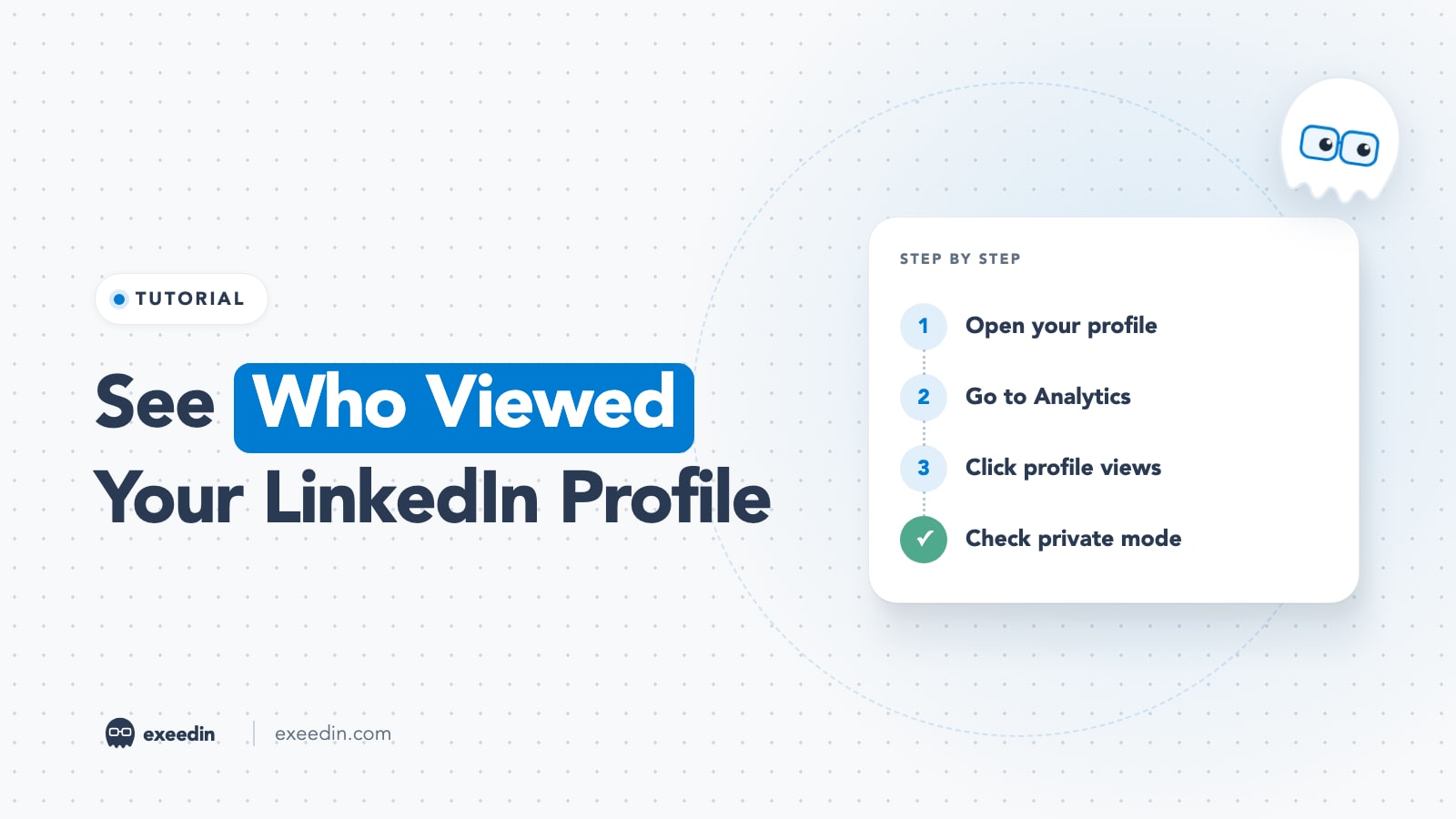
According to LinkedIn Help's comparison of basic and Premium accounts, free members see a short list of recent viewers over 90 days with no filters, while Premium members get the full list and up to 365 days of history with filters. The full walkthrough, including private mode, is in how to see who viewed your LinkedIn profile.
AI features
AI is spread unevenly. Career gets the most job-related AI (fit assessments on job posts, coaching and profile writing help). Business lists AI profile suggestions. Sales Navigator has the strongest selling AI: Account IQ and Lead IQ summaries and Message Assist. None of these plans writes or schedules your LinkedIn posts for you in your own voice; that remains a job for you or a dedicated writing tool.
LinkedIn Learning
Premium Career and Premium Business both include LinkedIn Learning, which LinkedIn says has 25,000+ courses. Career also ties Learning to AI-powered coaching, which makes it the better pick if building skills is the main goal.
Decision table by persona
| You are | Pick | Why | Skip |
|---|---|---|---|
| Job seeker or graduate | Premium Career | AI job-fit insights, 5 InMails, Learning | Business, Sales Navigator |
| Career changer building skills | Premium Career (annual) | Learning plus job tools at $19.99 a month equivalent | All-in-One |
| Freelancer or consultant | Premium Business | Unlimited search, CTA button, 15 InMails | Career |
| Founder doing daily outbound | Sales Navigator Core | Lists, alerts, 50 InMails | Premium Business |
| Small business owner who also hires | Premium All-in-One (if offered) | 30 InMails, prospects, hiring and boost credits | Recruiter Lite |
| Marketing lead for a company Page | Premium Company Page | Follower growth and Page visitor data | Personal Premium plans |
| Sales team with a CRM | Sales Navigator Advanced or Advanced Plus | TeamLink, reporting, CRM sync | Premium Business |
| Independent recruiter | Recruiter Lite | Candidate search and pipeline | Premium Career |
| Creator focused on posting | Free account, or Premium Business for the CTA button | No plan promises more reach for your posts | Sales Navigator |
One angle most comparisons miss: if you are based in the Gulf or elsewhere outside the US, check your local currency price before deciding. LinkedIn lists separate prices for AUD, CAD, EUR and GBP on each plan page, the US figures in this guide exclude VAT, and LinkedIn notes that prices may vary by device. Compare the desktop price with the in-app price, and remember that a plan bought through Apple or Google has to be cancelled through that store.
How to get a LinkedIn Premium free trial
- Decide which plan you want to test first, because LinkedIn ties trial eligibility to your trial history.
- Open that plan's page (the Career, Business, All-in-One and Company Page links above) while signed in, on desktop or in your phone's browser, and click its free trial button. LinkedIn checks eligibility at that button.
- Enter a valid card. LinkedIn's Try Premium for free help article says a card is required and that trial length can vary by region or promotion.
- Set a calendar reminder two days before the trial ends.
Not everyone qualifies; LinkedIn says eligibility depends on factors including whether you have used a Premium trial before. If you already used one, our guide to getting a Premium trial again lists the legitimate options. Sales Navigator, Recruiter Lite and Premium Company Page have their own trials.
How to cancel LinkedIn Premium
LinkedIn's cancellation help article gives these steps for plans bought directly from LinkedIn:
- Desktop: click Me, select Premium features, then Manage subscription under Plan Details. In the Admin Center, open Purchases, select your active subscription, click Cancel subscription under Actions, then Confirm cancel.
- Mobile (bought directly): tap your profile photo, tap Premium features, tap Manage your subscription, then Cancel subscription and follow the prompts.
- iOS App Store purchase: cancel from your Apple device through the LinkedIn app, which hands you to Apple's subscription settings.
- Android Google Play purchase: cancel on LinkedIn desktop, the LinkedIn app, or in Google Play.
Timing matters. A paid plan stays active until the end of the billing cycle, cancelling a free trial ends Premium access immediately, and you need to cancel at least one day before the next billing date to avoid another charge. Your profile, connections and messages stay when you go back to a free account. For the full checklist of what to save first, see how to cancel LinkedIn Premium without losing data or getting charged.
Frequently Asked Questions
What is the difference between LinkedIn Premium Career and Business?
Premium Career ($39.99 a month) is for job seekers: 5 InMails, AI job-fit insights, top applicant jobs and LinkedIn Learning. Premium Business ($69.99 a month) is for finding clients: 15 InMails, unlimited people search, company growth and hiring insights, warm-intro suggestions and a custom call-to-action button. Both include who viewed your profile and Learning.
How much is LinkedIn Premium per month in 2026?
On LinkedIn's US plan pages in October 2026, Premium Career is $39.99 a month, Premium Business $69.99, Premium All-in-One $89.99 and Premium Company Page $99.99. Annual billing lowers the effective monthly price, most sharply on Career ($239.88 a year). Prices vary by country and exclude VAT or GST.
Is LinkedIn Premium Business worth it for small business owners?
It is worth it if you use LinkedIn to find clients and send a handful of targeted messages each month. Unlimited search and company insights help you research prospects, and the custom button turns profile visits into calls. If you prospect daily, Sales Navigator Core gives you lists, alerts and 50 InMails for about $50 more.
Does LinkedIn Premium increase post reach?
None of LinkedIn's Premium plan pages promise more organic reach for your posts. Premium Business mentions placements that raise profile visibility, and All-in-One and Company Page include paid boost credits or follower tools, but feed reach still depends on what you post and how people respond to it.
Can I switch from Premium Career to Business later?
Yes, you can change plans from your subscription settings. Note that LinkedIn says InMail credits do not transfer when you upgrade, so use your banked credits before switching. If you are unsure which plan fits, start with the cheaper one on a free trial and upgrade only when you run out of InMails or search.