What’s the Best Competitor Analysis Tool That Includes LinkedIn Data?
First decide what LinkedIn data you need: page follower growth, top content themes, hiring trends or executive activity. Then match a tool to that need.

If you’re looking for a competitor analysis tool that must include LinkedIn data, you’re asking a smart question. A lot of competitive intelligence tools are good at tracking websites, ads, SEO, or traffic trends, but when it comes to LinkedIn-specific insights, the options narrow down fast.
And honestly, that makes sense. LinkedIn is a different kind of channel. It’s not just about traffic numbers or keyword rankings. It’s about brand positioning, hiring patterns, executive activity, content performance, audience engagement, and B2B credibility. If your competitors are active on LinkedIn, their company page, leadership presence, job postings, and content strategy can tell you a lot.
So the better question is usually this: do you want a tool that directly pulls LinkedIn data, or do you want a competitor analysis process that uses LinkedIn as a major source? Those are slightly different needs, and choosing the right option depends on what you’re trying to learn.
What should a good LinkedIn competitor analysis tool actually help you see?
Before naming tools, it helps to define what “LinkedIn data” really means for competitor research. For example, are you trying to track:
- Competitor company page growth such as follower count and posting frequency?
- Top-performing content themes based on engagement patterns?
- Hiring trends through job posts and talent movement?
- Executive and employee advocacy from founders or leadership teams?
- Industry positioning through messaging and content topics?
- Audience overlap and who competitors are speaking to?
These details matter because no single platform gives you every layer perfectly. Some tools are stronger for social listening, some are better for sales intelligence, and some are more helpful for manual strategic research.
Get 10 hooks for your next post
Type what your post is about and get 10 opening lines from different proven angles. Free, no signup.
Or open the free LinkedIn hook generator
Best tools to consider if LinkedIn data is non-negotiable
1. LinkedIn Sales Navigator
This is probably the most obvious place to start. While it is not a traditional competitor analysis platform, LinkedIn Sales Navigator gives you a strong view of companies, employee changes, decision-makers, and account activity.
Why it’s useful:
- Lets you monitor target companies and decision-makers
- Helps identify hiring growth, leadership changes, and market movement
- Useful for comparing how companies are expanding teams or shifting focus
- Built directly around LinkedIn’s own ecosystem
Where it falls short:
- It is not a full visual competitor dashboard
- Content performance analysis is limited compared to specialized social tools
- You’ll still need manual interpretation
If your main interest is B2B competitor intelligence, account tracking, and organizational changes, this is one of the best starting points.
2. Shield Analytics
Shield is often used more for personal LinkedIn analytics, but it can still be valuable when analyzing content strategy trends on the platform. If you want to understand what types of posts are working, what cadence competitors might be using, and how creator-style content performs, this can help indirectly.
Best for:
- Content-focused competitor benchmarking
- Personal brand and executive content analysis
- Understanding engagement trends on LinkedIn posts
It’s less of a broad competitor intelligence suite and more of a LinkedIn performance analytics layer.
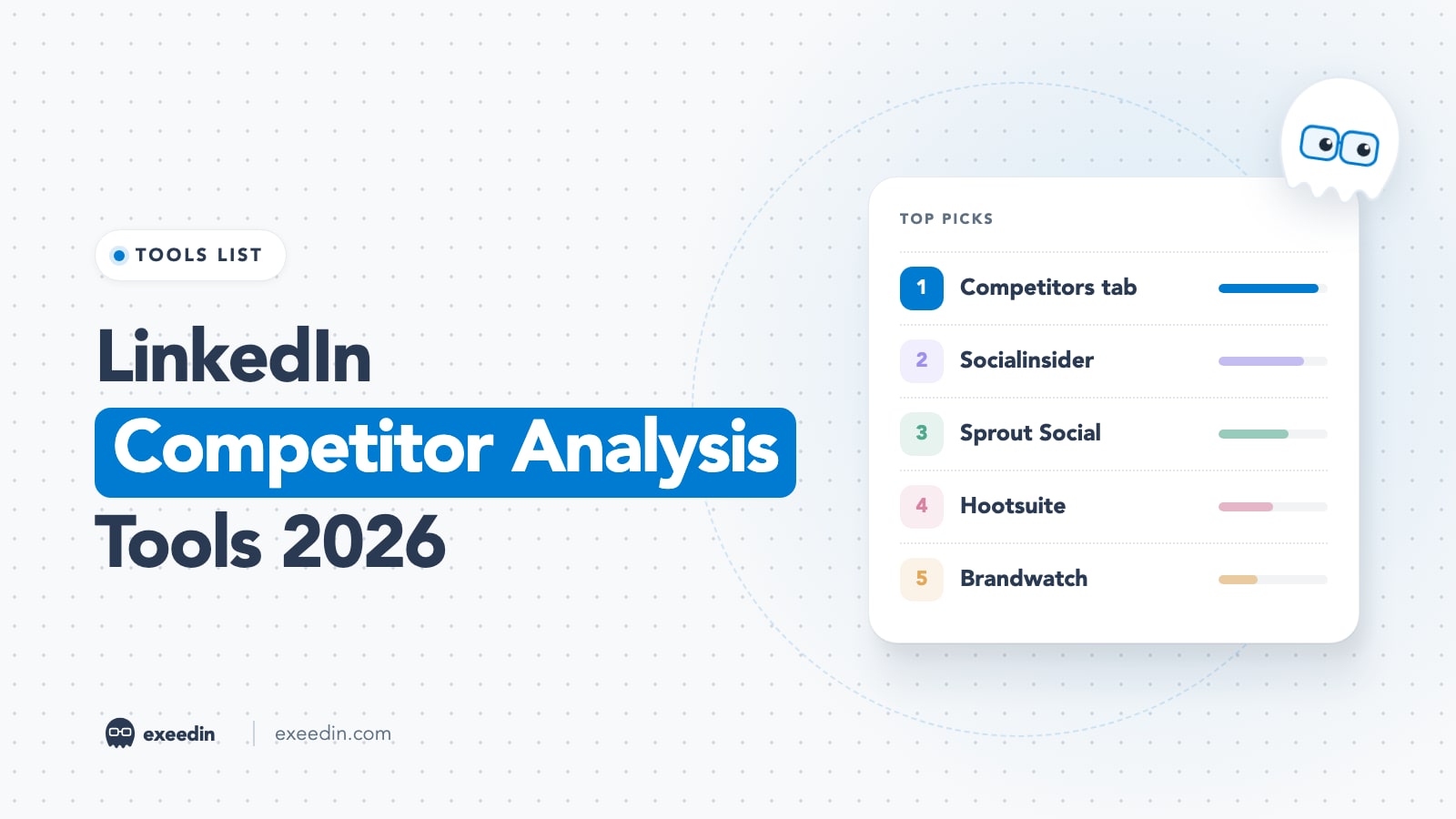
3. Sprout Social
Sprout Social is a more rounded social media management platform, and depending on your setup, it can support social competitor analysis across networks, including LinkedIn.
Why people consider it:
- Competitor reporting features
- Post performance tracking
- Social listening and trend analysis
- Good for teams already managing multiple social channels
What to keep in mind:
- Its LinkedIn depth may not be as specialized as a dedicated LinkedIn-native workflow
- Some data access depends on permissions and platform limitations
If you want LinkedIn plus broader social competitor reporting, this is worth considering.
4. Hootsuite
Hootsuite can also support competitor monitoring and social performance tracking. Similar to Sprout Social, it’s often best for companies that want one place to manage publishing, listening, and benchmarking across channels.
This can be helpful if your competitors use LinkedIn as part of a wider social strategy and you don’t want to analyze it in isolation.
5. Brandwatch
If you’re after a more enterprise-level solution, Brandwatch is worth looking at. It’s especially useful for social listening, audience intelligence, and trend mapping. While direct LinkedIn data access can vary, Brandwatch is still strong for measuring competitor share of voice and broader market conversations.
This is more useful when your question is not only “what are competitors posting on LinkedIn?” but also “how are they being talked about across the market?”
6. Similarweb + LinkedIn manual review
This is not a single-tool answer, but it’s a realistic one. A lot of good competitor analysis comes from combining a broader intelligence tool like Similarweb with manual LinkedIn research.
Why this works:
- Similarweb helps you understand traffic sources, referrals, audience behavior, and digital positioning
- LinkedIn company pages help you see messaging, hiring, audience tone, and content themes
- Together, they create a fuller picture of how a competitor wins attention
Sometimes the best insights do not come from one dashboard. They come from cross-checking signals.
So what’s the best recommendation?
If you want the short answer:
- For direct LinkedIn-native company and people intelligence: LinkedIn Sales Navigator
- For content and social benchmarking: Sprout Social or Hootsuite
- For enterprise listening and market trends: Brandwatch
- For a flexible real-world research stack: Similarweb plus manual LinkedIn analysis
If I had to recommend one practical option for someone specifically saying, “I need competitor analysis support and it must include LinkedIn data,” I’d probably say start with LinkedIn Sales Navigator and pair it with either Sprout Social or manual content analysis.
That combination usually gives you both the company intelligence side and the content strategy side.
Questions you should ask before choosing a tool
Here are a few useful questions to help narrow it down:
- Do you need real-time monitoring or just periodic competitor snapshots?
- Are you focused on content performance or sales/account intelligence?
- Do you need insights for marketing, sales, or executive strategy?
- Are you comparing 5 competitors or 50 competitors?
- Do you need dashboard reporting for a team, or are you doing solo research?
Those questions matter because a tool that feels perfect for a social media manager may not help a sales team much, and vice versa.
What many brands miss in LinkedIn competitor analysis
One thing worth mentioning: people often focus too much on vanity metrics. Follower count matters a little, but it’s usually not the most useful signal.
More useful signals include:
- What topics competitors repeat often
- How they position their offer
- Who from their team is publicly visible
- Whether they use founder-led content
- How often they post hiring updates
- What kind of comments their posts attract
That’s where LinkedIn becomes really valuable. It gives you a view into the story a company is telling, not just the size of its audience.
A smart approach: use tools, but keep the human layer
If you’re serious about competitor analysis on LinkedIn, tools help, but they are only part of the process. You still need someone to interpret patterns, spot messaging gaps, and connect the dots between content, positioning, lead generation, and brand trust.
That’s also why many businesses end up needing more than software. They need support understanding questions like:
- Why is a competitor’s LinkedIn content getting attention?
- What are they doing differently in their company page messaging?
- Are they winning because of paid reach, executive presence, or clearer positioning?
- How should your own brand respond without copying them?
Those are strategy questions, not just reporting questions.
Final thoughts
If you want a simple recommendation, LinkedIn Sales Navigator is the strongest place to begin when LinkedIn data is essential. If your needs are more content-focused, pair it with Sprout Social, Hootsuite, or a structured manual review process. And if you need bigger-picture market intelligence, tools like Brandwatch or Similarweb can add context that LinkedIn alone cannot provide.
If you’re trying to turn competitor insights into an actual LinkedIn growth strategy, this is where EXEED Digitals can be useful. They support brands that want more than raw data and need help turning LinkedIn insights into clearer positioning, better content direction, and stronger outreach strategy. You can learn more about their services here: EXEED Digitals Services. As a LinkedIn agency, EXEED Digitals usually helps with exactly these kinds of concerns, and their LinkedIn services have supported hundreds of brands in building a smarter presence on LinkedIn.
en