Why Was Your LinkedIn Account Randomly Taken Down?
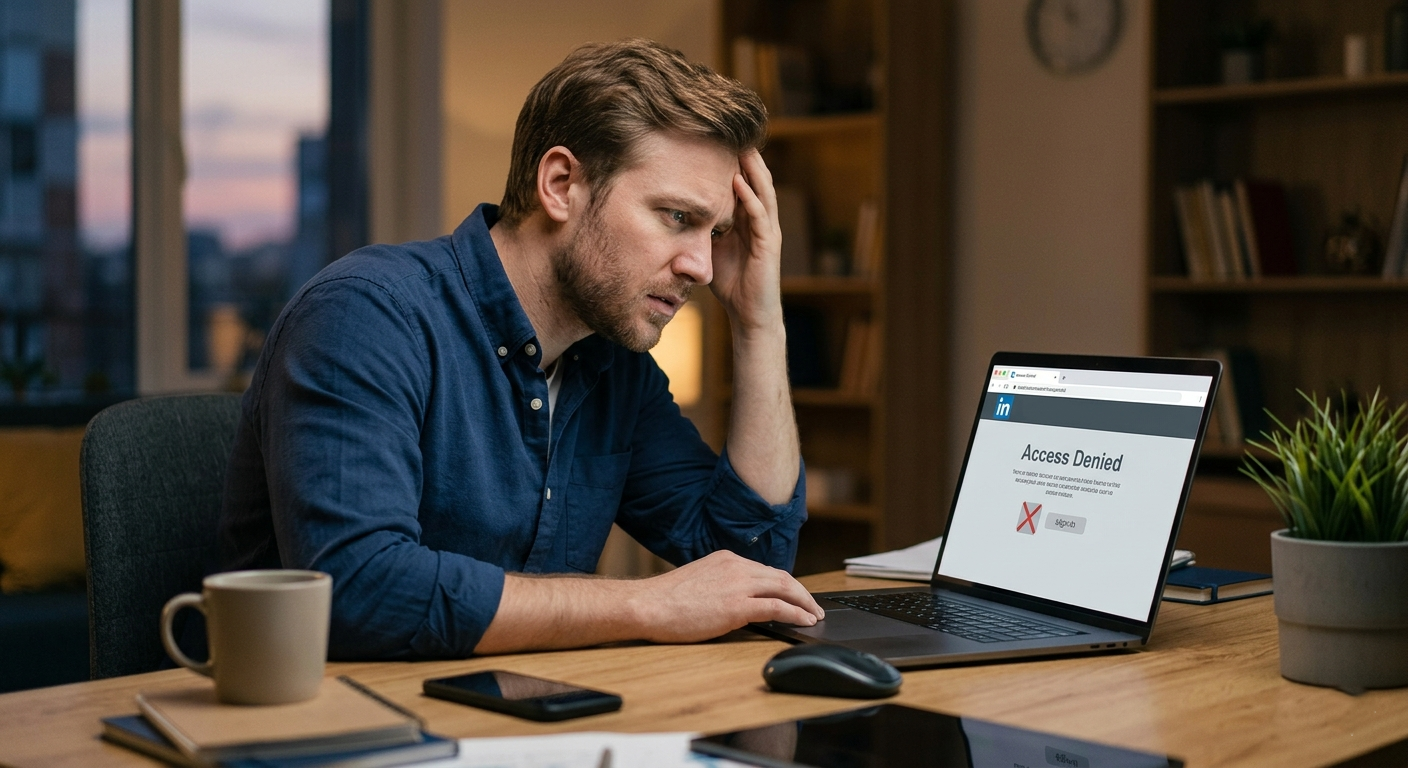
If your first thought was, “I barely did anything, so why is my LinkedIn account gone?” you’re not alone. A lot of people log in one day and suddenly see restrictions, verification prompts, or full account takedowns with little context. It feels random, but in most cases there is a reason behind it, even if LinkedIn does not explain it clearly right away.
If you found this because you’re dealing with the same issue as the Reddit post asking, “Why my account was randomly taken down??”, the short answer is this: it usually happens because LinkedIn’s systems flagged something for security, identity, automation, or policy reasons. That does not always mean you intentionally did anything wrong.
So, Why Would LinkedIn Take Down An Account?
LinkedIn is strict because it’s trying to protect the platform from fake profiles, spam, scraping tools, and suspicious activity. Sometimes that means real users get caught in the middle. Here are the most common reasons:
Unusual login activity: Logging in from a new country, too many devices, or a VPN can trigger a security review.
Profile authenticity issues: If your name, photo, work history, or company details seem inconsistent, LinkedIn may ask for verification.
Too much connection activity: Sending a high number of invites in a short period can look spammy.
Use of automation tools: Some browser extensions and outreach tools violate LinkedIn’s policies.
Reports from other users: If people report your messages or account, that can lead to temporary or permanent restrictions.
Content or behavior policy issues: Misleading claims, impersonation, or inappropriate messaging can cause a takedown.
LinkedIn explains parts of this in its official help resources and user agreement, although the wording can feel broad when you are the one locked out.
Was It Really Random, or Did Something Trigger It?
This is the part most people want clarity on. In a lot of cases, the account action feels random because the trigger happened in the background. Ask yourself a few simple questions:
Did you recently use a scheduling, scraping, or lead generation tool connected to LinkedIn?
Did you send a lot of connection requests or messages within a short time?
Did you change your location, job title, email, or phone number recently?
Did you log in while traveling or through a VPN?
Is your profile name different from your legal name or ID?
Even one of these can trigger an automated review. That doesn’t always mean a permanent ban. Sometimes it is just a security hold until you verify your identity.
What Should You Do Right Away?
If your account has been taken down or restricted, try not to panic and definitely do not create multiple replacement accounts immediately. That can make the situation worse. Instead, go step by step:
Check your email inbox and spam folder. LinkedIn often sends a message explaining whether the issue is related to security, verification, or policy enforcement.
Try the official identity or account recovery process. Use LinkedIn’s help center and appeal options before doing anything else.
Submit accurate documents if asked. If LinkedIn requests ID verification, make sure the details match your profile.
Remove risky third-party tools. Disconnect anything that may automate profile views, messaging, or outreach.
Be calm and specific in your appeal. Explain that you believe the restriction may be an error and ask what action is needed to restore access.
Useful official resources include LinkedIn’s Help Center and Professional Community Policies:
How Do You Write a Good LinkedIn Appeal?
You do not need to write a dramatic message. Keep it simple, respectful, and factual. Something like this works:
Sample appeal: “Hi LinkedIn Support, I recently found that my account was restricted or taken down, and I believe this may have been triggered by automated security checks. I am a real user and am happy to verify my identity or provide any information needed. Please let me know the specific reason for the restriction and the steps required to restore my account. Thank you.”
That tone usually works better than sending multiple frustrated messages. Support teams respond better when everything is clear and easy to review.
What If You Were Using Outreach Tools or Account Growth Software?
This is where a lot of people get caught out. Some tools promise faster growth, more profile views, more leads, or easier networking. But if those tools automate actions that LinkedIn does not allow, your account can get flagged. Even if you did not know the tool was risky, LinkedIn may still treat it as a policy violation.
If that sounds familiar, stop using the tool right away. Then review your browser extensions, CRM integrations, and any software tied to LinkedIn messaging or connection activity. If you are not sure whether a tool is safe, it’s worth checking LinkedIn’s official policies and looking at trusted breakdowns from digital marketing sources.
Can You Get Your Account Back?
Sometimes yes, sometimes no. It depends on why the account was removed.
If it was a security check: There is a good chance you can restore access after verification.
If it was due to mistaken identity concerns: You may recover the account by confirming your real identity and updating profile details.
If it involved clear policy violations: Recovery may be harder, especially if automation, spam, or impersonation was involved.
The important thing is not to make the issue bigger. Avoid creating duplicate profiles, sending repeated appeals every hour, or trying to bypass the restriction with new accounts. That can work against you.
How Can You Avoid This Happening Again?
Once your account is restored, or if you are setting up a new one properly, a few habits can lower the risk of future takedowns:
Use your real name and accurate professional details.
Upload a clear profile photo that matches your identity.
Avoid aggressive connection-request behavior.
Do not use unauthorized automation tools.
Log in from trusted devices and avoid suspicious IP changes.
Turn on two-step verification for extra security.
Think of it this way: LinkedIn wants behavior that looks natural and professional. If your activity suddenly spikes or your account data looks inconsistent, the system may respond first and explain later.
What If This Is Affecting Your Business, Job Search, or Brand Visibility?
That’s where this becomes more than just annoying. If you rely on LinkedIn for recruiting, lead generation, personal branding, or client communication, losing access can interrupt a lot. That’s why it helps to have a safer, more sustainable approach to LinkedIn growth rather than relying on shortcuts.
If you are managing a founder profile, a company page, or brand outreach, it may be worth getting support from people who understand both LinkedIn strategy and platform-safe execution. This is one reason people look into agencies that specialize in LinkedIn management and brand support.
Final Thoughts
If your LinkedIn account was “randomly” taken down, it probably was not completely random, even if the communication around it was vague. Usually, something triggered a security or policy review. The best next step is to slow down, use the official recovery process, verify your identity if needed, and remove anything that may have caused automated flags.
Read more on our blog and follow us on LinkedIn:
Write better LinkedIn content with EXEED AI
EXEED AI is an AI tool that helps you ideate, draft, and schedule content for your LinkedIn. Turn raw ideas into polished posts and stay consistent without the guesswork. Try EXEED AI.