10 Best AI LinkedIn Post Generators in 2026 (Free and Paid)
We compared 10 free and paid AI LinkedIn post generators on voice matching, Arabic support, real cost and LinkedIn safety, with prices checked October 2026.
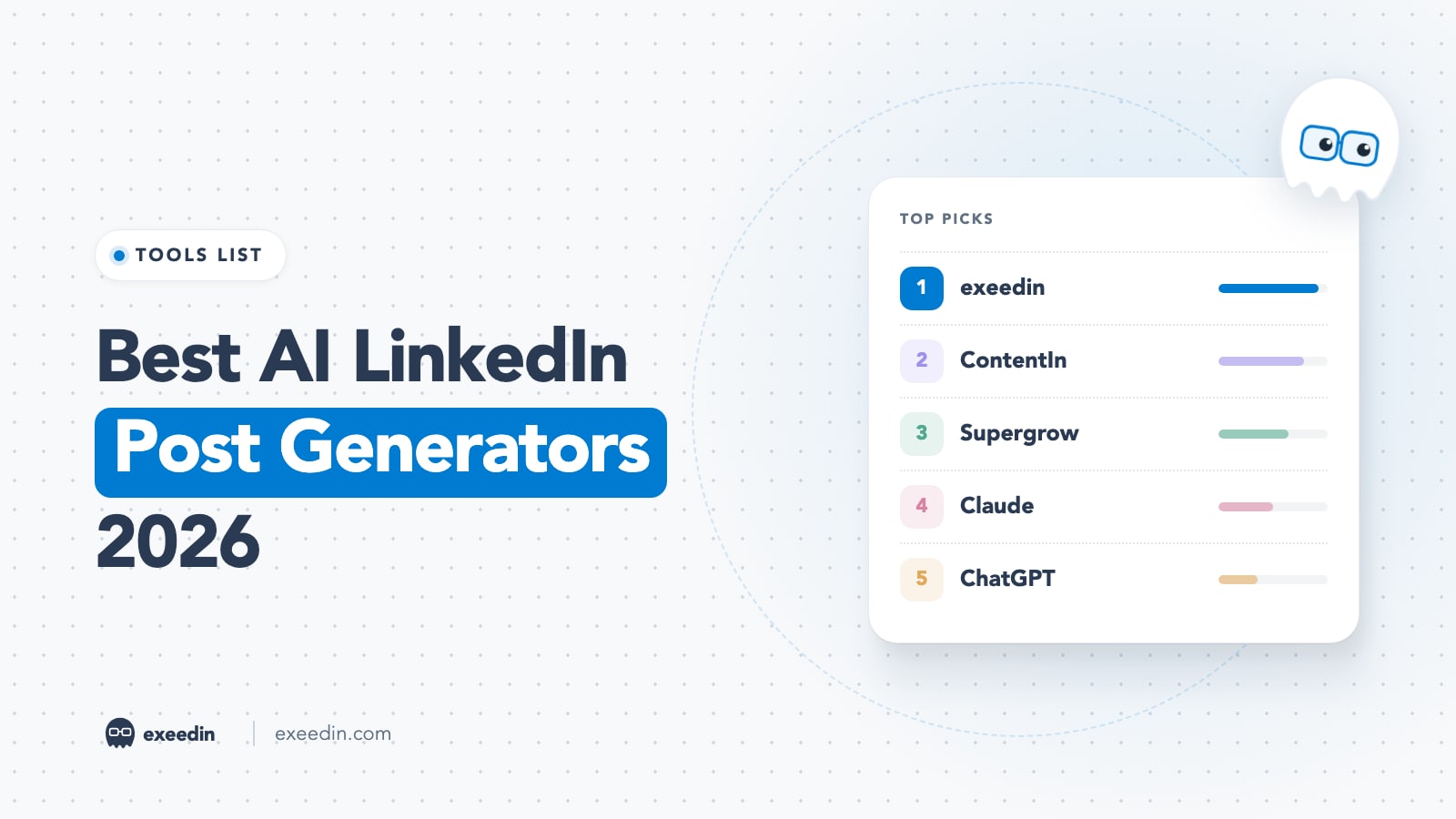
The best AI LinkedIn post generator in 2026 is the one that sounds like you after the least editing. For voice matching and bilingual English and Arabic posting, exeedin ranks first. ContentIn and Supergrow are the strongest budget picks at $39 a month, Claude and ChatGPT are the best free starting points, and Taplio suits people who want writing plus a growth CRM in one tool.
We compare 10 options, including free one-shot generators, with every price taken from the vendor's own pricing page (prices checked October 2026). You also get a test method you can run yourself, plus what happened to EasyGen, which has stopped taking new signups.
Quick comparison: AI LinkedIn post generators at a glance
| Tool | Best for | Starting price | Free plan | Standout feature |
|---|---|---|---|---|
| exeedin | Voice matching, English and Arabic | $49/month, $39/month yearly | No (3-day trial, no card) | Voice profile built from your real posts, Arabic dialect control |
| ContentIn | Voice training on a budget | $39/month, $31/month yearly | No (7-day trial, card required) | Writing model built from 20+ of your posts |
| Supergrow | Turning interviews into posts | $39/month, $31/month yearly | No (7-day trial) | AI interviews and Content Style |
| Claude | Long, careful drafts from your notes | Free, Pro $20/month | Yes | Projects that hold your samples and rules |
| ChatGPT | Free brainstorming and first drafts | Free tier, check current pricing | Yes | Fast iteration on any prompt |
| Taplio | Writing plus CRM and lead tools | $69/month for AI writing (Growth) | No (7-day trial) | All-in-one LinkedIn growth suite |
| MagicPost | Borrowing a creator's structure | $69/month for AI (Creator), $39/month yearly | No (trial, no card) | Style import from you or a creator you like |
| Kleo | Templates, swipes and coaching | $99/month or $999/year | No (no trial) | Large template library plus live coaching |
| AuthoredUp | Editing and formatting your own writing | $19.95/month | No (free trial, no card) | Editor, previews and analytics |
| Free one-shot generators | Trying AI before you pay | $0 | Yes | No commitment |
How we tested: the method behind this ranking
Most "best generator" lists are written by a vendor on the list. We publish no invented scores. The ranking rests on things you can check: what each tool says it does on its own site, what it costs, whether it learns from your past posts, whether it writes Arabic, and how it publishes to LinkedIn. Quality depends on your own posts, so run this test on your shortlist:
- Write one identical brief. A real topic you know, one specific number, one short story from your work, and the audience. Example: "A post for operations managers about why we cut most of our onboarding checklist, what we removed, and the one item we added back."
- Give every tool the same inputs. The same brief, the same three past posts as voice samples (or your connected profile), the same target length. Save the first draft untouched.
- Judge voice match. Read each draft next to your samples. Would a colleague believe you wrote it?
- Judge the hook. Read only the opening two lines, the part people see before tapping "see more". Is the promise specific to this post?
- Check AI-sounding phrasing. Paste each draft into a checker such as the free AI slop detector, which needs no signup, works in English and Arabic, and flags the lines that read as machine-written.
- Mark every hallucination. Highlight any statistic, quote, study or name that was not in your brief.
- Time your edit. Edit each draft until you would publish it. Editing time is the number that matters most.
- Repeat once with a different format, such as a list post or an opinion post. Arabic posters should also run the test in Arabic and check the dialect.
Try exeedin free for 3 days
Write in your own voice, schedule, and grow on LinkedIn in English and Arabic. No credit card needed.
The 10 best AI LinkedIn post generators in 2026
1. exeedin: Best for voice matching and bilingual English and Arabic posts
exeedin is a LinkedIn ghostwriter: you give it an idea, notes or a link, it writes the post in your voice, and you edit, approve and schedule it. The core is My Ghost, a voice profile built from your LinkedIn profile and real posts. It describes how you write, maps the shapes your posts take, and keeps editable rules ("never end with a question"). Ask for the same change twice and it offers to make that a rule for every future post.
For Arabic, you pick a dialect (the one in your own posts, Modern Standard, Gulf, Levantine or Egyptian), can keep technical terms like MVP in English, and can run the whole app in Arabic, right to left.
Key features: writing from notes, 10 hooks per topic, Enrich (real stats with clickable sources), YouTube and article repurposing, a PDF carousel designer, a daily niche feed called Radar, comment suggestions, and scheduling through LinkedIn's official API after you approve each post.
Pricing: Creator is $49 a month, or $39 a month billed yearly. Teams pay $59 per seat a month. There is a 3-day free trial with no card, which includes 5 AI-written posts.
- Pro: learns from your real posts and applies your rules everywhere
- Pro: Arabic dialect control and a fully Arabic interface
- Pro: Enrich shows sources, so fact-checking is faster
- Con: no free plan, and the trial is short (3 days, 5 AI posts)
- Con: $10 a month more than ContentIn or Supergrow on monthly billing
- Con: LinkedIn only, so no X, Threads or Instagram publishing
- Con: analytics show reactions, comments and reposts, but not impressions, and there are no lead generation tools
Who it is for: founders, consultants and teams who post weekly in their own voice, especially in Arabic, English, or both.
2. ContentIn: Best for voice training on a budget
ContentIn is a LinkedIn-only writing and scheduling tool that builds a personal writing model from at least 20 of your existing LinkedIn posts, learning your hooks, rhythm and recurring topics. Every draft you keep or edit feeds back into the model.
Key features: unlimited AI drafts, style training on your best posts, a viral post library, knowledge documents, AI carousels and a scheduler.
Pricing: Growth is $39 a month ($31 billed yearly) and Pro is $59 a month ($48 billed yearly). There is no free plan. The 7-day trial asks for a card. Growth includes 4 AI carousels a month, while Pro raises that to unlimited under fair use.
- Pro: voice model trained on your own back catalog
- Pro: a free post generator that needs no login, linked from its pricing page
- Con: needs 20+ past posts, and the trial requires a card
- Con: the pricing page does not list supported languages or mention Arabic
Who it is for: English creators with a posting history and a tight budget.
3. Supergrow: Best for turning interviews into posts
Supergrow attacks the blank page by interviewing you. Its Pro plan includes unlimited AI interviews, repurposing from YouTube, articles and PDFs, a voice feature called Content DNA, a carousel maker, and scheduling with first-comment automation. Its Content Style feature writes from samples you supply or posts you published through Supergrow.
Pricing: Pro is $39 a month or $31 a month billed yearly; Teams is $199 a month for 5 accounts. Every plan starts with a 7-day trial. If you do not pick a plan, the account pauses and your data is kept.
- Pro: interviews surface stories you would never write down
- Pro: carousel maker included at the entry price
- Con: no free plan on the pricing page
- Con: style learning uses samples you supply; direct LinkedIn history import is not mentioned
- Con: no language list on the pricing or Content Style pages
Who it is for: busy executives and experts who think better out loud than on a keyboard.
4. Claude: Best general-purpose AI for long, careful drafts
Claude is a general AI assistant with no LinkedIn integration, and one of the best free writing partners if you bring good inputs. The useful feature is Projects: store your best posts, audience notes and style rules once, then draft inside that project. It also writes Arabic when you show it the register you want.
Pricing: Claude is free, Pro is $20 a month or $17 a month billed yearly, and Max starts at $100 a month. The free plan includes up to 5 Projects and memory.
- Pro: a free plan that is genuinely usable for drafting
- Pro: good at following detailed style rules and keeping long context
- Con: no LinkedIn connection, so no scheduling, no publishing and no view of your past posts unless you paste them
- Con: it can still invent statistics if you ask for them, so verify every number
Who it is for: occasional posters who enjoy editing. Our ChatGPT vs Claude vs Gemini for LinkedIn comparison goes deeper on which general model fits which job.
5. ChatGPT: Best free starting point for brainstorming
ChatGPT is where most people start, and for ideas, outlines and first drafts it is hard to beat for free. With saved instructions and a few of your posts pasted in, it gets close to your tone. Left alone, it drifts into the polished, list-heavy style readers recognize as AI.
Pricing: ChatGPT has a free tier. OpenAI's paid tiers change often, so check current pricing on OpenAI's site before you subscribe.
- Pro: free, fast, and good for generating many angles on one idea
- Pro: writes in Arabic and many other languages
- Con: no LinkedIn publishing, scheduling or knowledge of what you posted last week
- Con: generic default phrasing unless your prompt is very specific
Who it is for: anyone testing whether AI fits their process. Start with our ChatGPT prompts for LinkedIn posts, which include prompts built to avoid the usual AI tells.
6. Taplio: Best for writing plus a LinkedIn CRM in one tool
Taplio is the broadest tool here: writing, scheduling, analytics, engagement feeds, contact lists and, on its top plan, outreach.
Pricing: Starter is $39 a month, Growth $69 a month and Pro $199 a month, or $32, $49 and $149 a month billed yearly. The detail that matters for this guide: "Write viral posts with AI" starts at Growth, while Starter only includes limited access to Ask Taplio. The 7-day trial includes Pro features with limited AI, and your plan starts when the trial ends or the AI limit is hit.
- Pro: the most complete feature set for LinkedIn growth
- Pro: a free Chrome extension and free post generator
- Con: real AI writing costs $69 a month on monthly billing
- Con: the pricing page does not describe training the AI on your own posts
- Con: Pro includes automated DMs and automated connection requests. LinkedIn's help page on prohibited software says it does not permit third-party software that automates activity on the site, so weigh that risk before turning those features on
Who it is for: creators and sales-led founders who will actually use the CRM and engagement features. For a head-to-head, see Taplio vs AuthoredUp.
7. MagicPost: Best for borrowing a creator's structure in your words
MagicPost lets you import a writing style from your own LinkedIn posts or from a creator you like, and it publishes through LinkedIn's official API rather than a browser extension. It also has free tools such as a hook generator.
Pricing: Growth is $49 a month ($29 billed yearly) and Creator is $69 a month ($39 billed yearly). Watch the tiers: Growth does not include AI post generation, so the AI writer starts at Creator. There is a trial with no card and no free plan.
- Pro: style import from your posts or a creator's
- Pro: official API publishing
- Con: the cheaper plan has no AI writing at all
- Con: no language list on the pricing page, so Arabic support is unconfirmed
Who it is for: people who admire a specific creator's format and will pay yearly.
8. Kleo: Best for template lovers who want coaching
Kleo is a LinkedIn writing tool with unlimited post generation, writing style training and automatic memories that learn from each post. Around the AI sit 200+ hook templates, 160+ post templates, swipe files and weekly live group coaching.
Pricing: $99 a month, or $999 a year, with a 30-day guarantee on the yearly plan. Kleo states there is no free trial and no free plan. Post generation supports English (UK and US), German, French, Italian, Spanish, Portuguese, Dutch, Danish and Czech; Arabic is not on the list.
- Pro: the biggest template and swipe library here
- Pro: coaching and a community included in the price
- Con: the most expensive option here, with no trial
- Con: no Arabic
Who it is for: people who want coaching and community as much as a generator.
9. AuthoredUp: Best for editing and formatting what you write yourself
AuthoredUp is primarily an editor, previewer and analytics tool for people who write their own posts. Its AI writing assistant, Coauthor, is in closed beta and learns your voice from your own posts, with extra credits sold as an add-on. The hooks and endings libraries are hand-written templates.
Pricing: Individual is $19.95 a month ($16.63 a month billed yearly); Business is $14.95 per profile a month with a minimum of 3 profiles. The trial needs no credit card. Scheduling runs through the Chrome extension.
- Pro: the cheapest paid tool on this list
- Pro: strong formatting, previews and analytics
- Con: the AI writer is still a closed beta
- Con: scheduling runs through its Chrome extension
Who it is for: confident writers who want a better editor and do not need a ghostwriter.
10. Free one-shot generators: Best for trying AI before you pay
Type a topic, get a post, copy it. These single-page tools show what AI can do with your topic, but they forget you the moment you close the tab. Ones that exist today:
- exeedin Post Copywriter: the Post Copywriter turns a topic or rough draft into a full post with a chosen tone and format, in English or Arabic. It needs a free account and runs inside the 3-day trial.
- ContentIn's free AI LinkedIn post generator: no login; its pricing page says it writes a first draft from your profile or a topic.
- Taplio's viral post generator: free, with multiple variations from a topic or rough idea.
- Ordinal's free LinkedIn post generator: free, with a capped number of generations, and inputs for goal, tone and proof.
- Pro: zero cost and nothing to cancel
- Con: no memory of your voice, no scheduling, and outputs tend to share the same default AI style
Who it is for: anyone deciding whether AI belongs in their LinkedIn workflow at all.
What happened to EasyGen?
EasyGen still appears on older lists, but as of October 2026 its homepage says EasyGen has been acquired and is not taking new signups; existing customers can still log in. The closest replacements here are ContentIn and MagicPost; see our EasyGen alternatives guide.
What about LinkedIn's built-in AI?
Premium Career and Premium Business subscribers get a Post proofreader that edits what you already wrote: Review fixes spelling and grammar, Shorten tightens, and Clarify improves readability, with tracked changes you accept or reject. It is English only and writes nothing from scratch, so it is a final polish for English drafts.
Is it safe to use an AI post generator on LinkedIn?
LinkedIn's rules focus on how software touches your account. Its prohibited software page says it does not permit third-party software, including bots and browser extensions, that scrapes the site or automates activity, and that accounts using such tools can be restricted or shut down. Ask three questions of any generator:
- How does it publish? Posting through LinkedIn's official API, after you log in with LinkedIn, is the lower-risk route.
- Does it automate actions? Auto-DMs, auto-connection requests and auto-comments are a different category from scheduling a post you approved.
- Do you approve every post? If nothing goes live without your review, your reputation stays in your hands.
Our roundup of LinkedIn marketing tools applies the same lens to schedulers and analytics tools.
Which AI LinkedIn post generators support Arabic?
Few roundups check Arabic at all. Here is what the vendors' own pages say:
- exeedin: Arabic posts with dialect choice (Modern Standard, Gulf, Levantine, Egyptian, or the dialect of your own posts), an option to keep technical terms in English, and an Arabic interface.
- Claude and ChatGPT: both write Arabic, but you control the dialect only through your prompt and examples, every time.
- Kleo: lists nine generation languages, and Arabic is not one of them.
- ContentIn, Supergrow, MagicPost, Taplio, AuthoredUp: no language list on their pricing pages, so test Arabic during the trial.
- LinkedIn's Post proofreader: English only.
A tool that writes clean English can still produce stiff Arabic, so test both languages if you post in both.
What does an AI post generator really cost?
The cheapest plan often excludes the AI writer:
- Taplio starts at $39 a month, but AI post writing starts at the $69 Growth plan.
- MagicPost starts at $49 a month, but AI post generation starts at the $69 Creator plan.
Compared on the plan that actually writes for you, monthly billing in October 2026 looks like this: Claude and ChatGPT free, AuthoredUp $19.95 (AI in beta), ContentIn and Supergrow $39, exeedin $49, Taplio and MagicPost $69, Kleo $99. Yearly billing narrows the gap: ContentIn and Supergrow drop to $31 a month, exeedin and MagicPost Creator to $39, and Taplio Growth to $49.
The other cost is your time: a free tool that needs heavy editing on every post can cost more hours than a paid one that needs a light pass.
How to choose the right AI LinkedIn post generator
Shortlist two tools from your situation, then run the test on both.
- You post in Arabic, or in Arabic and English: exeedin, because dialect control and an Arabic interface are built in. Use Claude as a free backup.
- You have 20+ past posts and a tight budget: ContentIn or Supergrow at $39 a month.
- You struggle to find things to say: Supergrow's interviews draw the stories out of you.
- You post twice a month and like editing: Claude or ChatGPT on the free plan is enough.
- You want writing, CRM and outreach together: Taplio Growth or Pro, after reading LinkedIn's automation rules.
- You want templates and coaching: Kleo, if the price is acceptable without a trial.
Whatever you choose, give the tool your own story and numbers, delete any fact you did not supply, and read the hook out loud before posting. That keeps you clear of the sameness we discuss in has AI made LinkedIn posts sound too similar? If you are deciding between AI tools and human help, our list of AI LinkedIn ghostwriting tools covers the ghostwriting side in more depth.
Frequently Asked Questions
What is the best AI LinkedIn post generator?
For voice matching and Arabic or bilingual posting, exeedin is the strongest pick because it builds a voice profile from your real posts and lets you choose an Arabic dialect. ContentIn and Supergrow are the best value at $39 a month for English posters. If you want to spend nothing, Claude or ChatGPT will produce good drafts when you give them your own examples.
Is there a free AI LinkedIn post generator?
Yes. ChatGPT and Claude both have free plans that can draft LinkedIn posts, and free single-page generators exist from ContentIn, Taplio and Ordinal. Free tools do not remember your voice between sessions or schedule posts, so expect more editing. Most specialist tools, including ContentIn, Supergrow, Taplio and MagicPost, offer a free trial rather than a free plan.
Is using AI to write LinkedIn posts against LinkedIn's rules?
LinkedIn's help pages prohibit third-party software that scrapes the site or automates activity, such as bots and some browser extensions. Drafting a post with AI and publishing it yourself is a different thing. To stay safe, choose a tool that publishes through LinkedIn's official API, approve every post yourself, and avoid features that send automated messages or connection requests.
Can AI write LinkedIn posts in Arabic?
Yes, but quality varies by tool. exeedin supports Arabic posts with a dialect setting (Modern Standard, Gulf, Levantine, Egyptian, or the dialect of your posts) and an Arabic interface. ChatGPT and Claude write Arabic but need examples in every prompt. Kleo does not list Arabic, and several other tools do not state language support, so test an Arabic brief during the trial.
How do I make AI-generated LinkedIn posts sound less like AI?
Feed the tool your own story, a real number and three of your past posts, then edit hard. Cut generic openers, symmetrical lists and phrases you would never say out loud. Run the draft through a free AI-phrasing checker to find the lines that read as machine-written, then rewrite those lines in your own words before posting.