ChatGPT vs Claude vs Gemini for LinkedIn Posts (2026 Comparison)
Claude is usually best at matching your voice, ChatGPT at hooks and images, Gemini at value and context. A 2026 comparison for LinkedIn writers, with a test brief.
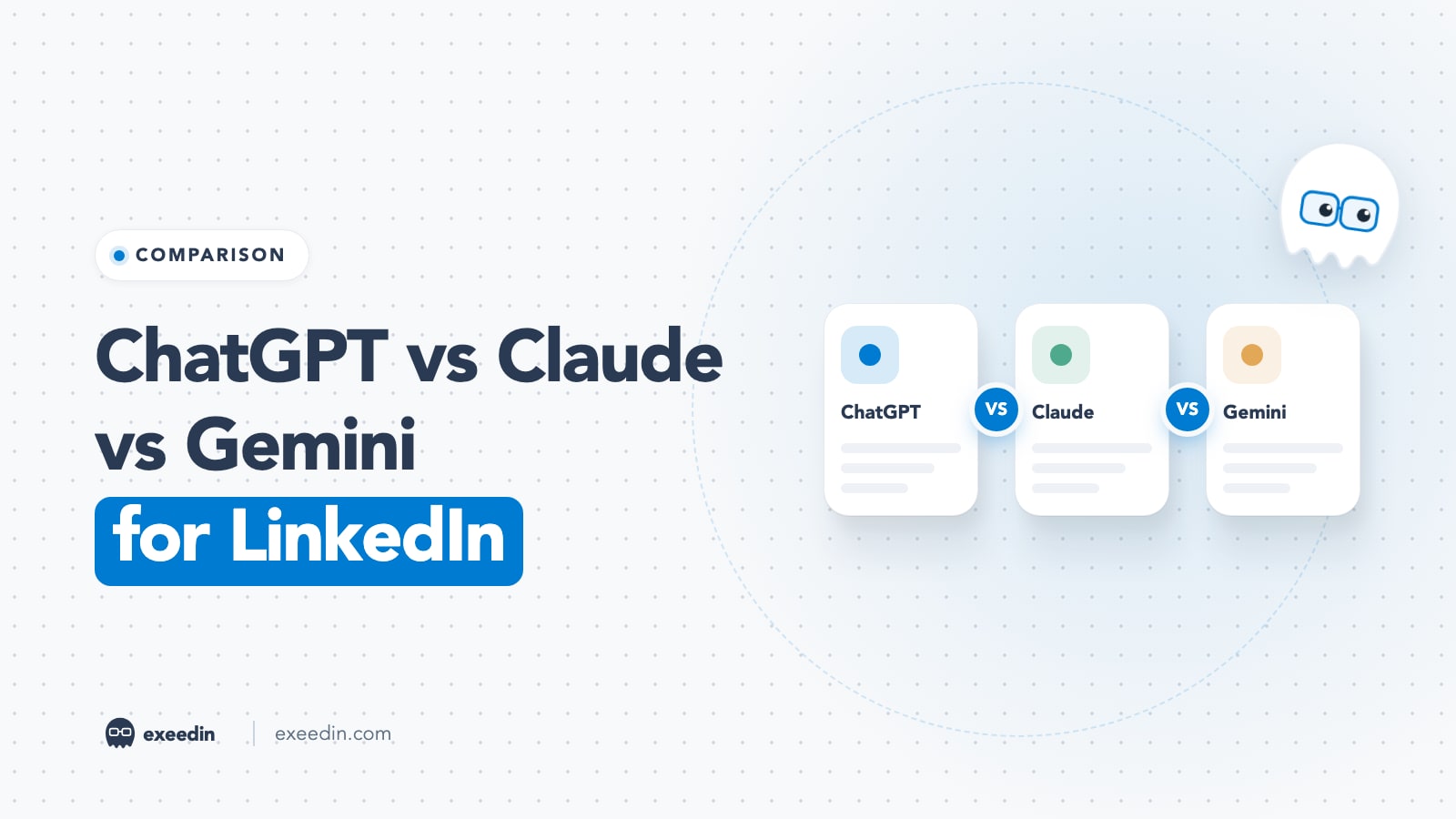
For LinkedIn posts, Claude is usually the strongest at matching your voice and avoiding AI-sounding phrasing, ChatGPT is the most versatile for hooks, images and saved workflows, and Gemini is the cheapest way to get a large context window and image generation. All three paid tiers start around $20 a month, so writing style should decide it.
Below we compare ChatGPT, Claude and Gemini on the seven things that matter for LinkedIn: voice matching, hooks, AI-sounding phrasing, Arabic, long context for pasting past posts, images and carousels, and price. Plans and models are taken from each vendor's own pricing pages (prices checked October 2026). We also give you one test brief to run in all three, because your voice is the only benchmark that counts.
Quick comparison
| ChatGPT | Claude | Gemini | |
|---|---|---|---|
| Best for | Hooks, variations, images, saved GPTs | Voice matching, long posts, editing | Budget plans, huge context, images |
| Free plan | Yes (GPT-6, limited tools) | Yes (Sonnet and Haiku) | Yes (Flash-Lite) |
| Main paid plan (US) | Plus $20/month | Pro $20/month, or $17/month billed yearly | AI Pro $19.99/month |
| Cheaper tier | Go (price varies by country) | None below Pro | AI Plus $4.99/month |
| Top tier | Pro from $100/month | Max from $100/month | AI Ultra from $99.99/month |
| Flagship models in the app | GPT-6 family (Sol, Astra, Luna) | Opus 5.5, Sonnet 5.5, Haiku 5.5 | Gemini 4 Argon, Pro, Flash |
| Image generation | Yes, on every plan with limits | Not listed; makes documents, slides and designs instead | Yes (Nano Banana), on every plan with limits |
| Reusable setup for your voice | Projects, custom GPTs, memory | Projects, memory | Gems |
| Standout for LinkedIn | Ten hook options in seconds | Drafts that need the least rewriting | Paste a year of posts on AI Pro |
Sources: ChatGPT pricing, OpenAI Help on Plus, OpenAI Help on Pro tiers, Claude pricing, Anthropic models overview and Google AI plans. ChatGPT Go is billed in USD in most countries, but OpenAI shows its price on the pricing page by region, so check current pricing where you live.
Get 10 hooks for your next post
Type what your post is about and get 10 opening lines from different proven angles. Free, no signup.
Or open the free LinkedIn hook generator
The three assistants in brief
1. Claude: Best for matching your voice
Anthropic's lineup in October 2026 is Claude Opus 5.5, Sonnet 5.5 and Haiku 5.5, with Fable 5.1 for the hardest reasoning work, according to the models overview. The Claude pricing page lists Free with Sonnet and Haiku and up to 5 projects, Pro at $20 a month (or $17 a month billed annually at $200) with Opus and unlimited projects, and Max from $100 a month.
- Strengths: the most natural default prose of the three in most published comparisons, good at following a long style guide, and strong at editing a draft without flattening it.
- Weaknesses: image generation is not among its listed plan features, so carousels need a separate design step, and first drafts can run long for LinkedIn.
2. ChatGPT: Best for hooks, images and reusable workflows
OpenAI's pricing page lists the GPT-6 family across plans: Free includes unlimited text chats with GPT-6 under abuse guardrails, Plus adds advanced reasoning, Projects, scheduled tasks and custom GPTs, and Pro adds Pro reasoning powered by GPT-6 Astra. Plus is $20 a month billed monthly, with no annual option, and Pro comes in $100, $200 and $500 tiers.
- Strengths: fastest at producing many variations, built-in image creation, and custom GPTs that a teammate or assistant can reuse.
- Weaknesses: its default voice is the most recognisable, so it needs a firm ban list, and the free plan's context window is small for pasting many past posts.
3. Gemini: Best value and largest affordable context
Google's Google AI plans page lists Free (Flash-Lite), AI Plus at $4.99 a month (Flash), AI Pro at $19.99 a month (Gemini 4 Argon, Pro and Flash) and AI Ultra from $99.99 a month. AI Pro's FAQ states a 1 million token context window, and every plan includes some image generation and editing through Nano Banana.
- Strengths: the cheapest paid entry point, a huge context window on AI Pro, image generation, and Gems for saving your instructions.
- Weaknesses: reviewers often describe its default tone as formal or corporate, which suits some LinkedIn audiences and flattens others.
Run this test brief in all three
Published comparisons go stale every time a model updates, so the most reliable test is your own. Paste the same brief into each assistant in a fresh chat, with the same three past posts, and compare the outputs side by side.
I am a [role] who writes on LinkedIn for [audience]. Below are three of my past posts, separated by ###. Study my voice: sentence length, openings, closings, tone, and what I never do. Then write a new LinkedIn post of 150 to 220 words about this real moment: [describe one specific event with a number in it]. Rules: use only the facts I gave you, no hashtags, no emojis, no long dashes, no question at the end, no motivational cliches. Then give me 5 alternative first lines. ### [post 1] ### [post 2] ### [post 3]
Score each result on four questions:
- Would a colleague believe you wrote it?
- Did it invent any facts, numbers or quotes you did not give it?
- How many lines did you have to rewrite before it was postable?
- Is at least one of the five hooks good enough to use as is?
For reference, a January 2026 side-by-side review gave all three the same writing samples and prompts and found Claude's rewrites the most natural, ChatGPT the strongest for short hooks and calls to action, and Gemini too formal for casual posts but fine for professional LinkedIn content. A 2026 Ritner Digital comparison reached a similar view on tone. Both predate the current GPT-6, Gemini 4 Argon and Claude 5.5 releases, which is another reason to run the brief yourself. We have not published scores, because a single number would hide the thing that matters: how close each draft gets to your own voice.
Voice matching
Voice matching depends more on what you feed the model than on the model itself. All three improve sharply when you paste five to ten real posts and ask them to describe your style before drafting. The differences show up in how faithfully they keep that style over a long post.
- Claude tends to hold a supplied style guide closest over the whole post and to keep your quirks (short lines, plain words) instead of smoothing them out.
- ChatGPT matches well in the first paragraph, then drifts toward its own rhythm in longer drafts unless your instructions are explicit. Projects help, because your style guide sits in every chat.
- Gemini matches structure well but often raises the formality a notch. Saving your style guide in a Gem and adding "write the way I talk, not the way a press release reads" helps.
Hook quality
ChatGPT is the quickest at generating ten distinct hooks in one go, and it varies structure well when asked. Claude's hooks are usually fewer but more specific, and they rely less on stock formulas. Gemini produces solid, clear hooks that can feel safe. Whichever you use, ask for hooks that start with a concrete detail (a number, a name, a time), and pick the hook yourself. For prompts that do this, see our ChatGPT prompts for LinkedIn posts; they work in all three assistants.
AI-sounding phrasing
Every model has tells: filler openers, tidy three-item lists, dramatic one-word sentences, long dashes, and a moral at the end. ChatGPT's tells are the most widely recognised, so readers spot them fastest. Claude's default prose shows fewer of them, though it can over-qualify and run long. Gemini's tell is a corporate register.
The fix is the same in all three: a ban list in your saved instructions, specific facts in every prompt, and an editing pass before posting. A free check such as the AI slop detector grades how AI-sounding a draft reads, which is useful when you are comparing the three outputs from the test brief. Why this matters on LinkedIn specifically is covered in has AI made LinkedIn posts sound too similar?
Arabic quality
None of the three vendors publishes a benchmark for Arabic LinkedIn writing, and general multilingual scores say little about whether a post sounds natural to a reader in Riyadh, Dubai or Cairo. Test Arabic separately with the brief above, using your own Arabic posts as samples, and check four things:
- Register: does it stay in the Modern Standard Arabic or dialect flavor of your samples, or drift into formal news Arabic?
- Translation smell: does it translate English idioms literally? Ask for Arabic directly rather than translating an English draft.
- Technical terms: does it keep words like CRM, MVP or AI in English when your samples do?
- Punctuation: Arabic commas and question marks, and no stray English punctuation patterns.
In practice, all three handle Modern Standard Arabic well enough for a first draft; the gap is in how naturally they write Gulf, Levantine or Egyptian flavored posts. Expect to edit more in Arabic than in English with any of them.
Long context: pasting your past posts
Context is how much text the assistant can read at once, and it decides how many past posts you can paste as examples. OpenAI's pricing page lists a 27K token total context window for GPT Instant on the free plan (about 12 pages of input), with paid plans getting more. Google lists a 1 million token window for Gemini on AI Pro. Anthropic lists a 1 million token window for all current Claude models on its API models page; limits inside the Claude app depend on your plan.
A year of LinkedIn posts is usually well under 100,000 words, so any paid plan can take your best 20 to 50 posts. More context is not always better: ten great posts teach a model your voice better than two hundred average ones.
Images and carousels
- ChatGPT creates images on every plan with limits, and Plus improves accuracy. It is good for a cover image or a simple graphic, weaker at text-heavy slides.
- Gemini includes image generation and editing through Nano Banana on every plan, with more access on paid tiers.
- Claude does not list image generation; its plans list Artifacts, Claude Design, Slides and Docs, which can lay out slide copy you then export or rebuild in a design tool.
For LinkedIn carousels, all three are best used for slide copy, with layout done in a carousel tool. We tested what works in can ChatGPT generate LinkedIn carousels?
How to set each one up for LinkedIn in 10 minutes
- Collect your samples: copy your 5 to 10 best LinkedIn posts into one document, plus a short list of phrases you never want to see.
- ChatGPT: create a Project called LinkedIn, paste your style notes into the project instructions and upload the document. On Plus you can also build a custom GPT if someone else drafts for you.
- Claude: create a Project, add the document to its knowledge and put your rules in the project instructions. Free accounts can keep up to 5 projects; Pro removes the cap.
- Gemini: create a Gem with your rules as its instructions and attach the samples document.
- Test: run the brief above inside each saved setup, not in a blank chat, so you compare the assistants at their best.
Privacy: pasting client details into an AI chat
LinkedIn posts often start from client work, so check data settings before pasting names, numbers or screenshots. OpenAI's pricing page states that content on consumer plans is used to train its models with an opt-out available. Anthropic's pricing page lists no model training on your content by default for Team plans. Google's consumer Gemini plans have their own activity settings. Whichever you use, anonymise client details unless the client has approved being named, and never paste anything you would not be comfortable seeing quoted.
Price
| Tier | ChatGPT | Claude | Gemini |
|---|---|---|---|
| Free | $0 | $0 | $0 |
| Low-cost | Go (check current pricing) | None | AI Plus $4.99/month |
| Standard | Plus $20/month | Pro $20/month or $200/year | AI Pro $19.99/month |
| Power user | Pro $100, $200 or $500/month | Max from $100/month | AI Ultra $99.99 or $199.99/month |
Prices checked October 2026 on each vendor's US pricing page and exclude tax. For one person writing LinkedIn posts, the $20 tier of any of the three is enough. The top tiers add usage for coding, agents and research, which LinkedIn writing rarely needs.
Where a dedicated LinkedIn tool fits
General assistants forget your context between chats unless you rebuild it in Projects or Gems, they cannot see how your posts performed, and none of them publishes to LinkedIn for you. That is the gap dedicated LinkedIn tools fill. exeedin, for example, builds a voice profile from your real LinkedIn posts, keeps your writing rules on file, writes in English or Arabic, and schedules each post you approve through LinkedIn's official API. If you are happy managing prompts yourself, the general assistants are cheaper; if you want the voice memory and scheduling in one place, compare options in our guides to the best AI LinkedIn post generators and AI LinkedIn ghostwriting tools.
Which should you pick?
- You care most about sounding like yourself: Claude Pro. Run the test brief first to confirm.
- You want hooks, images and a reusable custom GPT for your team: ChatGPT Plus.
- You are on a tight budget or want to paste a huge archive: Gemini AI Plus or AI Pro.
- You write in Arabic: test all three free plans with your own Arabic posts before paying.
- You post several times a week and want scheduling too: a dedicated LinkedIn tool on top of, or instead of, a general assistant.
Whichever you choose, keep posts under LinkedIn's 3,000 character limit and remember that LinkedIn's ranking now reads your content closely, as explained in what LinkedIn's 360Brew means for your posts.
Frequently Asked Questions
Is ChatGPT or Claude better for LinkedIn posts?
Claude usually produces drafts that sound more human and need less rewriting, which is why many LinkedIn writers prefer it for full posts. ChatGPT is faster for generating many hook options and includes image creation. Both cost $20 a month on their standard paid plans, so run the same brief in each with your own past posts and keep the one that sounds like you.
Is Gemini good for writing LinkedIn posts?
Gemini writes clear, professional LinkedIn posts and is the cheapest paid option, with AI Plus at $4.99 a month and AI Pro at $19.99. Its default tone leans formal, so add your past posts and ask for a conversational register. Its 1 million token context on AI Pro makes it easy to paste a large archive of your posts.
Which AI sounds the least like AI on LinkedIn?
Published comparisons in 2026 have generally rated Claude's default prose as the most natural, but every model shows recognisable habits without guidance. A ban list, specific facts from your own experience and a final editing pass matter more than which assistant you use. Check drafts with a detector or by reading them aloud before posting.
Can I use the free versions for LinkedIn?
Yes. All three have free plans that can draft posts and hooks. The limits are usage caps and smaller context, which make it harder to paste many past posts, plus fewer saved-instruction features. If you post weekly or more, a $20 plan pays for itself in saved setup time because your voice guide stays in a Project or Gem.
Which AI is best for Arabic LinkedIn posts?
No vendor publishes an Arabic LinkedIn writing benchmark, so test it yourself. Give each assistant three of your Arabic posts and the same brief, and check whether it keeps your dialect or Modern Standard Arabic, avoids literal translations of English idioms and keeps technical terms in English where you do. Expect more editing in Arabic than in English.