LinkedIn Article vs Post vs Newsletter: Which Should You Use in 2026?
Posts win on reach, articles win on Google, newsletters win on notifications. Compare limits, SEO, reach and effort, then use a simple decision flow for every idea.
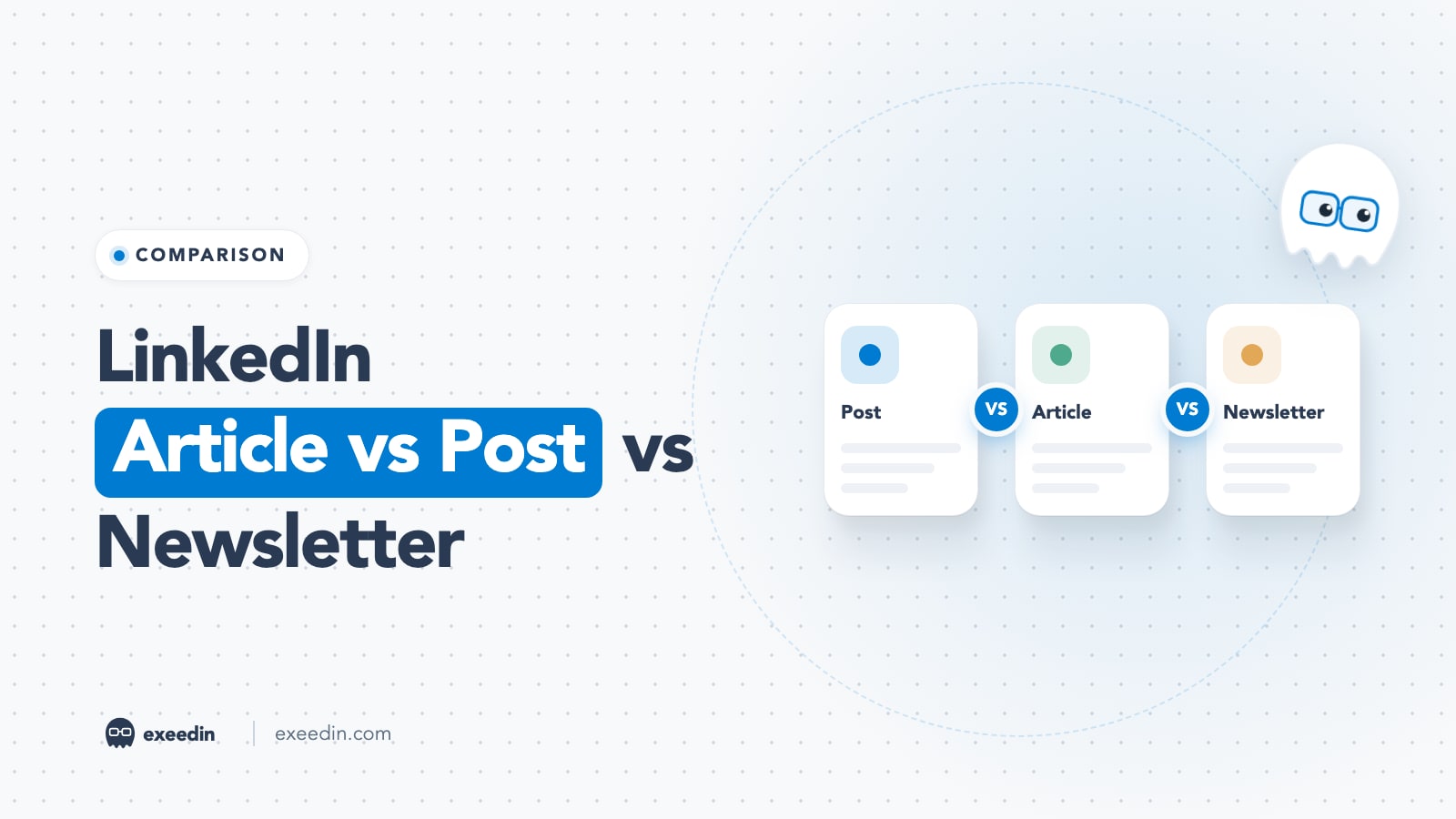
Use a LinkedIn post for most things: it is short (up to 3,000 characters), lives in the feed and gets the most reach. Use an article for long, evergreen pieces you want found on Google. Use a newsletter for a recurring series, because every edition notifies subscribers by push, in-app alert and email. Most people should post weekly and add a newsletter only once they can keep a schedule.
Below, the three formats are compared on length limits, SEO, notifications, reach, effort and best uses, using LinkedIn's Help Center for the rules and a 2026 dataset for reach. At the end there is a simple decision flow you can follow for any idea, and a workflow for using all three together.
LinkedIn article vs post vs newsletter at a glance
| Feature | Post | Article | Newsletter |
|---|---|---|---|
| What it is | Short content in the feed | Long-form piece with its own page | A recurring series of articles people subscribe to |
| Length | Up to 3,000 characters | Roughly 110,000 characters (not officially published) | Each edition is an article, same length |
| Formatting | Plain text, emojis, media, documents, polls | Headings, inline images, links, embeds, code, cover image or video | Same as articles, plus a newsletter title, logo and cadence |
| Where it appears | Feed, your Activity tab | Feed (as a share), Activity tab, its own URL | Feed, subscribers' notifications and inbox, newsletter page |
| Notifies people | No (beyond mentions) | Only members you mention | Yes: push, in-app and email to every subscriber |
| SEO controls | None | Custom URL, SEO title, SEO description | Same as articles |
| Create on mobile | Yes | No, desktop only | No, desktop only |
| Who can create | Everyone | All members and Page admins | All members; Pages must meet access criteria |
| Effort (rough guide) | 15 to 45 minutes | 2 to 5 hours | 2 to 5 hours per edition, plus a schedule to keep |
| Best for | Reach, conversation, testing ideas | Evergreen guides, case studies, search traffic | Building an owned audience over time |
What LinkedIn means by post, article and newsletter
LinkedIn's own definitions page keeps it simple. Posts are content shared through the feed. Articles are long-form, in-depth content that may be distributed to your connections and beyond. A newsletter is a way for members to subscribe and be notified about new articles you publish. In other words, a newsletter edition is an article with a subscriber list attached.
That last point clears up most of the confusion. The writing tool, the formatting options and the length are identical for an article and a newsletter edition. What changes is distribution: an article has to earn its reach in the feed, while a newsletter edition is pushed to people who asked for it.
Get 10 hooks for your next post
Type what your post is about and get 10 opening lines from different proven angles. Free, no signup.
Or open the free LinkedIn hook generator
Length and character limits
- Posts: LinkedIn's Help Center article on posts states that posts can contain up to 3,000 characters, and that anything longer should be written as an article.
- Articles and newsletter editions: LinkedIn does not publish a body limit. AuthoredUp's character limit guide (updated August 2026) puts it at roughly 110,000 characters and article titles at 150 characters. In practice you will never hit the body limit.
- The fold on posts: the same guide notes that only about 210 characters show on desktop and about 140 on mobile before "see more". That is why the first line of a post matters more than its length.
A useful rule: if your idea needs headings, more than one image placed inside the text, or more than about 500 words, it wants to be an article. If it can be said in 150 to 300 words with one clear point, it is a post.
SEO: which LinkedIn format can rank on Google?
Articles and newsletter editions are the only LinkedIn formats with real SEO controls. According to LinkedIn's guide to writing articles, the Settings option under Manage lets you set the article URL, an SEO title and an SEO description to control how the article shows up in search engines. LinkedIn's SEO settings help page adds that SEO titles over 60 characters are truncated and suggests SEO descriptions of 140 to 160 characters with keywords.
Posts have public URLs too, but they offer no SEO title, no description and no headings, so they rarely rank for anything competitive. If search traffic is a goal, the format choice is easy: write an article or a newsletter edition, and fill in the SEO fields every time.
Two cautions. First, an article on LinkedIn ranks on LinkedIn's domain, so the traffic and authority build LinkedIn's site, not yours. If you have a company blog, publish the definitive version there and use a LinkedIn article as a summary that links back. Second, newsletters do not get a special SEO advantage over standalone articles. We looked at that question in whether LinkedIn newsletters help with SEO.
Notifications: the newsletter's real advantage
This is where newsletters win. Per LinkedIn's newsletter help article, subscribers receive push, in-app and email notifications after each edition is published. When someone new follows you, LinkedIn automatically sends them an invitation to subscribe. And when you launch, LinkedIn's newsletter setup guide says your connections and followers are invited by notification to subscribe after your first edition goes out.
Posts and standalone articles get none of that. A post reaches whoever the feed decides to show it to. An article does the same, and only people you @mention are notified. A newsletter turns that feed lottery into something closer to email: people opted in, and they hear about each edition.
That is also why the first edition matters so much. The automatic invitation to your existing network happens once, at launch. If you start a newsletter with a weak first edition, you spend your biggest notification moment on it.
Reach: how each format performs in the feed
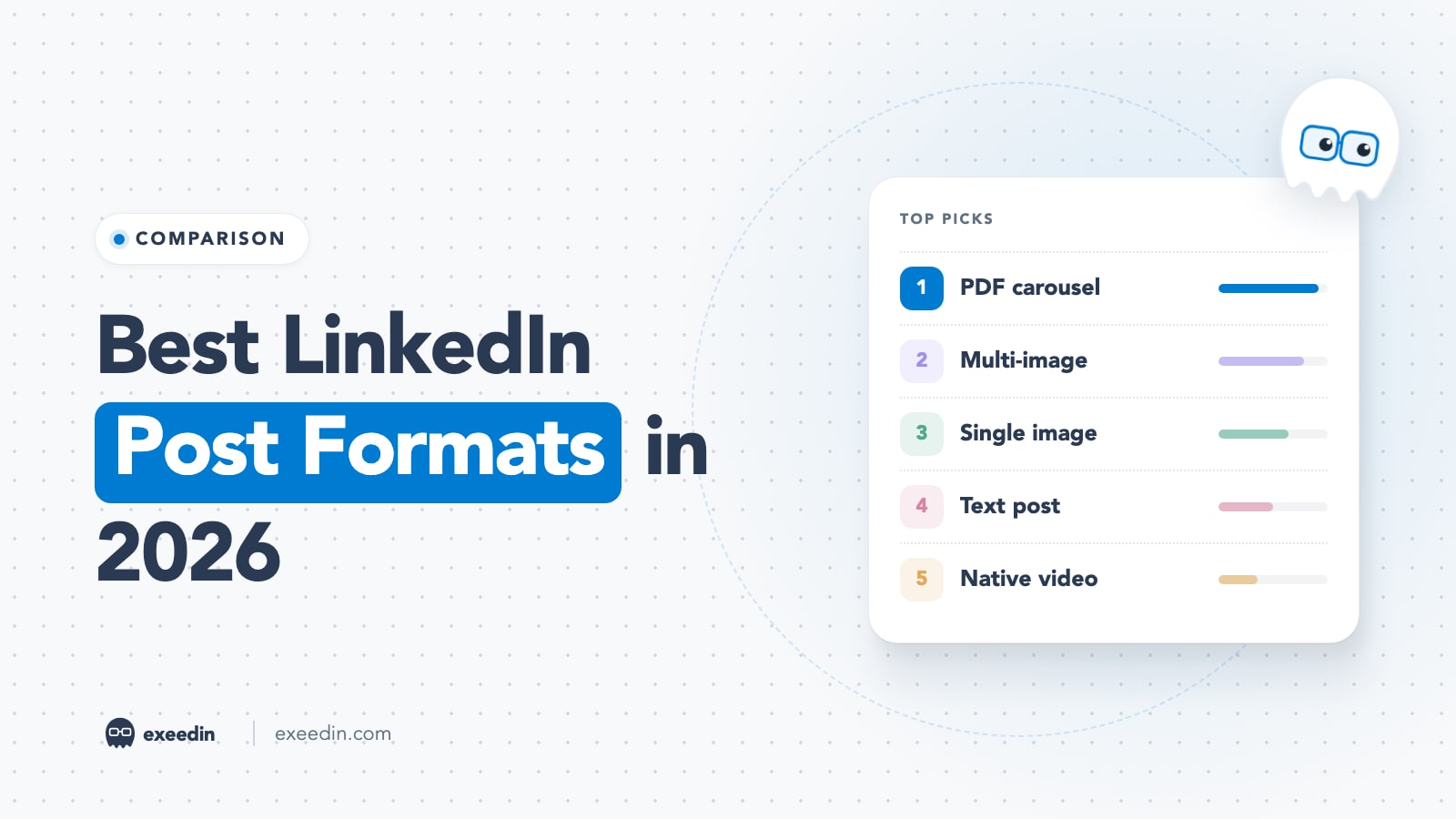
For feed reach, posts beat articles by a clear margin. AuthoredUp's analysis of 372,000+ posts from personal profiles (March 2025 to February 2026) found:
| Format | Median reach | Median engagements |
|---|---|---|
| Document (PDF carousel) | 1,198 | 35 |
| Image post | 1,031 | 36 |
| Text post | 921 | 21 |
| Video | 740 | 25 |
| Article | 596 | 12 |
AuthoredUp puts article reach at roughly 31% below the average post, and attributes it to the extra click needed to read an article rather than to quality. Its data also showed article reach was relatively stable, down about 6% year over year compared with steeper drops for video and images.
Newsletter editions appear in the feed like articles, so their feed reach follows a similar pattern. The difference is the notification layer on top, which reaches subscribers whether or not the feed shows them the edition. For a deeper look at all formats, see LinkedIn post formats compared.
Can you schedule posts, articles and newsletters?
Yes, all three can be scheduled natively. For posts, LinkedIn's posting guide describes a clock icon in the composer that sets a date and time, on both desktop and mobile. For articles and newsletter editions, the article guide says to click the clock icon next to Publish and follow the prompts. Because articles are desktop only, scheduling them is too.
Scheduling matters most for newsletters, since a missed cadence is visible to subscribers. Write editions ahead, schedule them for the same weekday and time, and use the gap to promote the previous edition with posts. Our full guide on how to schedule a post on LinkedIn covers limits and troubleshooting.
Personal profile or Company Page?
All three formats exist for both, with a few differences worth knowing before you plan:
- Posts work on both, but people's posts usually spark more conversation than Page posts, because readers respond to a person.
- Articles can be published by any member and by super admins or content admins of a Page, according to LinkedIn's article guide. A Page article is a good home for company research, product guides or event recaps.
- Newsletters are open to every member, while Pages must pass LinkedIn's access review first. A Page newsletter gives followers a reason to return, which helps because Pages tend to grow followers slowly.
A common setup for teams: the founder runs a personal newsletter on their area of expertise, the Company Page publishes a monthly newsletter of company news and research, and everyone posts.
Effort and production time
Effort is the hidden cost that decides whether a format survives in your routine.
- Posts take 15 to 45 minutes once you have an idea, and can be written and published from your phone. A few reusable post structures shorten that further.
- Articles take a few hours: research, structure with headings, a cover image, SEO fields and a share caption. They can only be written on desktop. LinkedIn's article guide says the publishing feature is not available on the mobile app.
- Newsletters take the same few hours per edition, plus the promise. When you create one, LinkedIn asks "How often do you want to publish?", and subscribers expect you to keep that cadence. A daily newsletter is a part-time job. A monthly one is realistic for most professionals.
Best uses for each format
Use a post when you want to:
- Share a quick opinion, lesson, story or result
- Start a conversation and get comments
- Test whether an idea resonates before investing hours in it
- Share a PDF carousel, image, video or poll
- Stay visible several times a week (see how often you should post)
Use an article when you want to:
- Publish an evergreen how-to guide, framework or case study
- Rank on Google for a specific question your buyers search for
- Give a long answer a permanent home you can link to in comments and DMs
- Show depth for recruiters or clients who check your Activity tab
Use a newsletter when you want to:
- Build an audience that hears from you on a schedule, independent of the feed
- Publish a series with a clear theme, like a monthly market review
- Give a Company Page a reason for followers to come back
- Grow subscribers who already chose your topic. For inspiration, browse LinkedIn newsletters with 10,000+ subscribers.
LinkedIn newsletter vs article: the deciding questions
Since a newsletter edition is technically an article, the choice between them comes down to commitment.
- Can you publish on a fixed cadence for at least six months? If not, write standalone articles. A newsletter that goes quiet after three editions looks worse than no newsletter.
- Do you have one clear theme? Newsletters work when subscribers know what they will get. A grab bag of topics suits standalone articles better.
- Are you allowed to create one? All members can create a newsletter, per LinkedIn. Pages must meet access criteria: more than 150 followers and/or connections, recent original content and a good standing record. LinkedIn's setup guide also says authors can have up to five newsletters at a time.
- Do you want the launch notification now? Starting a newsletter triggers the one-time invitation to your network. Launch when you have three editions drafted, not on a whim.
Ready to launch? Our step-by-step guide on how to start a LinkedIn newsletter covers the setup screens.
A decision flow for any idea
Run each new idea through these questions in order. Stop at the first "yes".
- Is it timely, short or a conversation starter? Yes: write a post.
- Is it visual or step-based (a framework, checklist, before and after)? Yes: make a PDF carousel post.
- Does it need more than 3,000 characters, headings or several inline images? No: go back to a post. Yes: continue.
- Is it part of a recurring theme you publish on a schedule? Yes: make it a newsletter edition.
- Do people search Google for this exact question? Yes: write a standalone article with the SEO title and description filled in.
- Do you have a company blog? Yes: publish the full piece there first, then share a LinkedIn article or post that summarizes it.
- None of the above? Start as a post. If it performs, expand it into an article later.
How to use all three together
The formats work best as a loop where each feeds the others.
- Test in posts. Publish the core idea as a short post. Comments tell you which angle people care about.
- Expand the winners. Turn the best performing post of the month into an article or newsletter edition with examples, data and steps.
- Promote with a post. When you publish an article, write a separate native post about it a day or two later. Lead with the key insight, not "I wrote an article". Our guide to better article captions has examples.
- Break it back down. Each section of a long article can become its own post over the following weeks. Tools that turn an article link into draft posts, such as exeedin's repurpose option, speed up this step.
This loop also keeps your effort honest. You only spend hours on long-form when a short version has already shown demand.
Common mistakes
- Writing an article when a post would do. Padding a 200-word idea to 1,000 words costs reach and reader patience.
- Skipping the SEO fields. Without an SEO title and description, an article loses its main advantage over a post.
- Launching a newsletter without a backlog. Draft three editions before you create it, so the cadence survives a busy month.
- Sharing an article with no context. A bare link share with "New article!" gets little reach. Write a real post about it.
- Choosing a cadence you cannot keep. Pick the slowest schedule you are sure of. You can publish more often; missing the promised cadence is what hurts.
Frequently Asked Questions
What is the difference between a LinkedIn article and a post?
A post is short content in the feed, capped at 3,000 characters, that you can publish from desktop or mobile. An article is long-form content with headings, inline images and its own URL, written on desktop only, with SEO title and description settings. Posts usually get more feed reach, while articles are better for depth and for being found on Google.
Are LinkedIn articles still worth writing in 2026?
Yes, for the right job. AuthoredUp's 2026 data shows articles reach about 31% fewer people in the feed than the average post, so they are a poor choice for pure visibility. They are worth it for evergreen guides you want to rank on Google, for linking in comments and DMs, and as newsletter editions that notify subscribers directly.
Is a LinkedIn newsletter better than an article?
A newsletter edition is an article plus subscribers. Each edition sends push, in-app and email notifications to everyone subscribed, which a standalone article cannot do. The trade-off is commitment: you set a publishing cadence when you create the newsletter. Choose a newsletter if you can publish on schedule around one theme, and standalone articles if your long-form pieces are occasional.
Do LinkedIn articles show up on Google?
They can. Articles and newsletter editions get their own public URL, and LinkedIn lets you set a custom URL, an SEO title (truncated after 60 characters) and an SEO description from the article's Settings. Ranking still depends on competition and quality. Remember the article ranks on LinkedIn's domain, so publish your definitive version on your own website if you have one.
Can I write a LinkedIn article on my phone?
No. LinkedIn's Help Center says the article publishing feature is not available on the LinkedIn mobile app, so articles and newsletter editions must be written and published from a desktop browser. You can read, share and comment on articles from the app, and you can still write and schedule regular posts on mobile.
Who can create a LinkedIn newsletter?
All LinkedIn members can create a newsletter from the article editor, according to LinkedIn's Help Center. Company Pages must meet access criteria: more than 150 followers and/or connections, recent original content and a record of following LinkedIn's Professional Community Policies. Each author can run up to five newsletters at a time.