

Grow on LinkedIn with guides that show the work
Post ideas, profile fixes, hooks and honest tool reviews from the exeedin team, for professionals who want LinkedIn to bring real opportunities.
LinkedIn Tips
Showing 109 to 126 of 220 articles
Why Am I Not Getting LinkedIn Notifications on My iPhone, and How Can I Fix It?
Check LinkedIn's in-app settings, iPhone notification permissions, Focus modes and background app behavior. See each fix for missing LinkedIn alerts.
Does LinkedIn Show Your Last Seen or Online Status to Other People?
LinkedIn shows a green dot in messaging when you're active, never a public last seen time. Turn it off in Settings > Visibility > Manage active status.
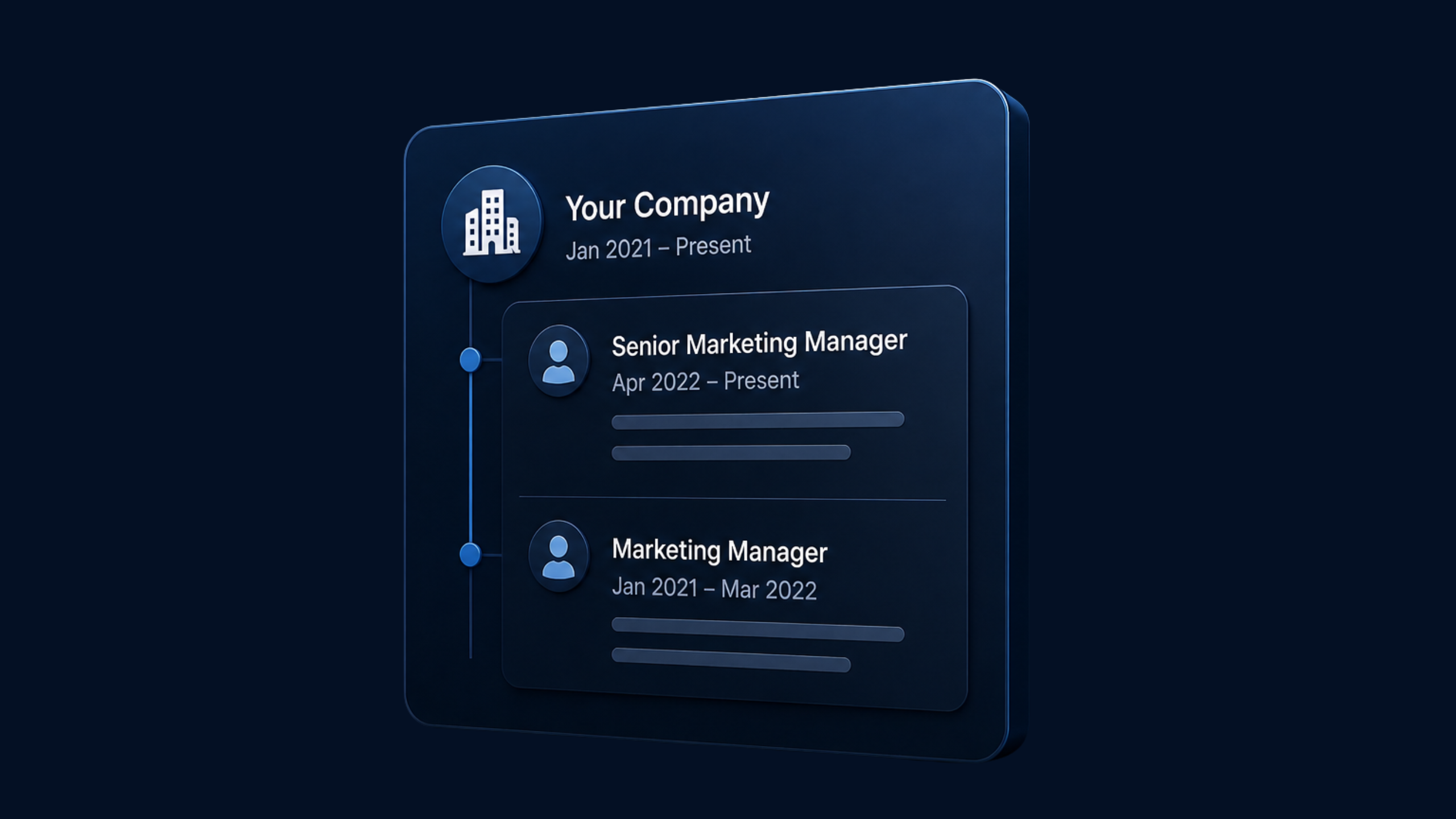
Why Won’t LinkedIn Stack Multiple Roles Under One Company, and What Can You Do About It?
Roles only stack when both use the same company page from the dropdown and the dates don't clash. Here's how to fix entries that won't group together.

Can LinkedIn Help You Revoke a Sent Job Application After You Realize It Might Be a Scam?
Usually not. Once submitted, Easy Apply sends your details to the employer. See what to do if the job looks like a scam and how to protect yourself.
How Can You Identify Legit LinkedIn Writing Jobs?
Watch for unpaid test tasks, rushed interviews and portfolio requests before any proof the company is real. See what to check before sending your writing.
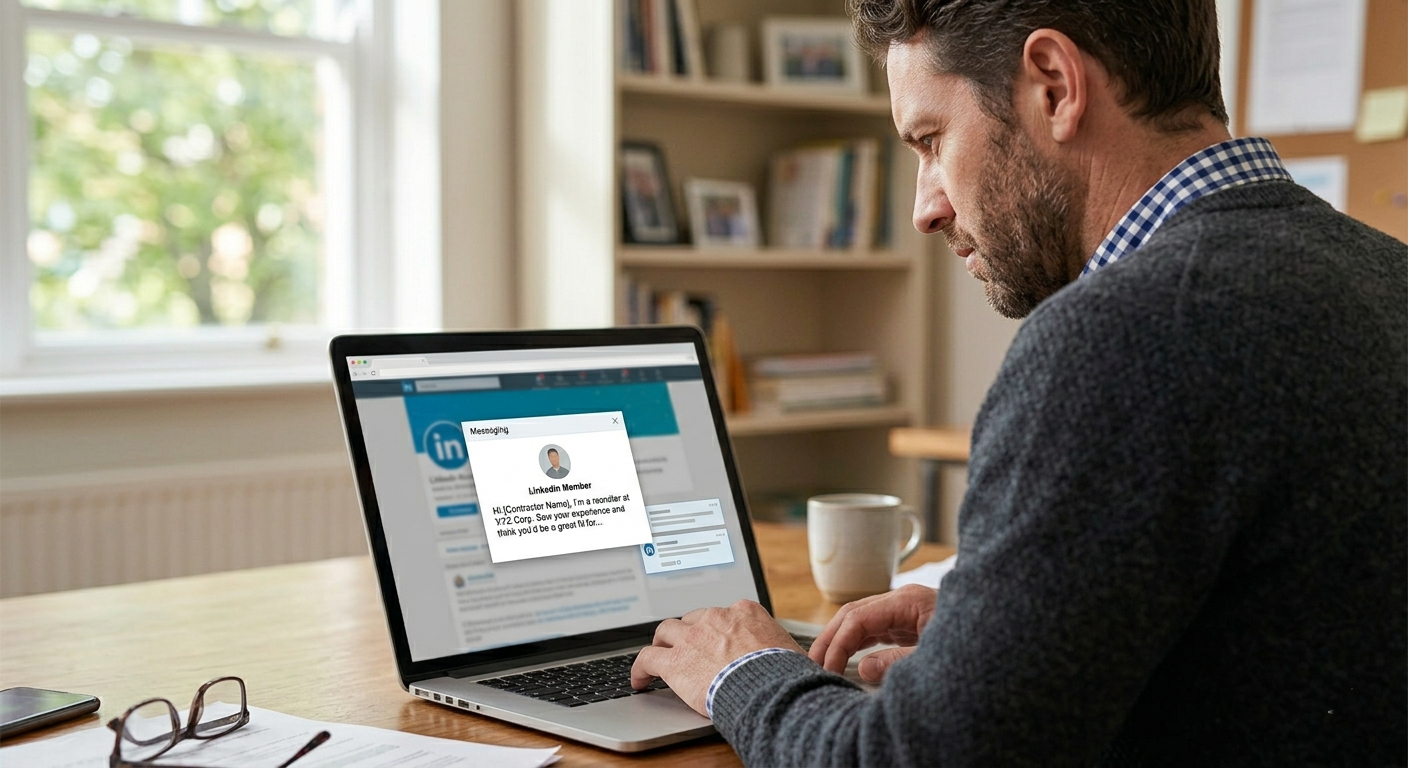
Why Is a LinkedIn Person Contacting You?
Often it's sales outreach about LinkedIn products if you're a contractor or decision-maker. You don't have to reply. See the common reasons and options.
How does your LinkedIn profile score?
Paste your profile link and get a score out of 10 for every section, plus the first thing to fix. No signup needed.

What Makes a LinkedIn Recommendation Helpful?
Specific results, real examples and awareness of who will read it. See why one concrete result beats five generic compliments in a LinkedIn recommendation.
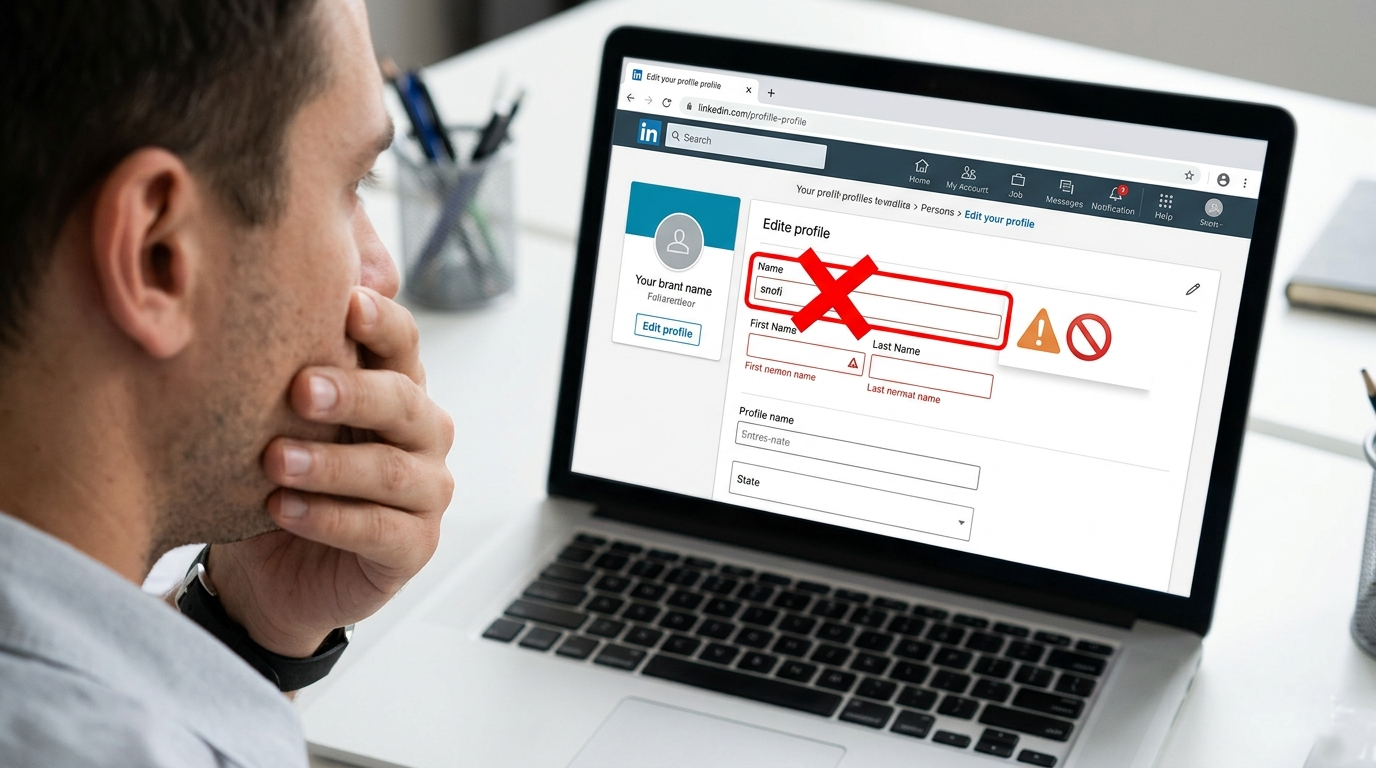
What to Do If You Have One Legal Name And LinkedIn Is Rejecting It?
LinkedIn appears to have tightened name validation, blocking symbols once used in the surname field. See what to try if you have only one legal name.
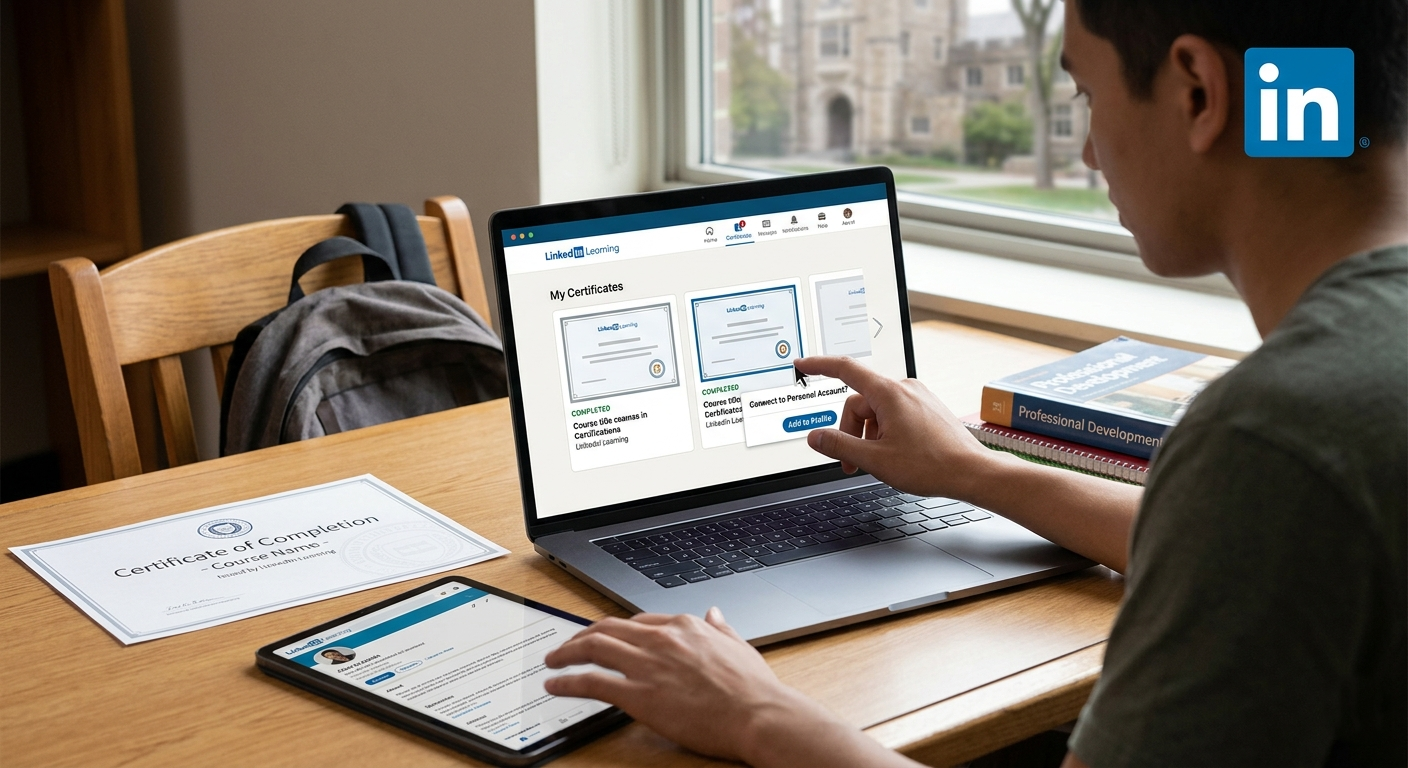
How To Connect School LinkedIn Learning Account to Personal Profile?
It depends on how your school set up access. You can often download certificates and add them to your profile manually, or contact LinkedIn support.

Do 2,000 to 3,000 LinkedIn Connections Work Better Than 20,000?
Often, yes. Relevant, engaged connections usually outperform large inactive networks. See why the 2K to 3K range works and how to keep your network warm.

Should You Add Your Shopify Store Ownership to LinkedIn?
Yes, in most cases. Running a store shows marketing, sales and analytics skills. See how to frame your Shopify experience so it strengthens your profile.

Why Was Your LinkedIn Account Randomly Taken Down?
Is your LinkedIn account gone? Discover why it was taken down and learn how to recover it. Read our guide for tips and solutions.

What Should You Do If You Can't Access Your LinkedIn Account?
Locked out of LinkedIn? Discover how to recover your restricted or hacked account with our practical guide. Act now to regain access!

Why Does LinkedIn Keep Reopening Your Account?
Signing in again, even through Google or Apple sign-in, reopens a recently closed account. How to close it for good and find any duplicate profiles.

What Really Causes LinkedIn Jail and How To Avoid It?
LinkedIn jail is an account restriction triggered by outreach that looks too fast, repetitive or automated. See the warning signs and how to stay safe.

How to Boost Credibility and Results For Your LinkedIn Profile?
New profiles and pages often look empty. See the updates that make your LinkedIn profile or company page look complete, trustworthy and searchable.

How to Cancel LinkedIn Premium Without Losing Data or Getting Charged?
Canceling Premium does not delete your account. Your profile, connections, posts and messages stay. See how to cancel so you aren't charged again.

How To Find and Delete Old LinkedIn Comments Easily?
Go to your profile > Activity > Show all > Comments, click the three dots on a comment and Delete. You can also remove comments others leave on your posts.
Looking for a topic? Browse all categories
Turn what you read into posts in your voice
Ideas, hooks and full posts written the way you talk, then scheduled to LinkedIn.
3-day free trial. No credit card needed.