

Grow on LinkedIn with guides that show the work
Post ideas, profile fixes, hooks and honest tool reviews from the exeedin team, for professionals who want LinkedIn to bring real opportunities.
LinkedIn Tips
Showing 1 to 18 of 220 articles
How Do You Choose a LinkedIn Personal Branding Niche When You Have No Idea What to Post?
Struggling to find your LinkedIn personal branding niche? Discover key questions to define your niche and start posting effectively. Read more now!
Why Does LinkedIn Send So Many Emails, and How Can You Actually Turn Them Off Without Wasting Time?
Tired of LinkedIn emails? Discover how to turn them off easily and regain control of your inbox. Read our guide now!
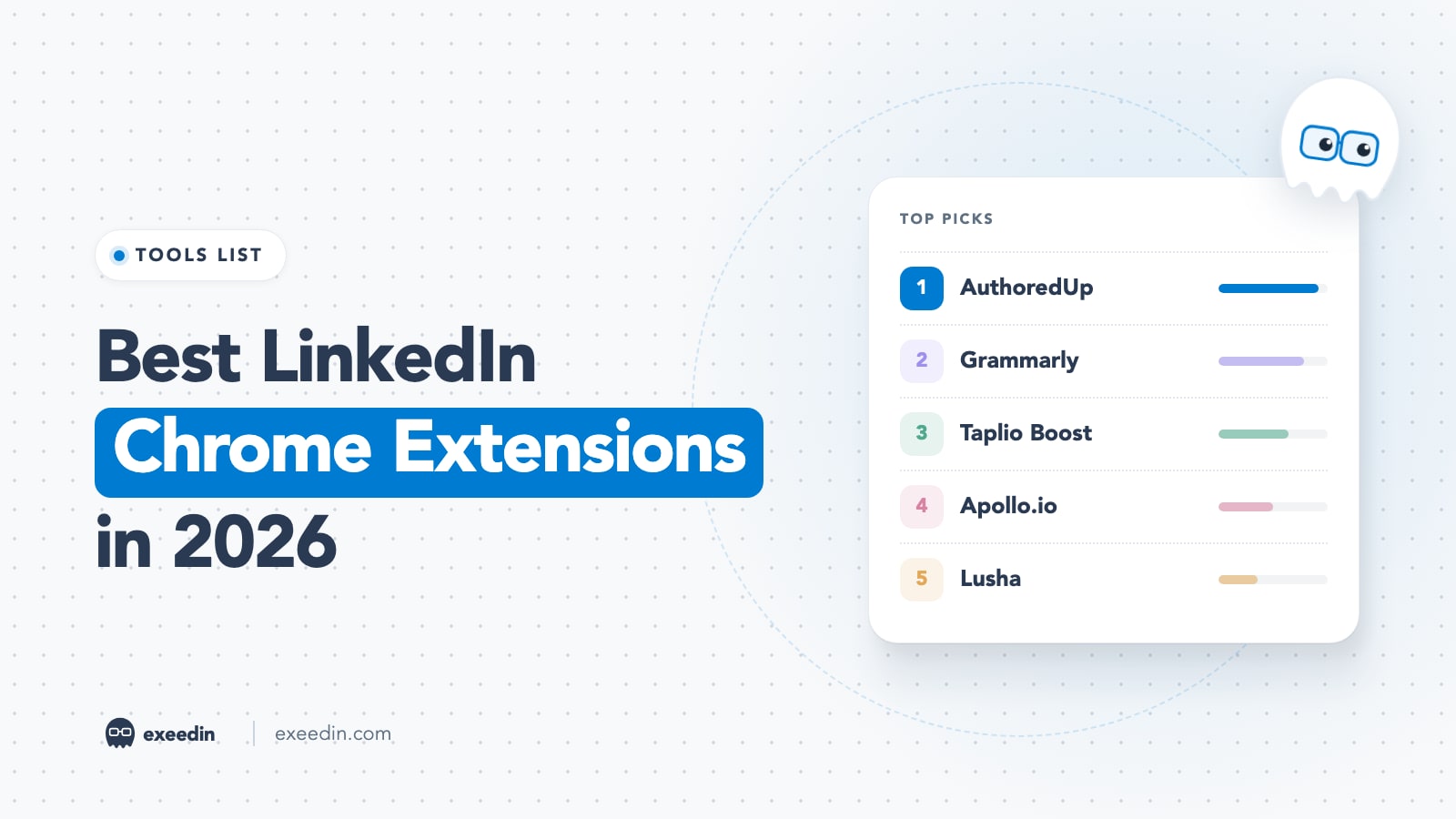
10 Best LinkedIn Chrome Extensions in 2026, Checked for Safety
The best LinkedIn Chrome extensions in 2026 for writing, analytics, prospecting and CRM, with verified prices, store data and the account risks to know.
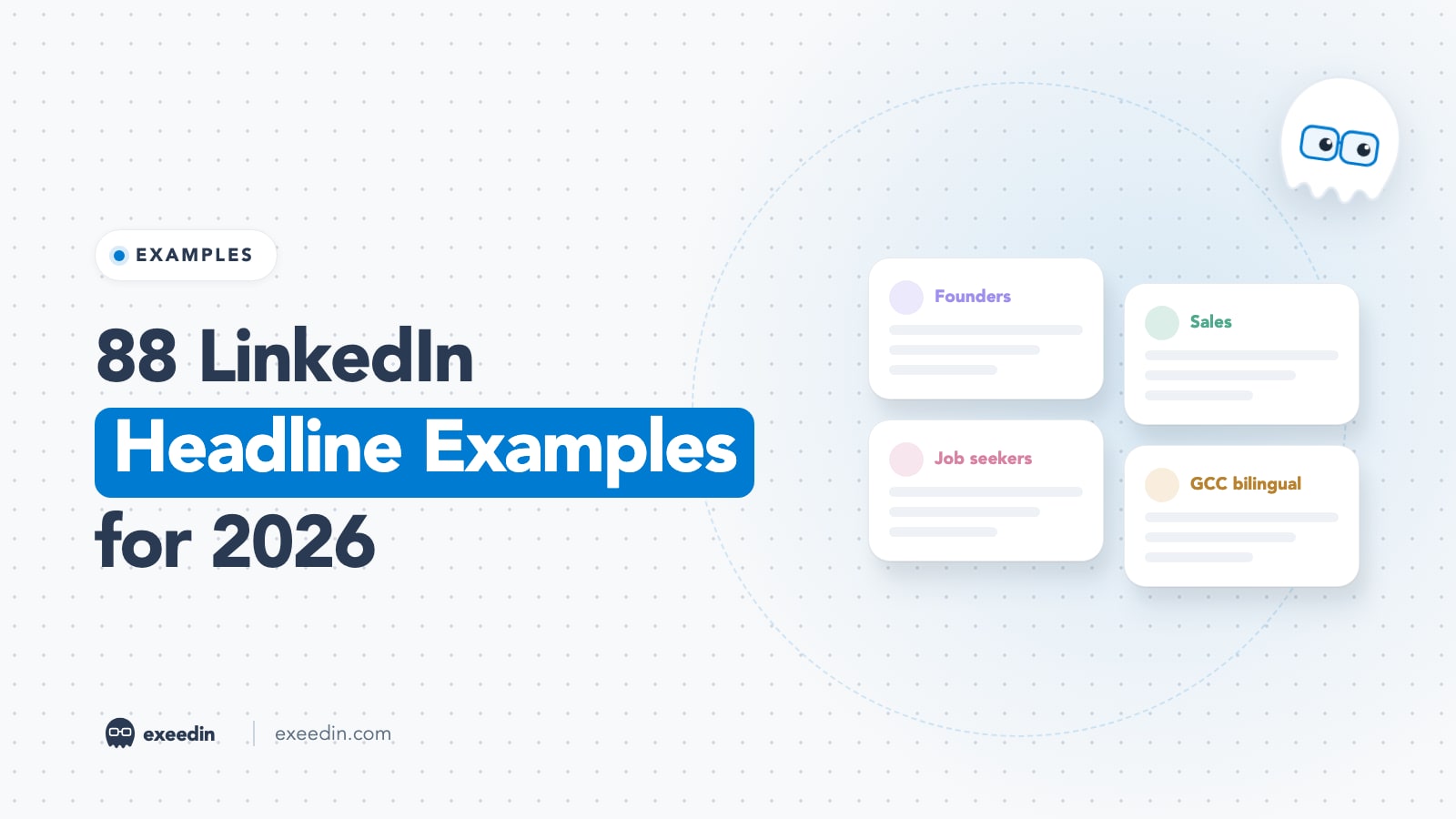
88 LinkedIn Headline Examples for Every Role (2026)
88 LinkedIn headline examples grouped by role, from founders and sales to students and bilingual GCC professionals, with formulas, before and after rewrites and the 220-character rule.
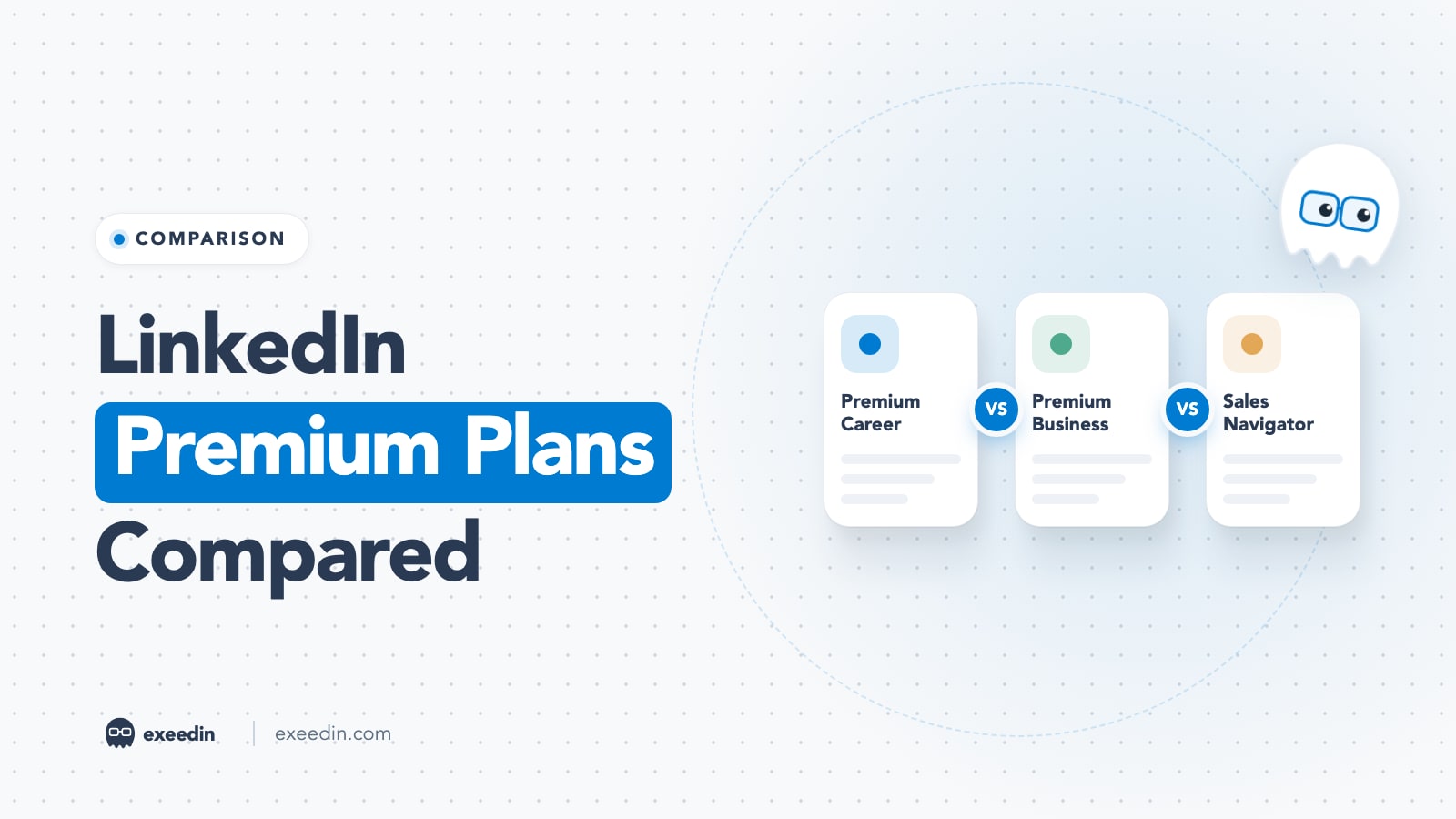
LinkedIn Premium Plans Compared (2026): Career vs Business and More
LinkedIn Premium Career is $39.99 a month for job seekers; Business is $69.99 for client-finding. Here is how every 2026 plan compares, with a pick for each persona.
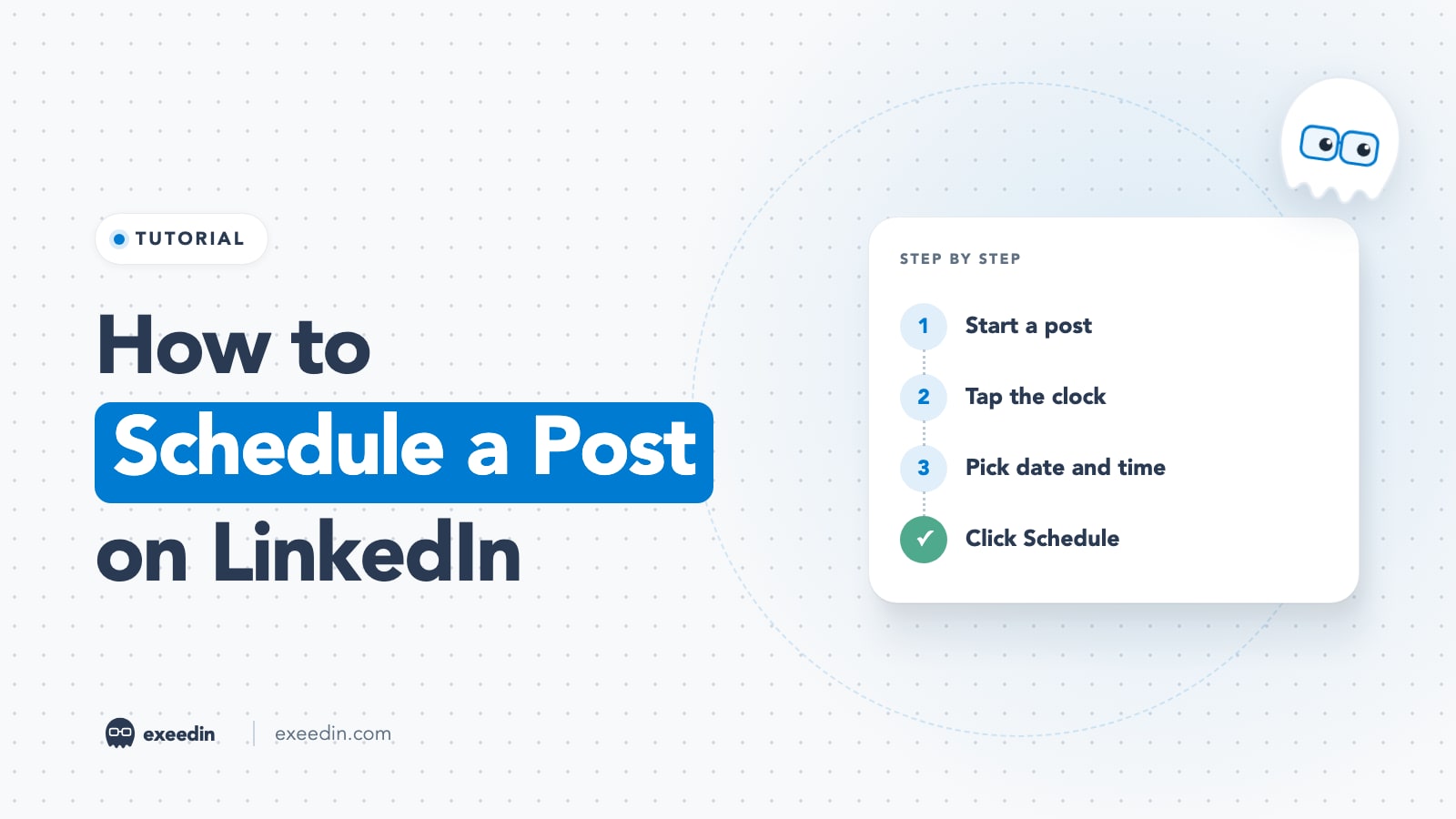
How to Schedule a Post on LinkedIn (Desktop, Mobile and Pages)
Click Start a post, write it, tap the clock icon, pick a time and click Schedule. Full desktop, iOS, Android and Company Page steps, limits and fixes.
How does your LinkedIn profile score?
Paste your profile link and get a score out of 10 for every section, plus the first thing to fix. No signup needed.
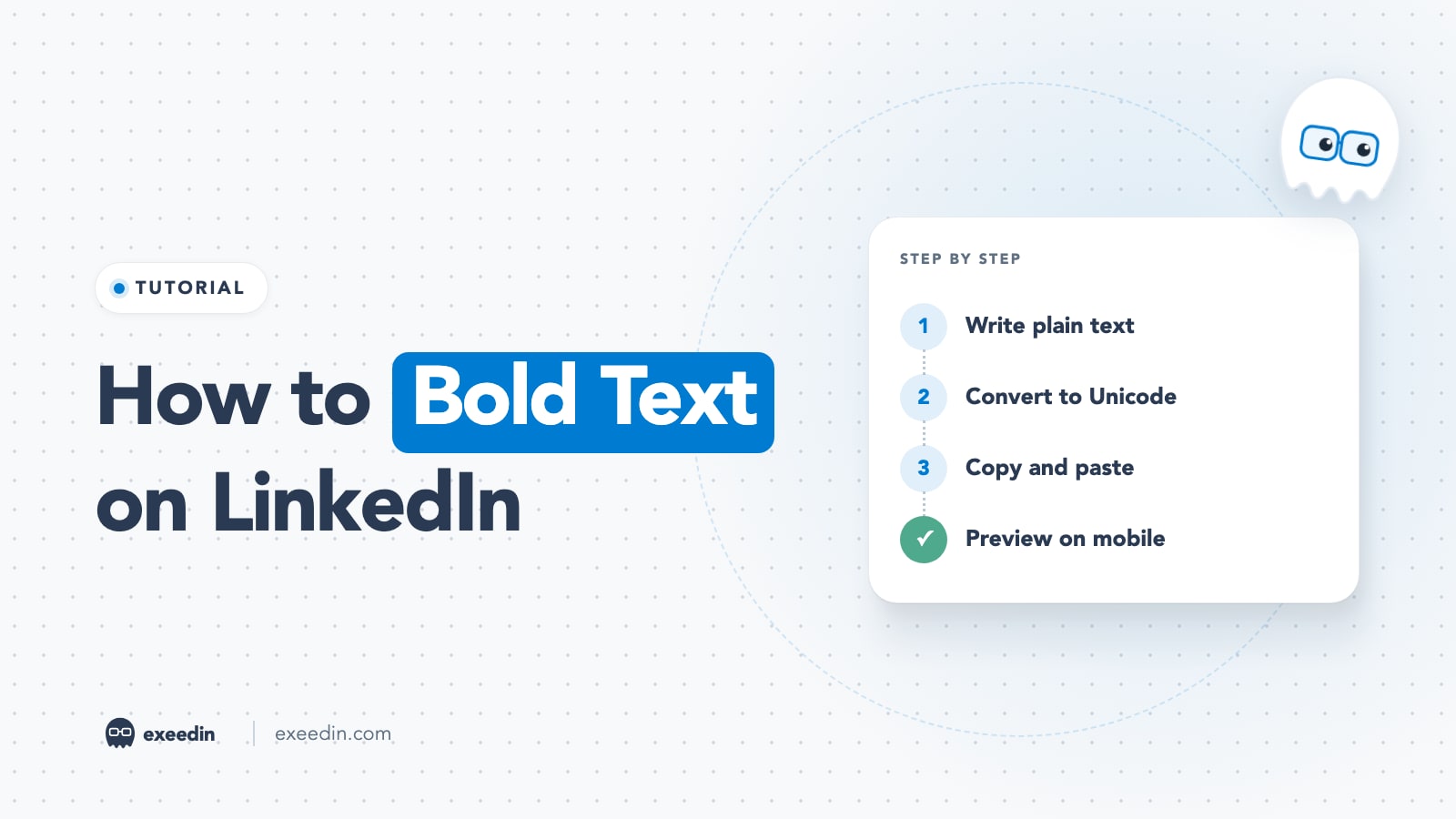
How to Bold Text on LinkedIn: Posts, Profile and Comments (2026)
LinkedIn posts have no bold button, so you paste Unicode bold from a text generator. Here are the desktop and mobile steps, a style table and the accessibility cost.
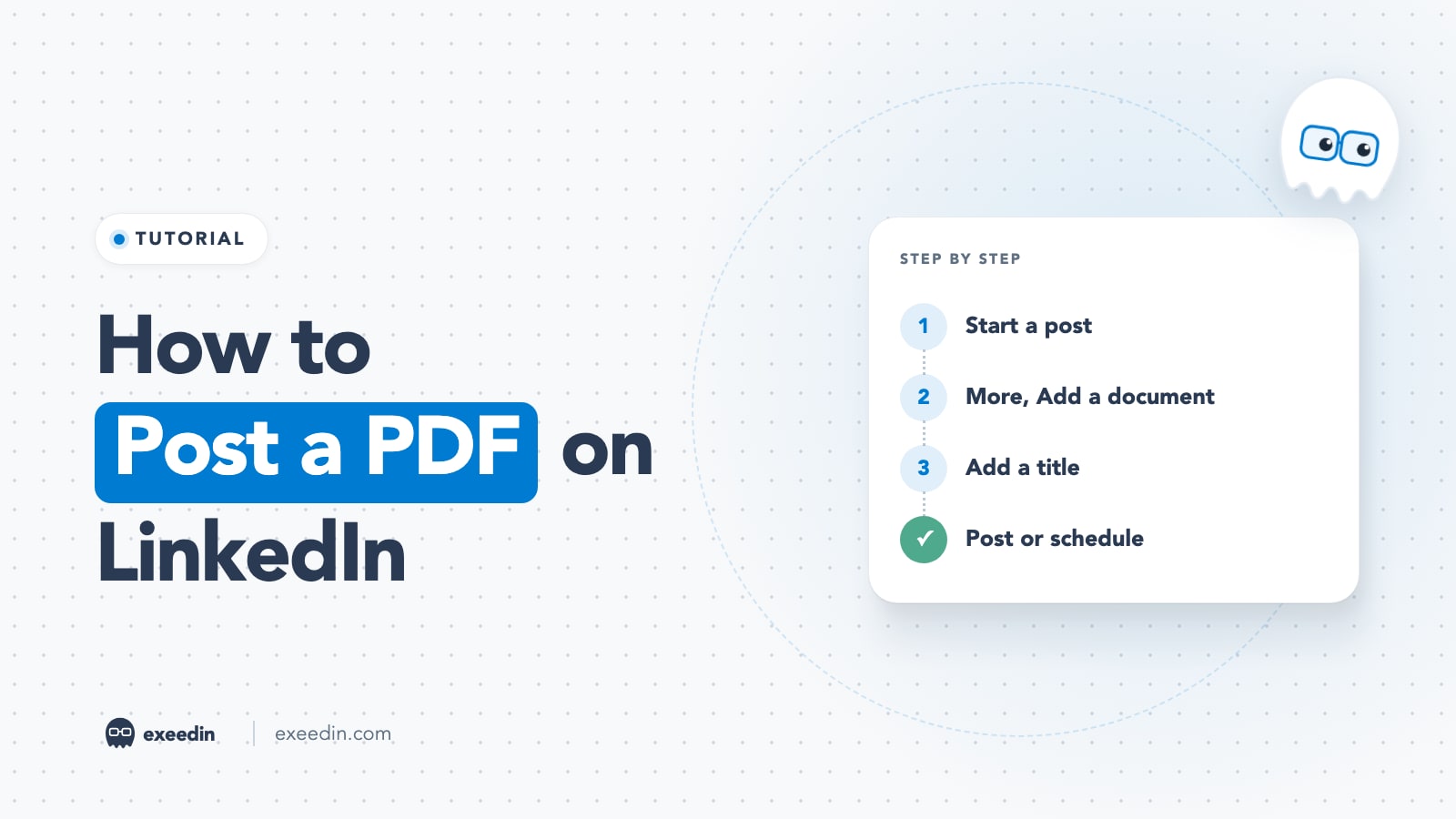
How to Post a PDF on LinkedIn: Desktop, Mobile and Carousels
Click Start a post, open More, choose Add a document, upload your PDF, add a title and post. Here are the mobile steps, limits, carousel sizes and fixes.
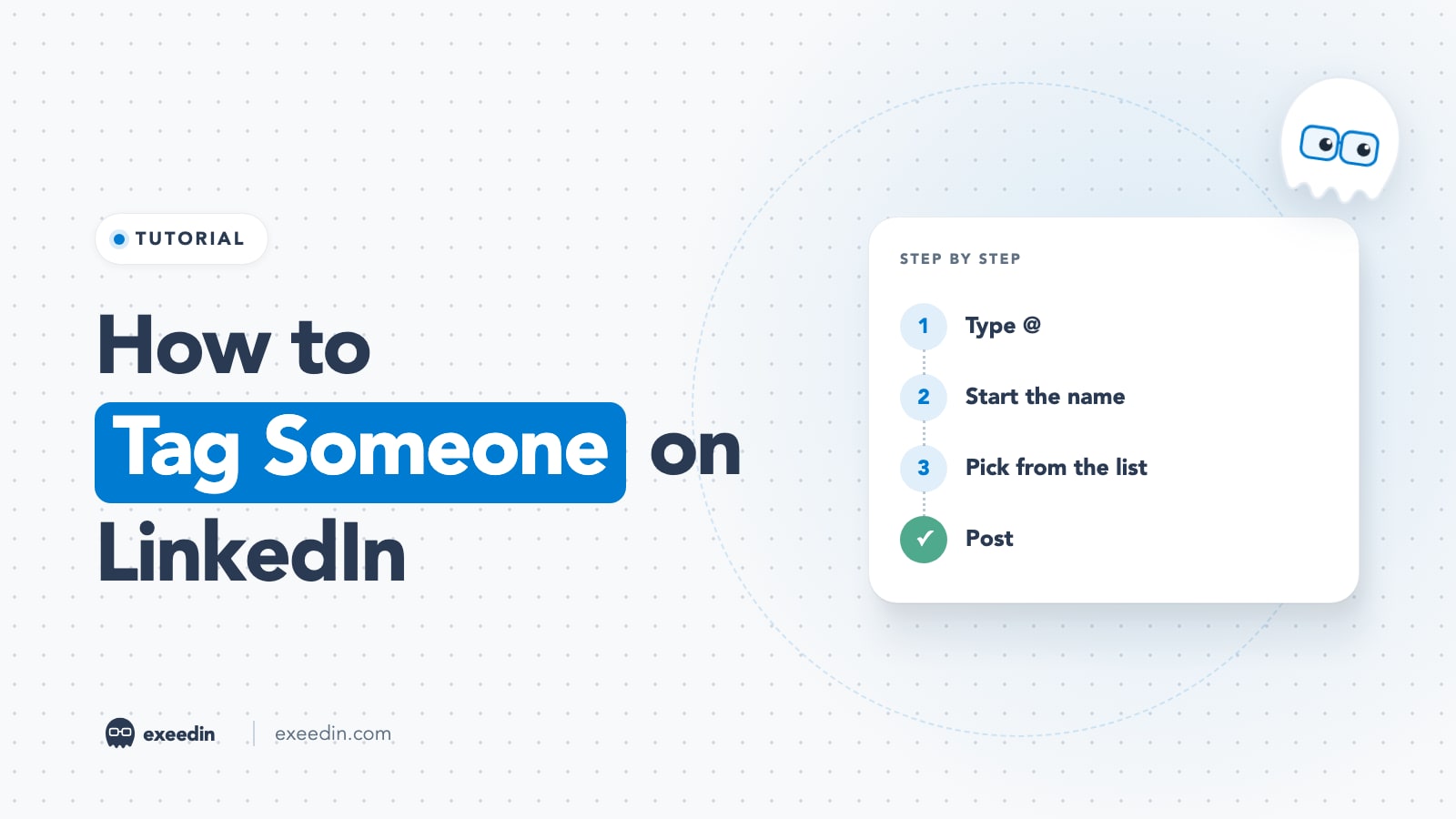
How to Tag Someone on LinkedIn: Posts, Comments, Photos (2026)
Type @ and the person's name in a post or comment, then pick them from the list. Steps for desktop, mobile, companies and photos, plus fixes when tagging fails.
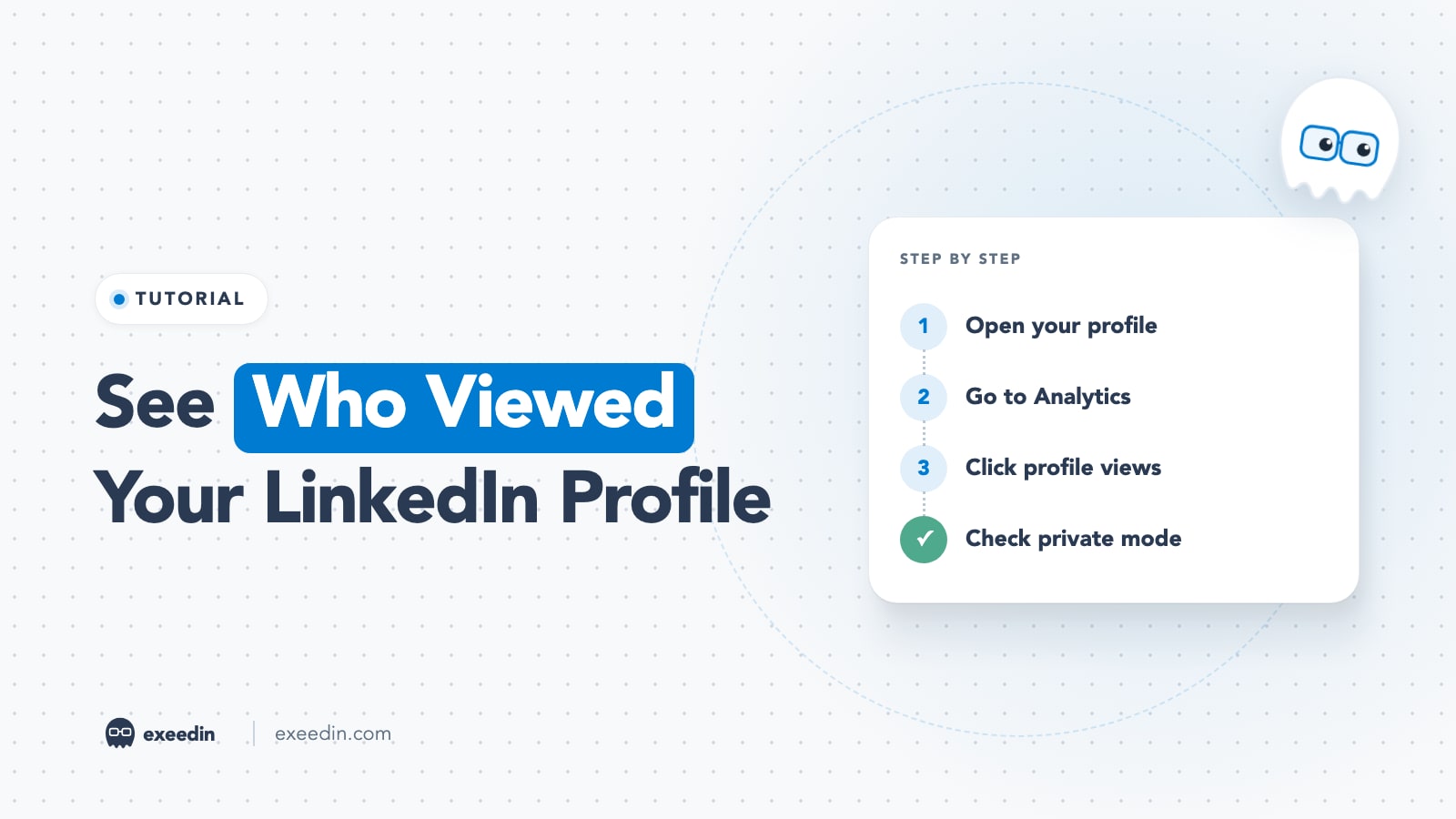
How to See Who Viewed Your LinkedIn Profile (Free and Premium)
Open your profile, scroll to Analytics and click profile views. Free accounts see three recent viewers from 90 days; Premium sees up to 365 days. Here is what private mode changes.
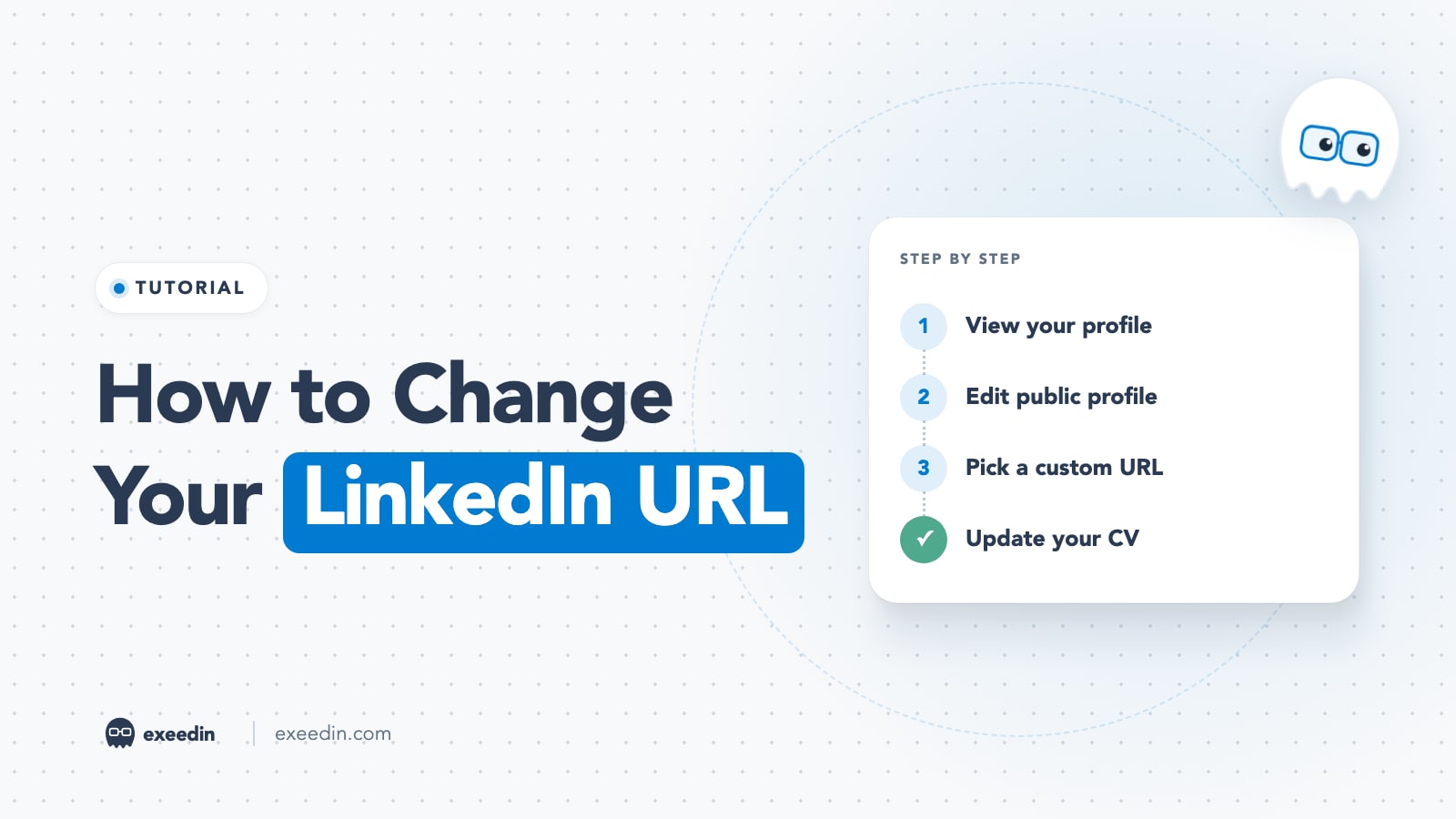
How to Change Your LinkedIn URL (Custom URL Rules and Ideas)
Open your profile, click Edit public profile and URL, edit your custom URL and save. Here are the mobile steps, the rules, what happens to your old link and URL ideas.
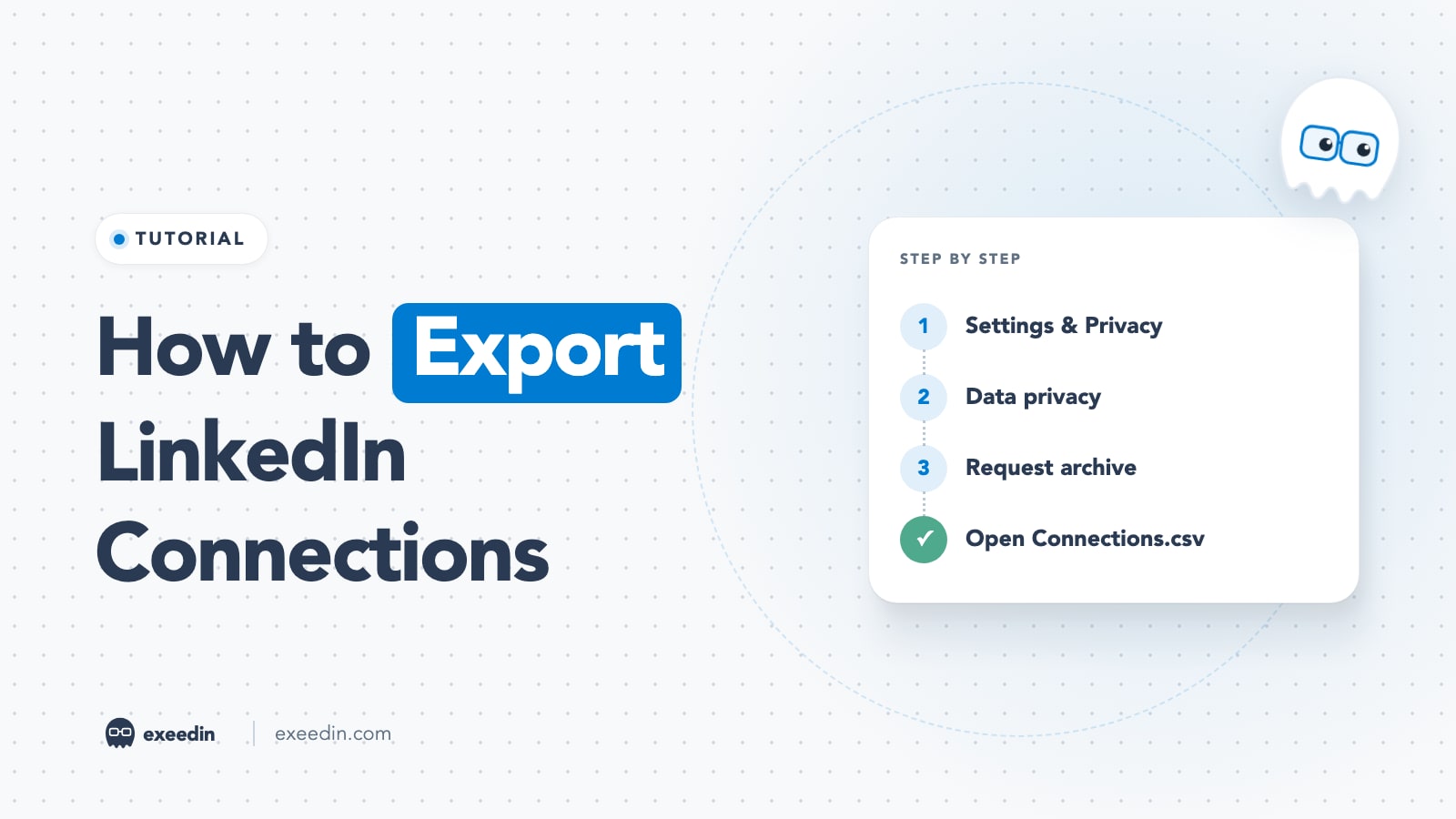
How to Export LinkedIn Connections (With Emails) in 2026
Export LinkedIn connections from Settings & Privacy > Data privacy > Get a copy of your data. Here is what Connections.csv contains, why emails are missing, and how to import it safely.
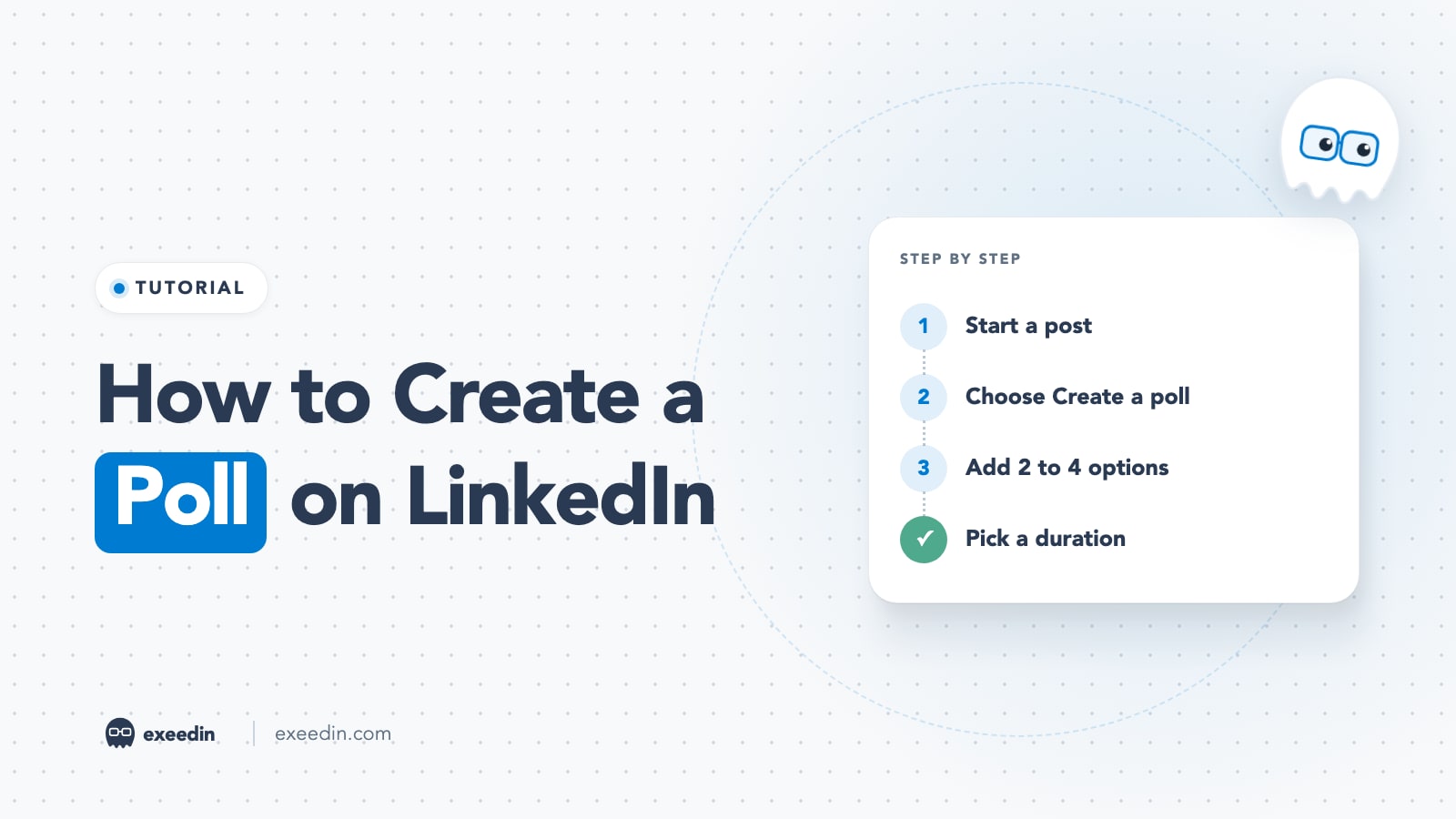
How to Create a Poll on LinkedIn: Steps, Limits and 15 Ideas
Create a LinkedIn poll from Start a post > More > Create a poll. Here are the desktop and mobile steps, every limit, who sees your votes, and 15 poll ideas by goal.
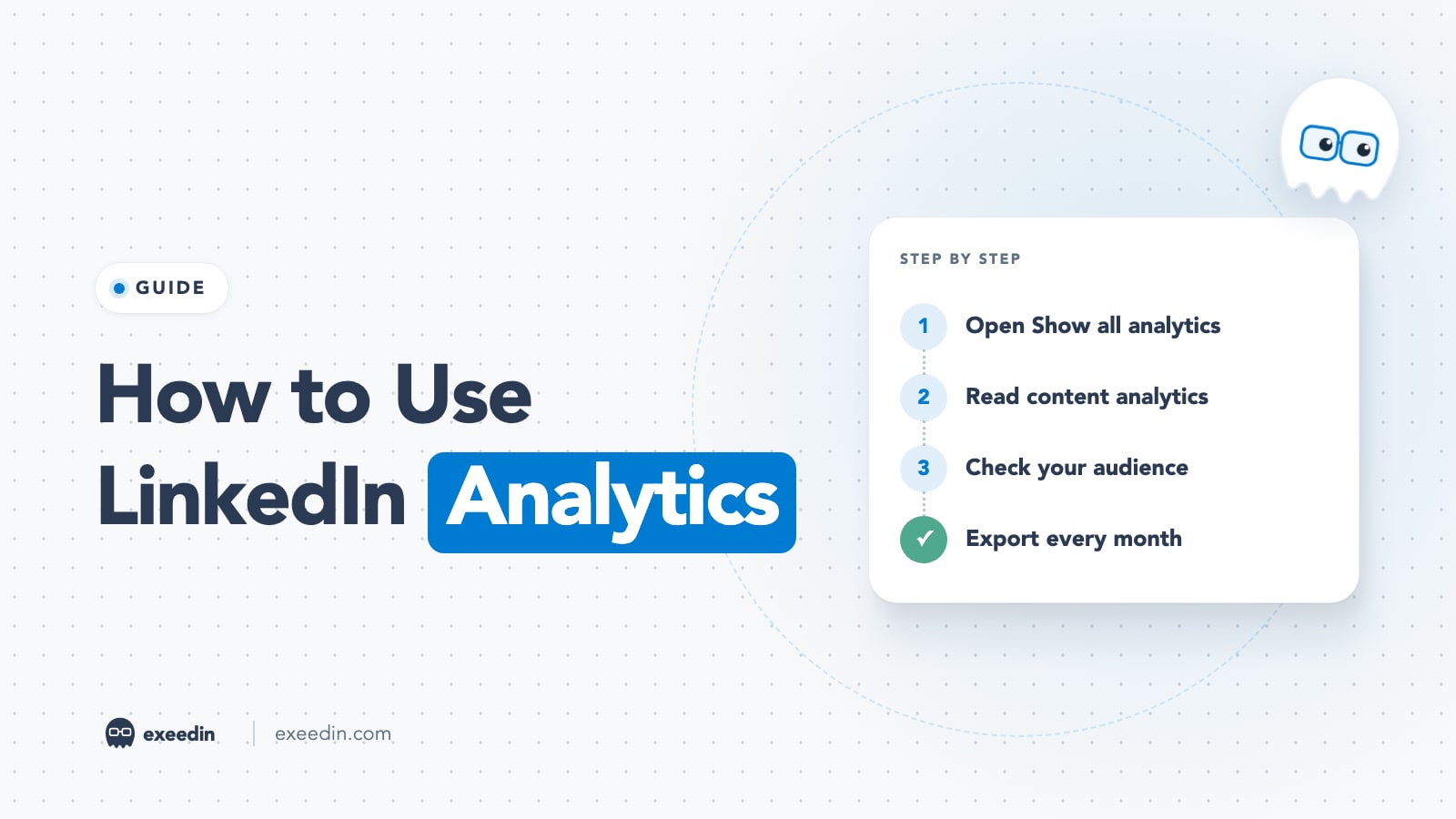
How to Use LinkedIn Analytics: Every Metric Explained (2026)
LinkedIn analytics live under your profile's Analytics section > Show all. Here is what each metric means, how to export your data, Page analytics, and a 15-minute weekly review.
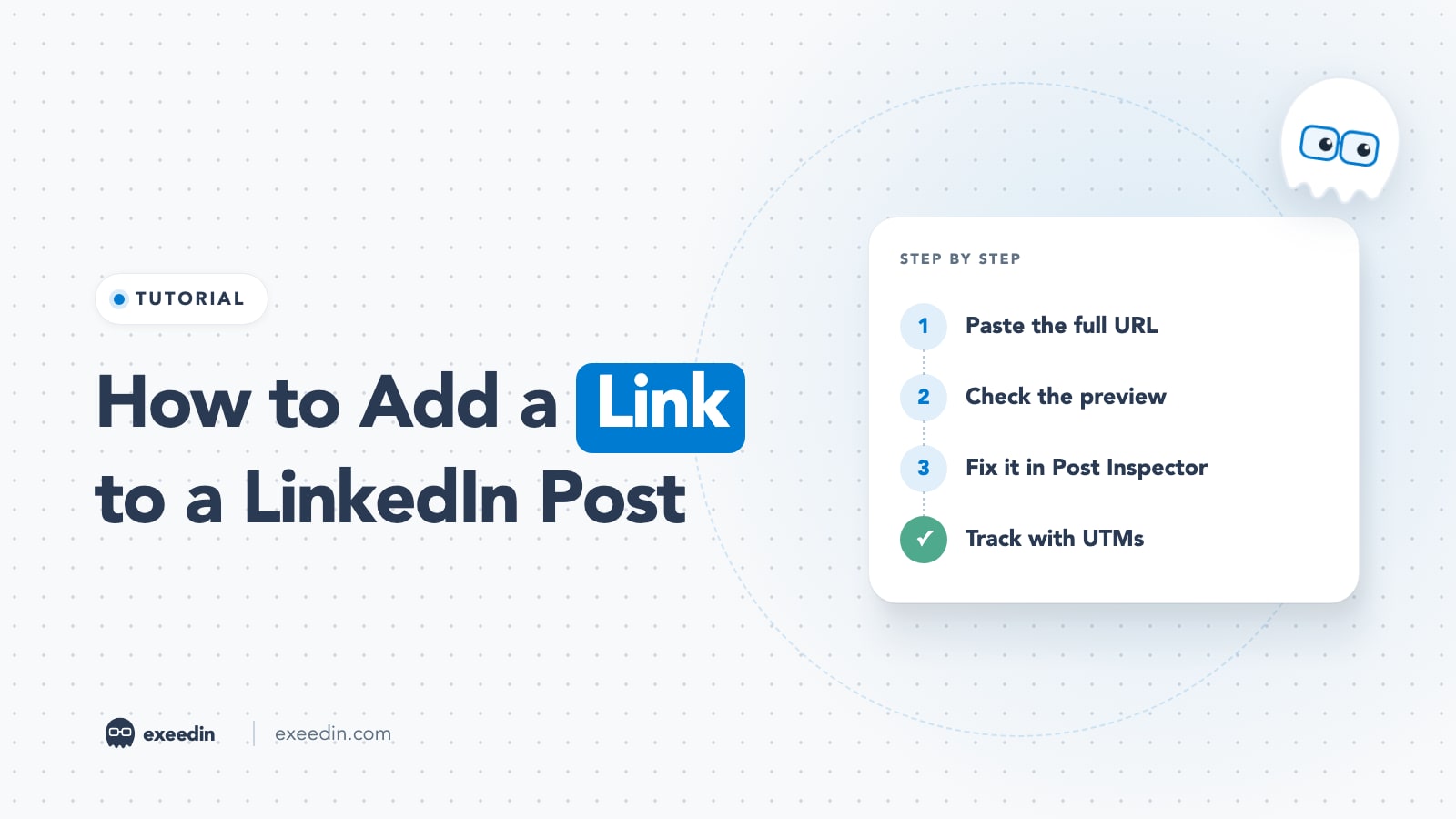
How to Add a Link to a LinkedIn Post (and Fix the Preview)
Paste the full URL into your LinkedIn post and it becomes clickable with a preview card. Here is how to fix missing previews, where to put links, and how to track clicks.
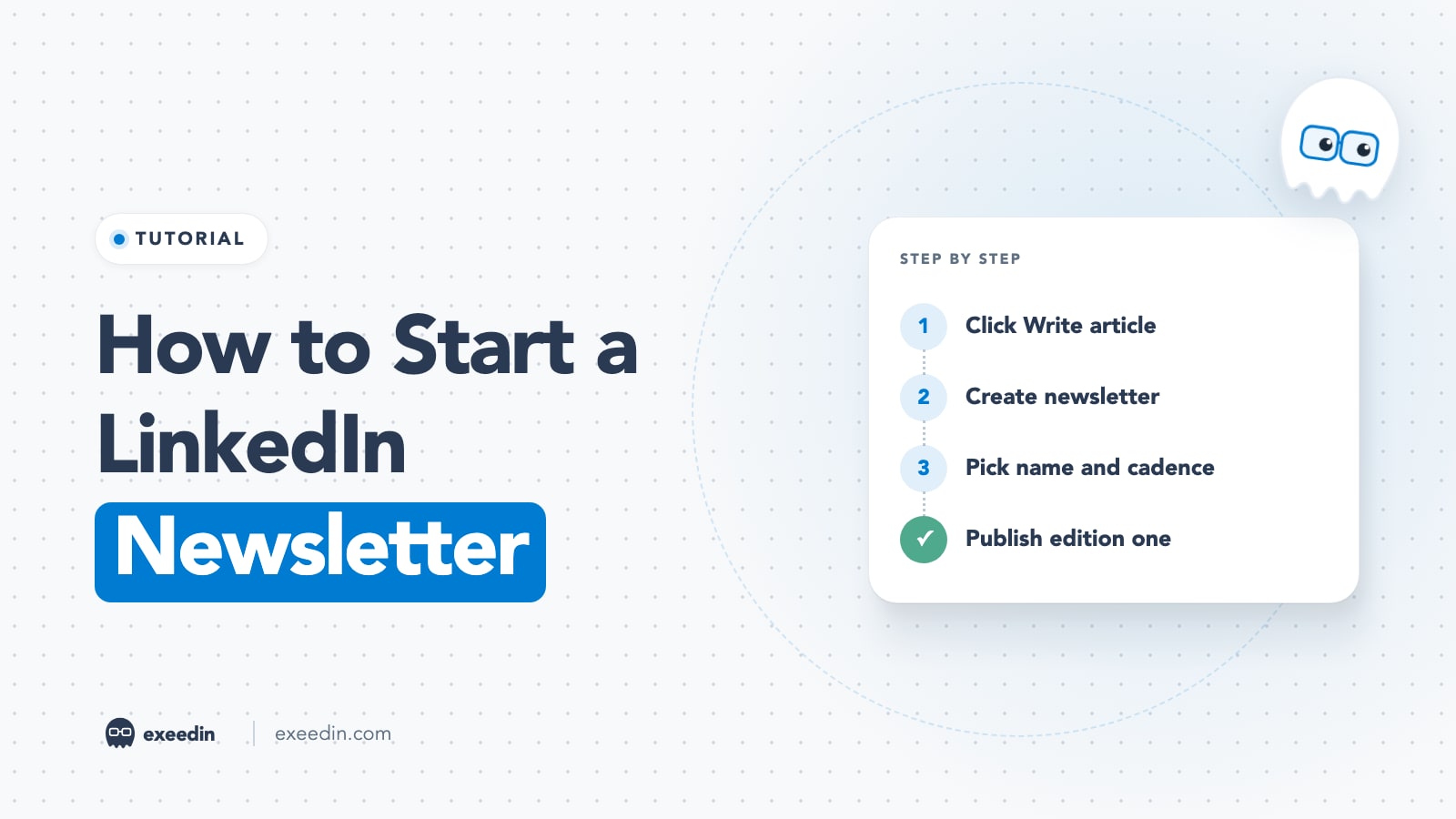
How to Start a LinkedIn Newsletter: Step-by-Step Guide 2026
Start a LinkedIn newsletter from Write article > Manage > Create newsletter. Here are the eligibility rules, steps, the first-edition invite, SEO settings, analytics and 10 ideas.
How Can You Get a LinkedIn Sales Navigator Free Trial (And Is It Even Worth It)?
LinkedIn usually offers a 30 day Sales Navigator Core trial if you have not had one in about 12 months. You need a card. See the steps and options.
Why Does Matching Your Resume to a Job Description on LinkedIn Actually Make Such a Big Difference?
Your resume may not use the terms the employer and their applicant tracking system look for. See how to match it to each job before you click apply.
Looking for a topic? Browse all categories
Turn what you read into posts in your voice
Ideas, hooks and full posts written the way you talk, then scheduled to LinkedIn.
3-day free trial. No credit card needed.