
Grow on LinkedIn with guides that show the work
Post ideas, profile fixes, hooks and honest tool reviews from the exeedin team, for professionals who want LinkedIn to bring real opportunities.
Latest articles
Showing 19 to 36 of 726 articles
100 LinkedIn Post Ideas for Every Goal (With Examples)
100 LinkedIn post ideas grouped by goal: authority, trust, leads, hiring, job search, personal brand and company pages, each with an example angle, plus a system to never run out of ideas.
40 ChatGPT Prompts for LinkedIn Posts That Sound Like You (2026)
40 copy-paste ChatGPT prompts for LinkedIn posts, hooks, carousels, comments and profiles, plus the voice setup and ban list that stop drafts sounding generic.
LinkedIn Premium Plans Compared (2026): Career vs Business and More
LinkedIn Premium Career is $39.99 a month for job seekers; Business is $69.99 for client-finding. Here is how every 2026 plan compares, with a pick for each persona.
ChatGPT vs Claude vs Gemini for LinkedIn Posts (2026 Comparison)
Claude is usually best at matching your voice, ChatGPT at hooks and images, Gemini at value and context. A 2026 comparison for LinkedIn writers, with a test brief.
Taplio vs AuthoredUp (2026): Features, Pricing and the Better Pick
AuthoredUp is the cheaper editor and analytics tool for people who write their own LinkedIn posts; Taplio is the AI growth suite. Full 2026 comparison and verdict.
Sales Navigator vs Apollo (2026): Which Prospecting Tool Wins?
Sales Navigator finds and researches the right people on LinkedIn; Apollo gives you their emails and runs the sequences. 2026 prices, data, CRM sync and safety compared.
How does your LinkedIn profile score?
Paste your profile link and get a score out of 10 for every section, plus the first thing to fix. Free, no signup.
LinkedIn Ads vs Organic in 2026: Real Costs, Reach and a Playbook
LinkedIn ads buy fast, targeted reach at a median $13 per click; organic builds trust for free but slowly. Here is the cost data, when each wins and how to blend them.
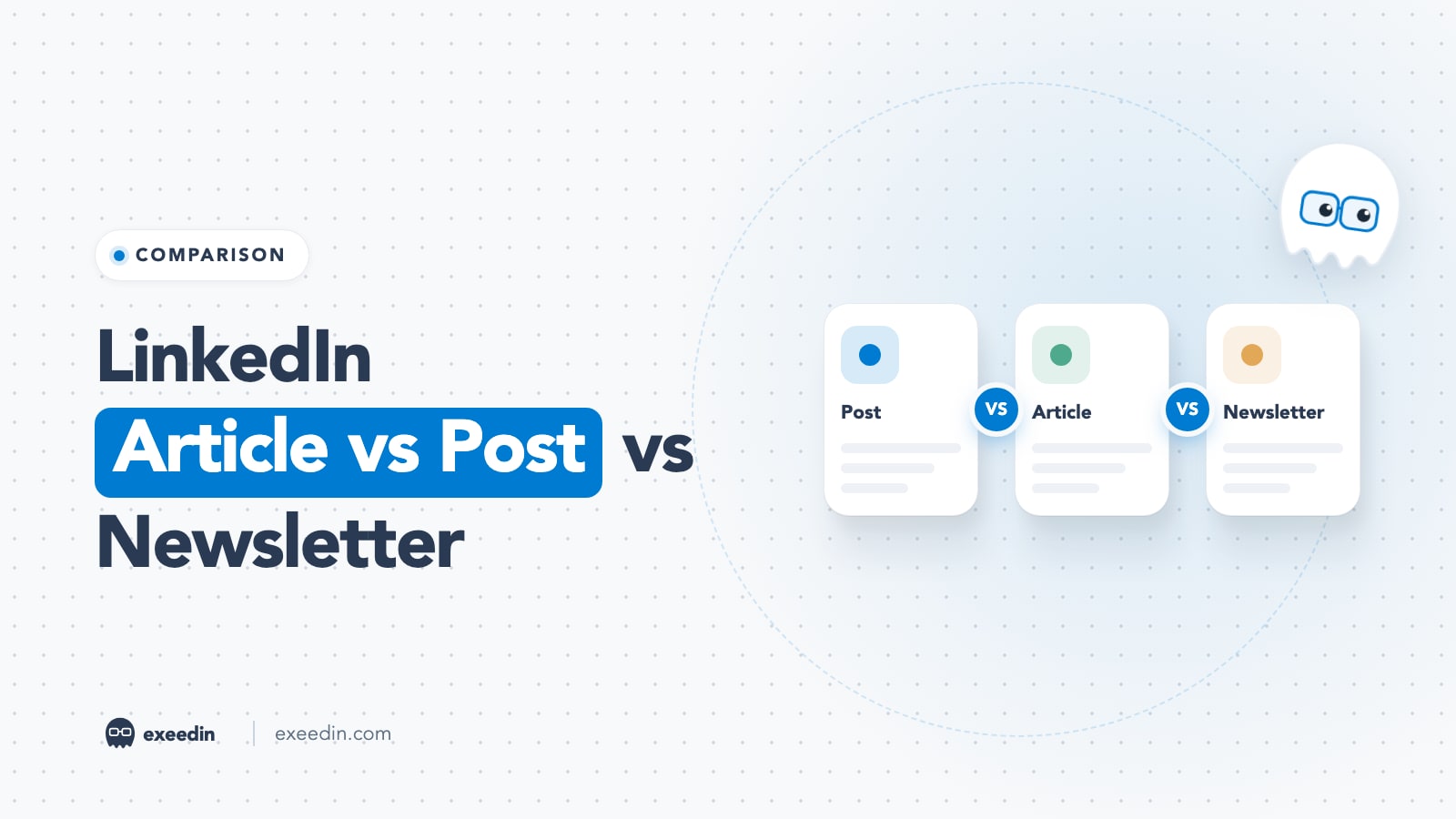
LinkedIn Article vs Post vs Newsletter: Which Should You Use in 2026?
Posts win on reach, articles win on Google, newsletters win on notifications. Compare limits, SEO, reach and effort, then use a simple decision flow for every idea.
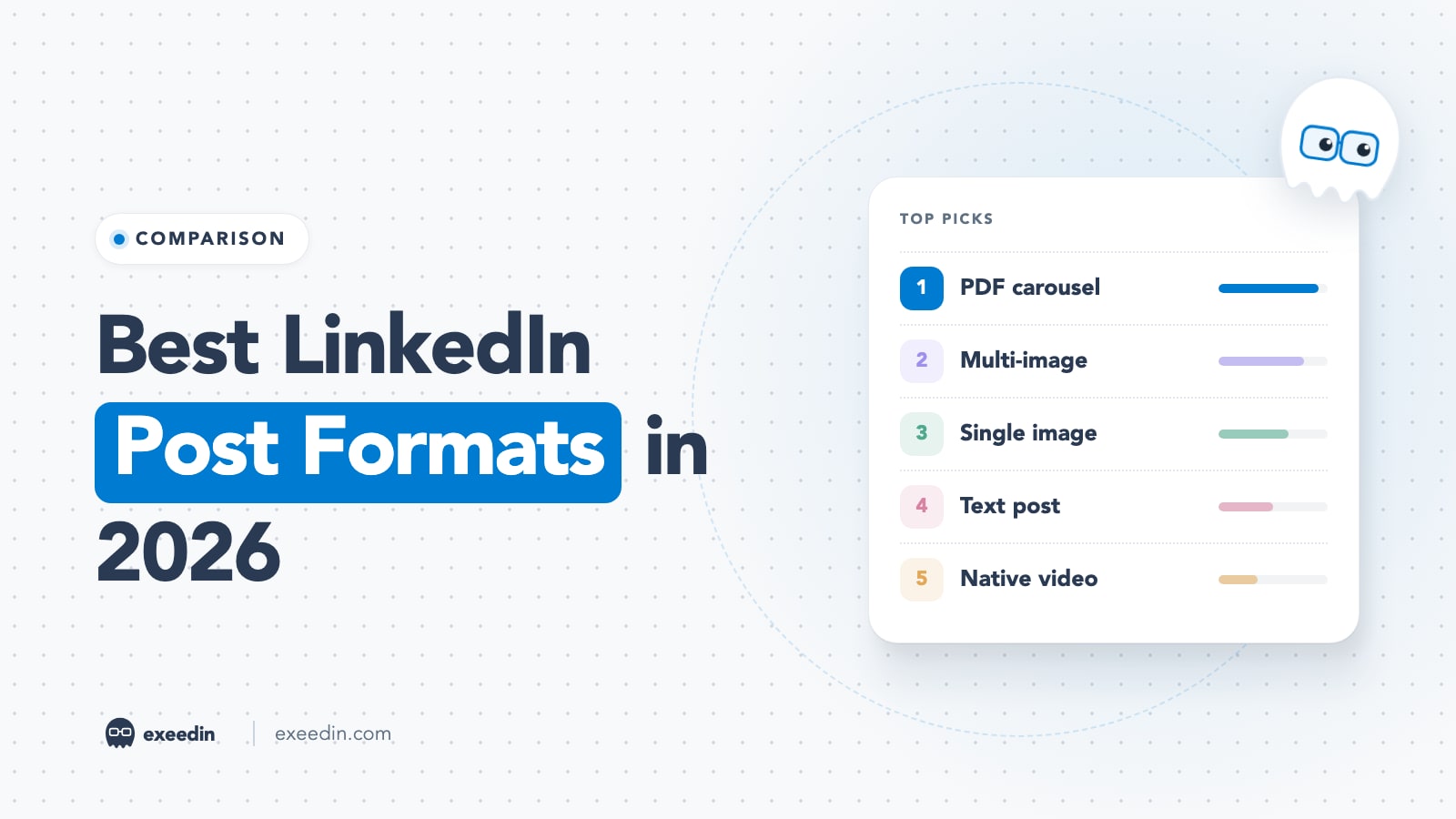
Best LinkedIn Post Format in 2026: Carousel vs Video vs Text Compared
Document carousels lead 2026 reach and engagement data, images are close behind, video has lost reach and text still wins comments. Compare all 9 formats with data.
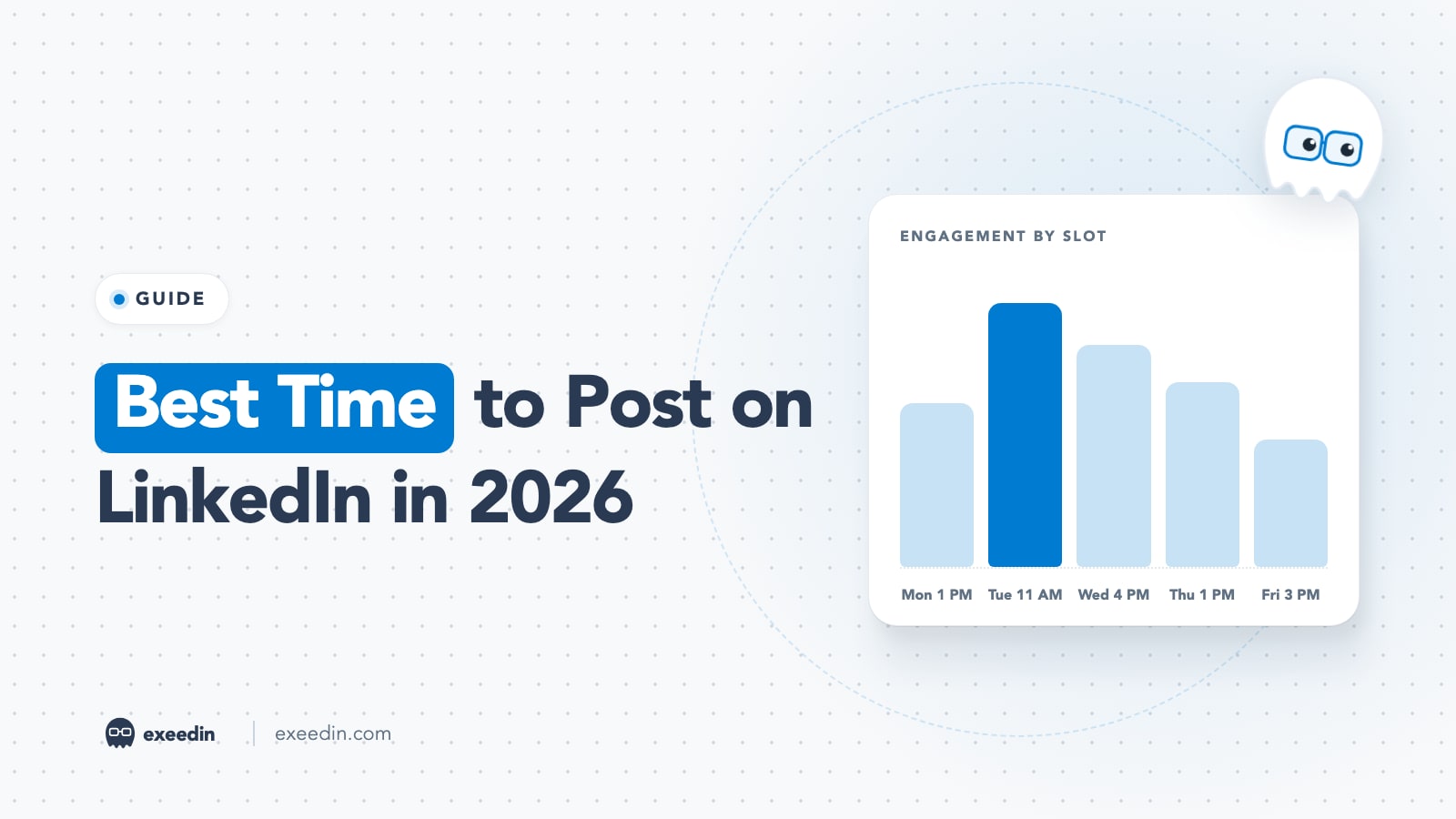
Best Time to Post on LinkedIn in 2026: By Day, Industry and GCC
Post Tuesday to Thursday between 11 AM and 5 PM local time. See 2026 Sprout, Buffer and Hootsuite data by day and industry, UAE and Saudi timing and a 2-week test plan.
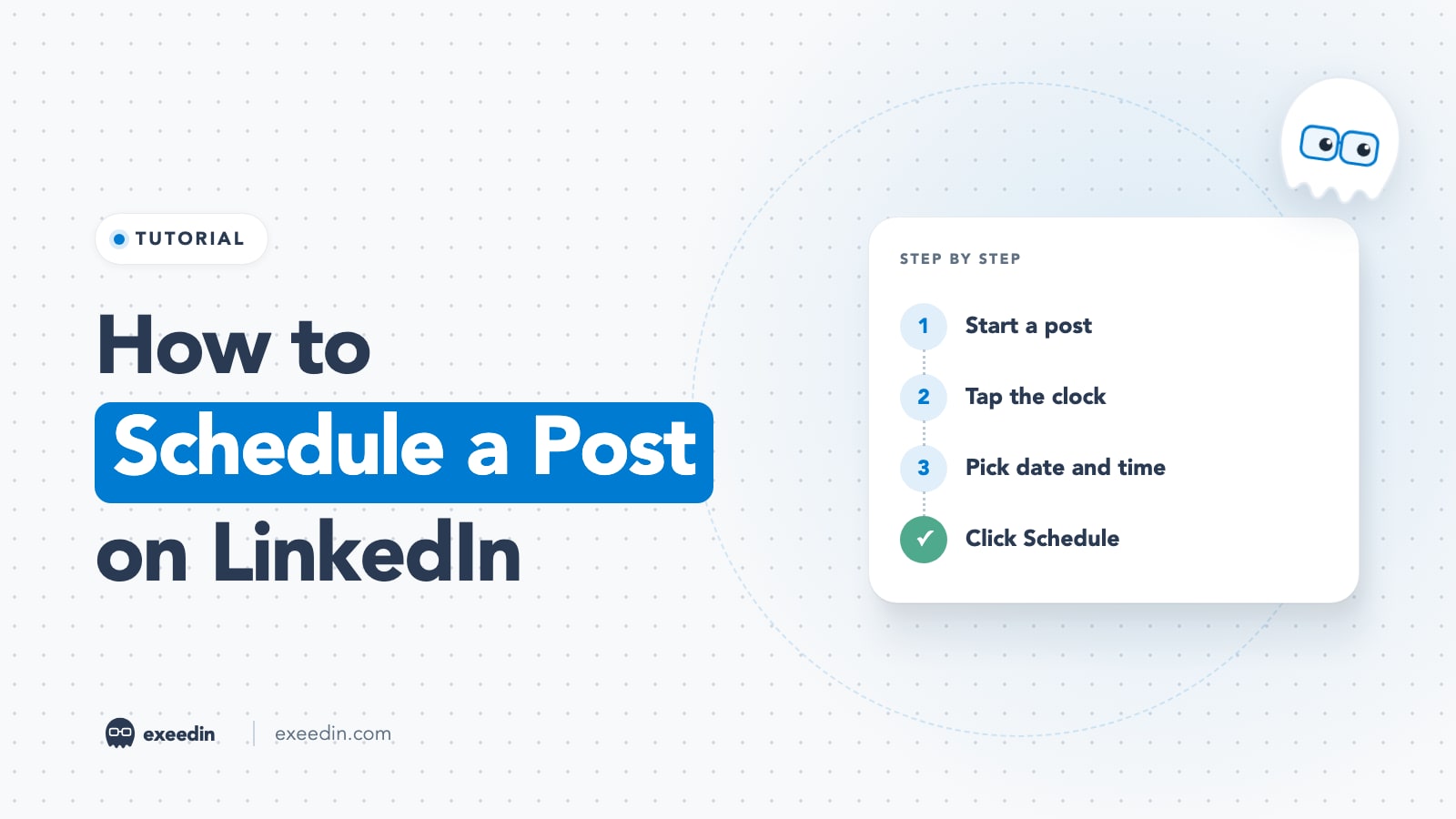
How to Schedule a Post on LinkedIn (Desktop, Mobile and Pages)
Click Start a post, write it, tap the clock icon, pick a time and click Schedule. Full desktop, iOS, Android and Company Page steps, limits and fixes.
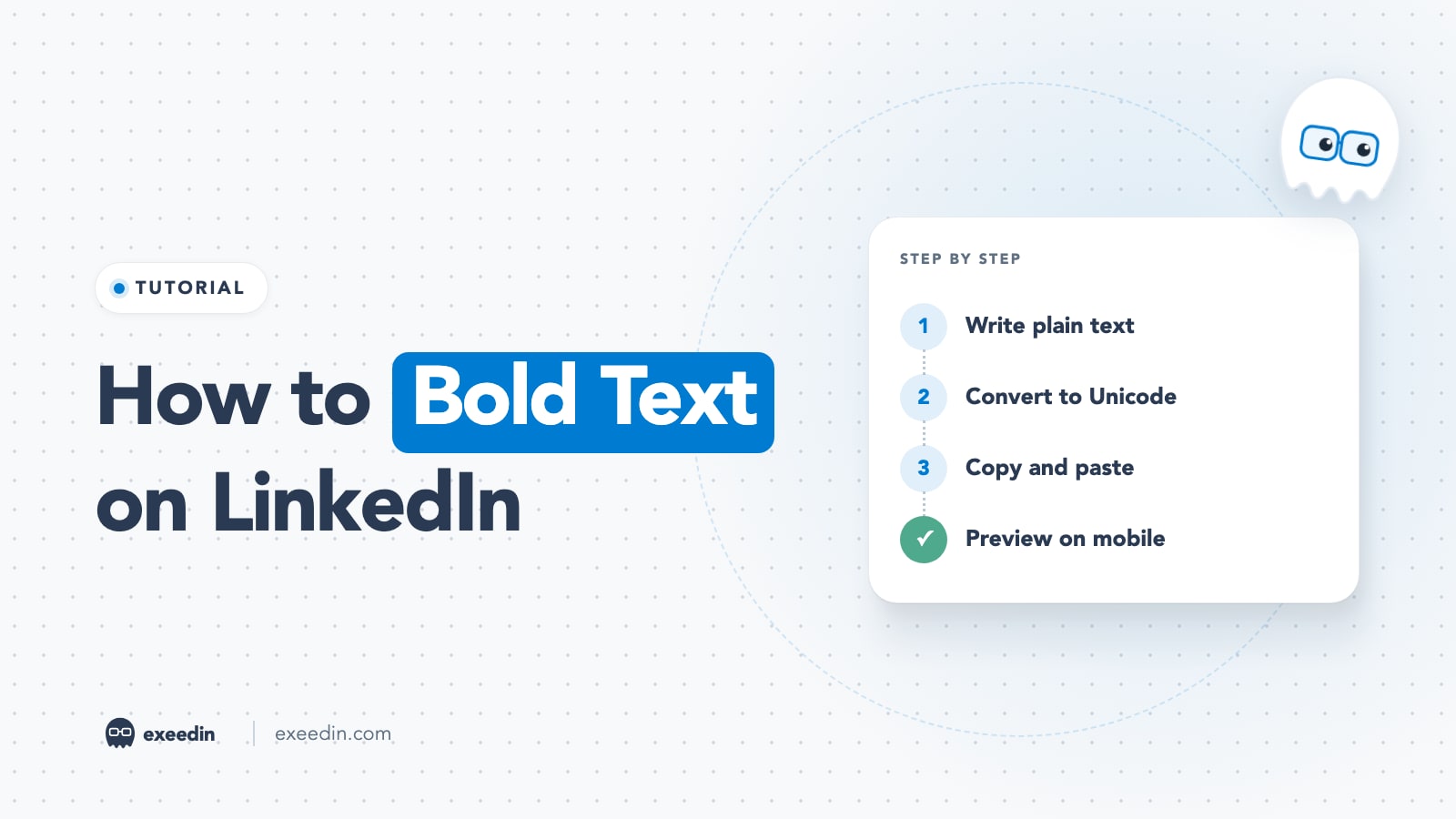
How to Bold Text on LinkedIn: Posts, Profile and Comments (2026)
LinkedIn posts have no bold button, so you paste Unicode bold from a text generator. Here are the desktop and mobile steps, a style table and the accessibility cost.
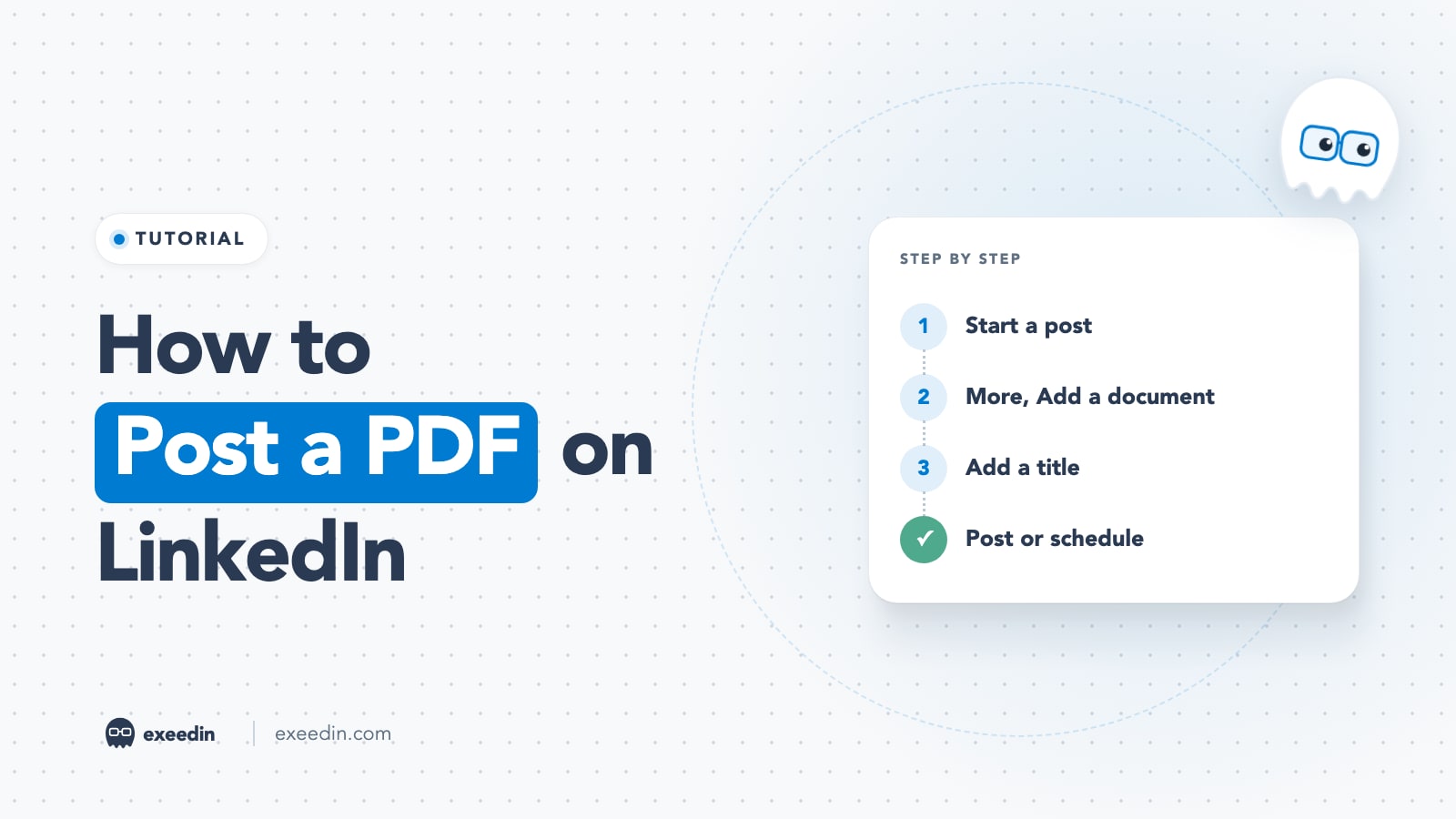
How to Post a PDF on LinkedIn: Desktop, Mobile and Carousels
Click Start a post, open More, choose Add a document, upload your PDF, add a title and post. Here are the mobile steps, limits, carousel sizes and fixes.
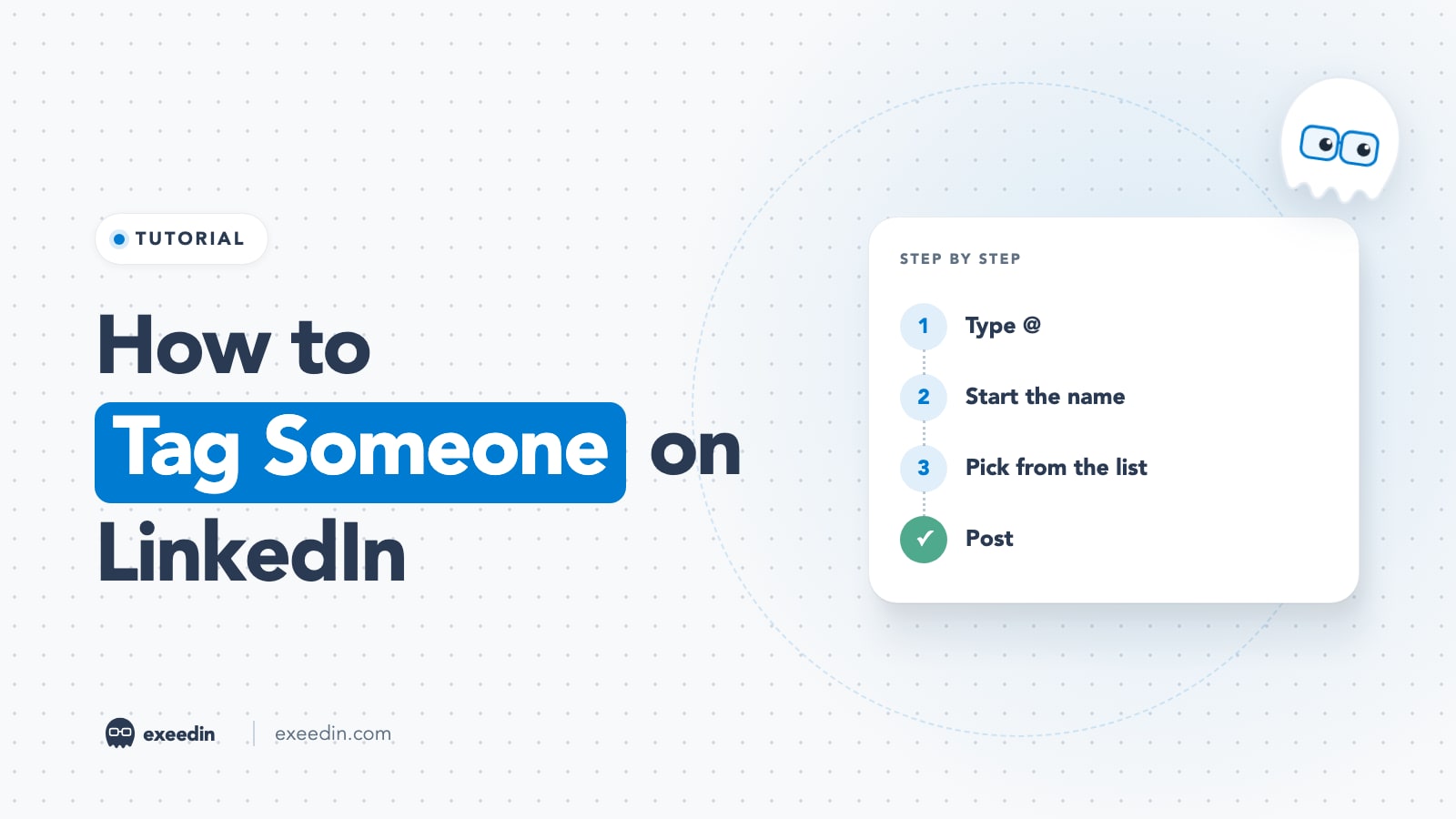
How to Tag Someone on LinkedIn: Posts, Comments, Photos (2026)
Type @ and the person's name in a post or comment, then pick them from the list. Steps for desktop, mobile, companies and photos, plus fixes when tagging fails.
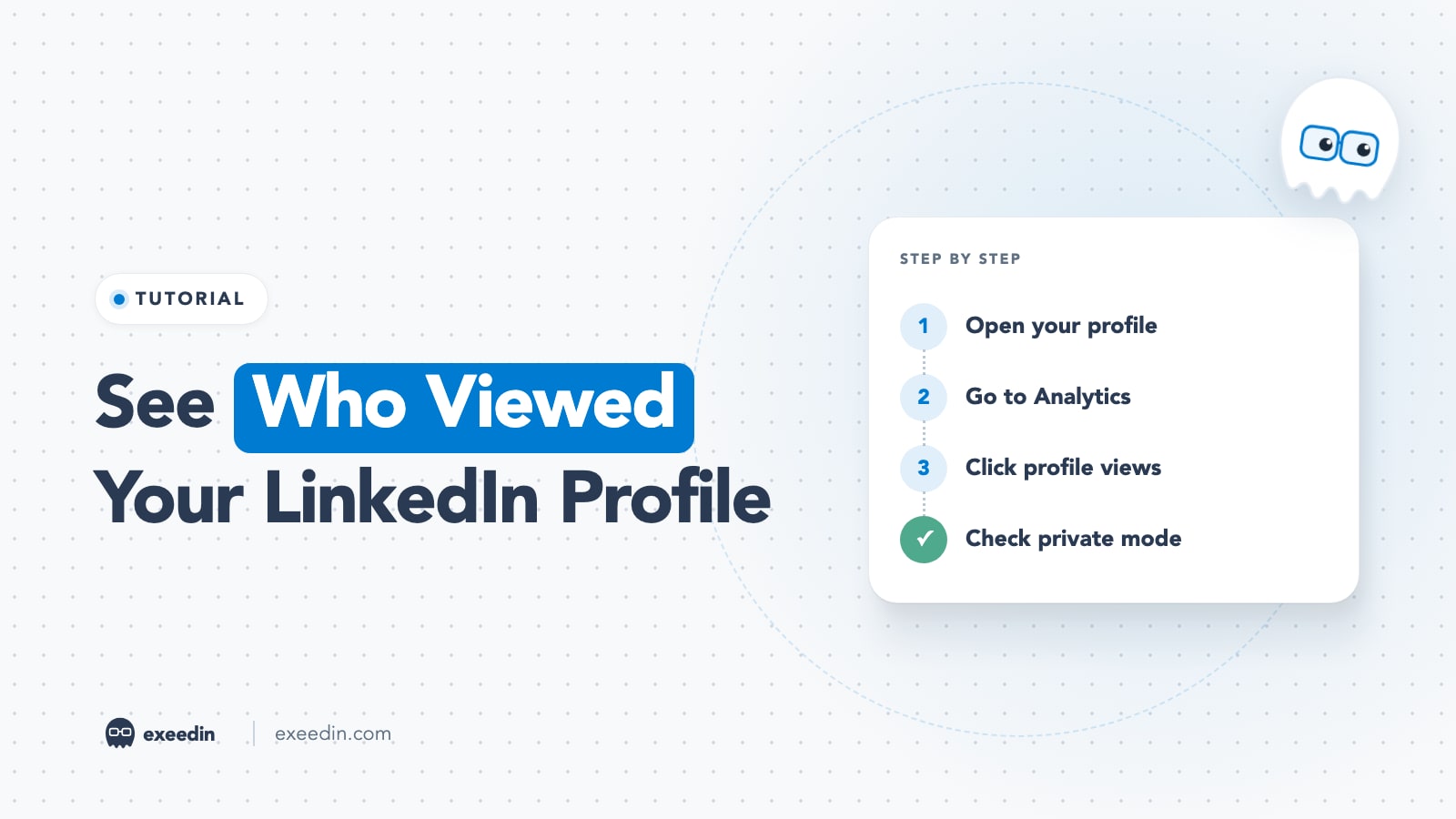
How to See Who Viewed Your LinkedIn Profile (Free and Premium)
Open your profile, scroll to Analytics and click profile views. Free accounts see three recent viewers from 90 days; Premium sees up to 365 days. Here is what private mode changes.
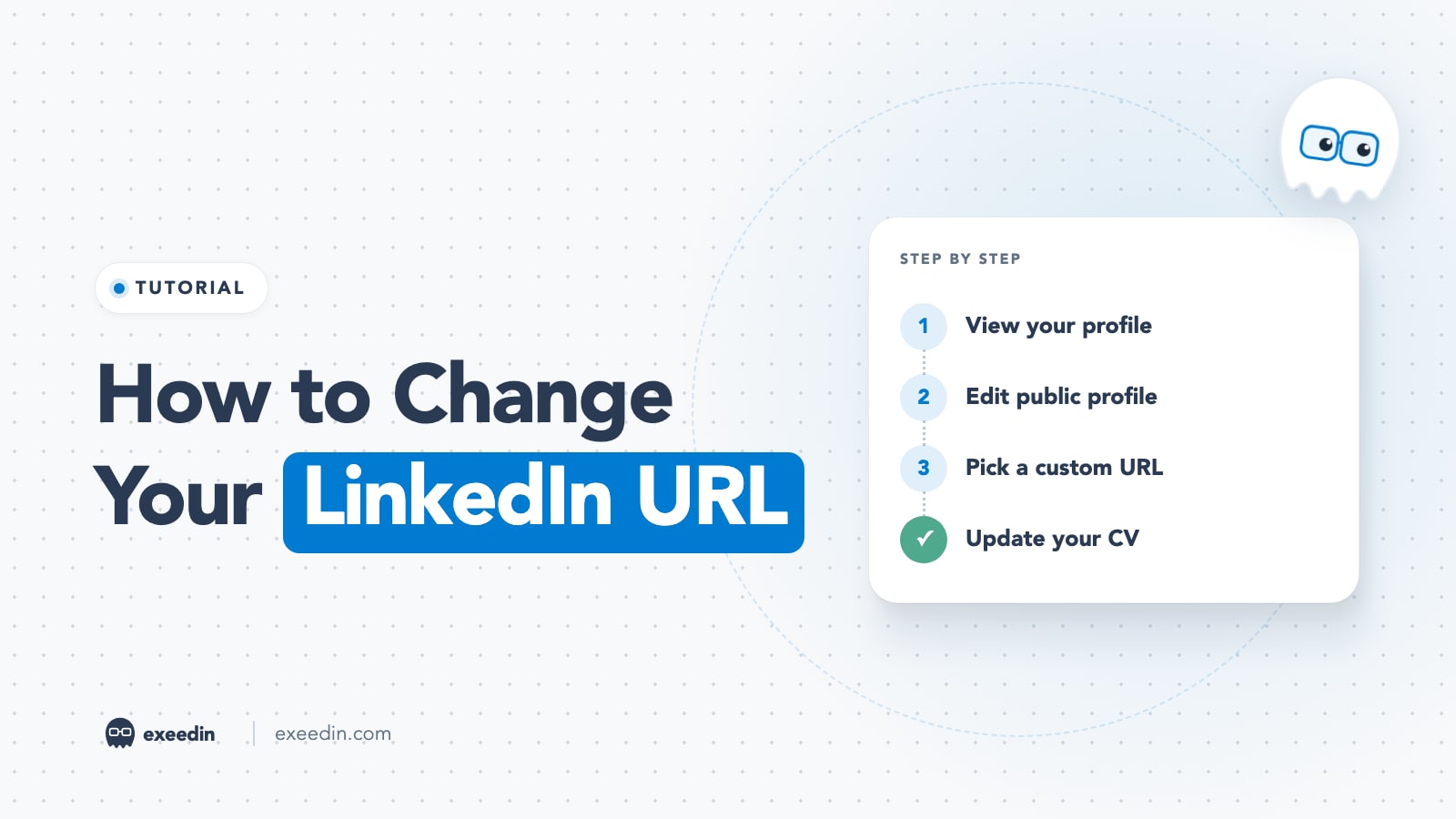
How to Change Your LinkedIn URL (Custom URL Rules and Ideas)
Open your profile, click Edit public profile and URL, edit your custom URL and save. Here are the mobile steps, the rules, what happens to your old link and URL ideas.
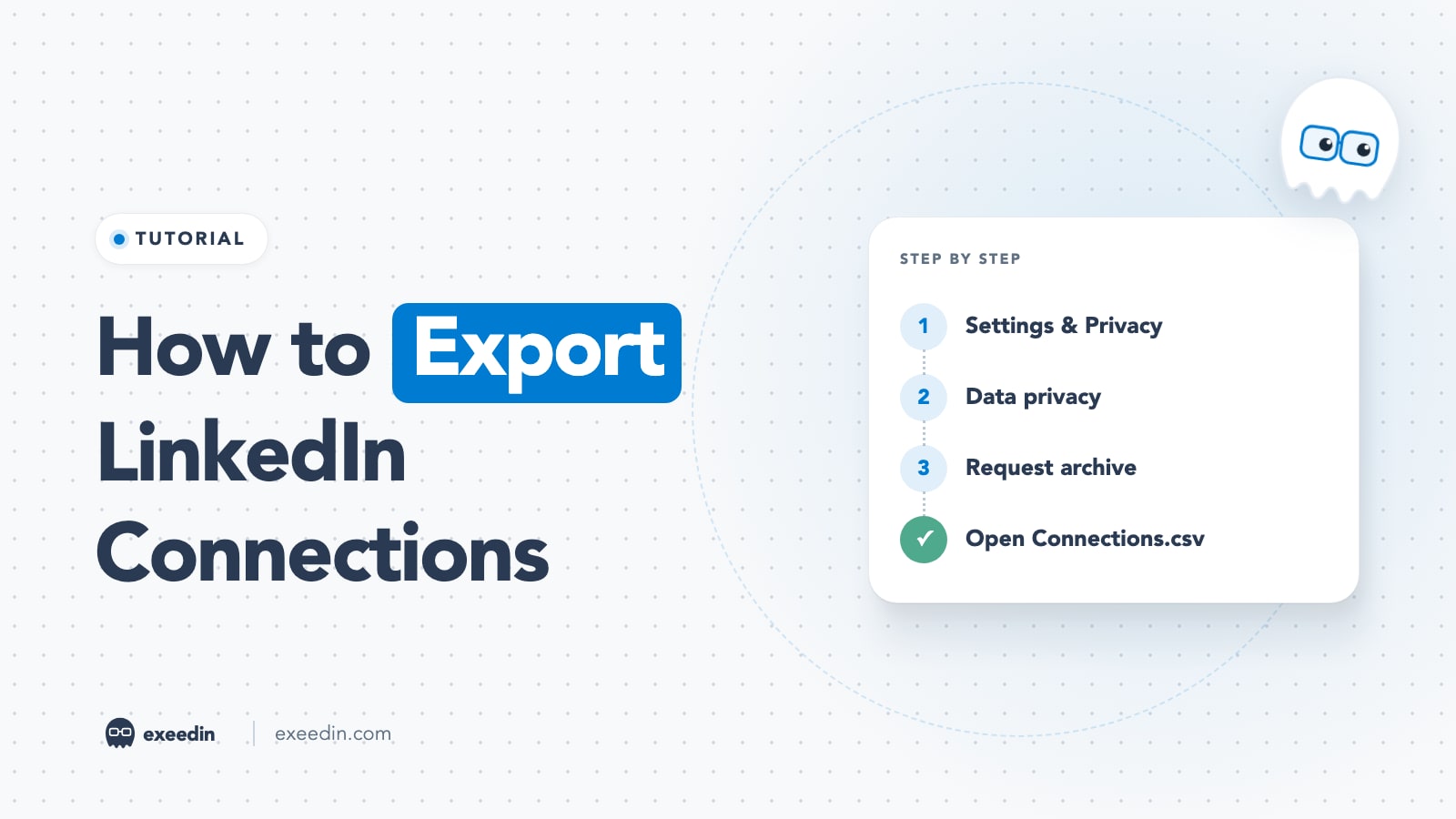
How to Export LinkedIn Connections (With Emails) in 2026
Export LinkedIn connections from Settings & Privacy > Data privacy > Get a copy of your data. Here is what Connections.csv contains, why emails are missing, and how to import it safely.
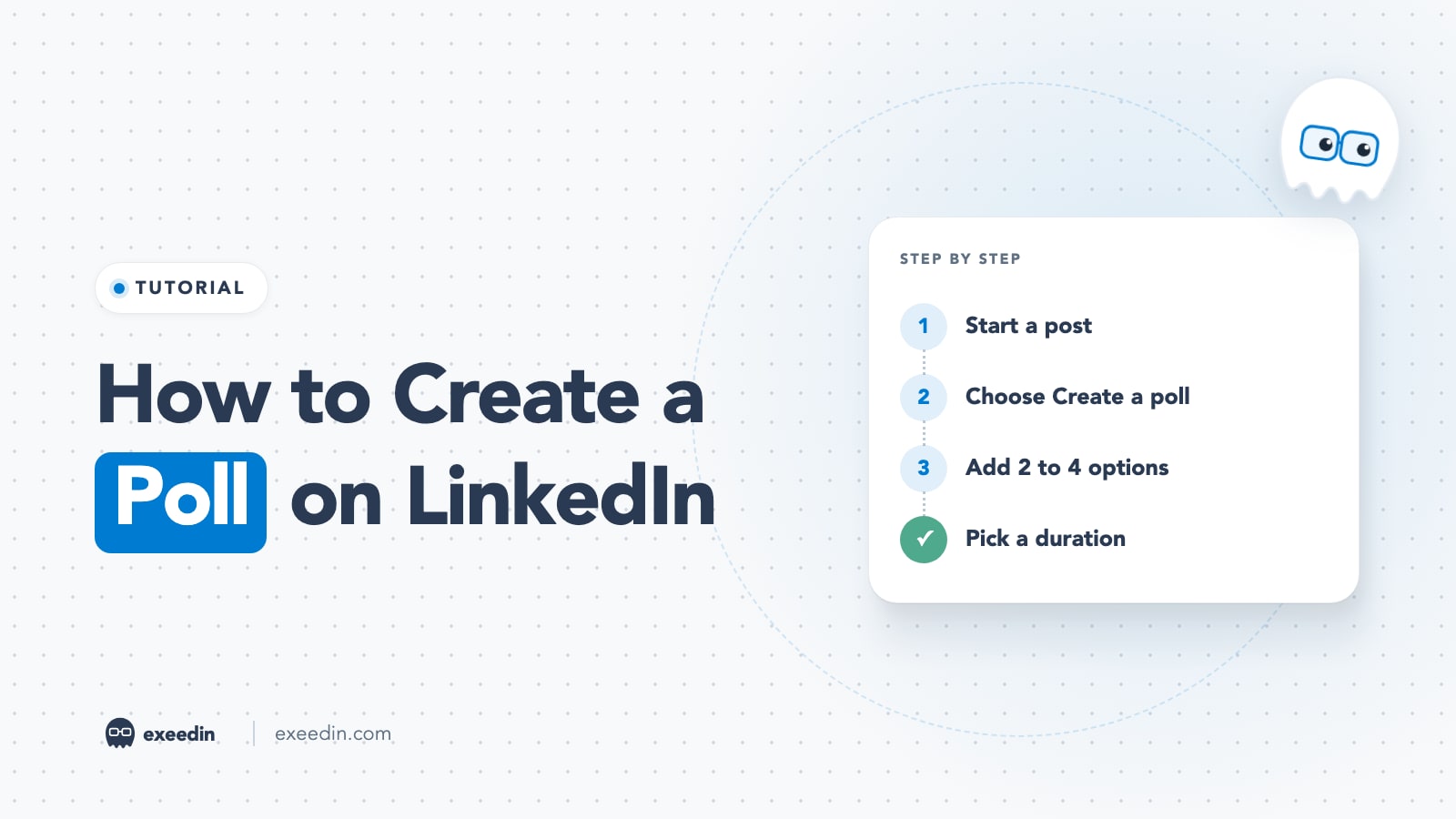
How to Create a Poll on LinkedIn: Steps, Limits and 15 Ideas
Create a LinkedIn poll from Start a post > More > Create a poll. Here are the desktop and mobile steps, every limit, who sees your votes, and 15 poll ideas by goal.
Looking for a topic? Browse all categories
Turn what you read into posts in your voice
Ideas, hooks and full posts written the way you talk, then scheduled to LinkedIn.
3-day free trial. No credit card needed.